Honeycomb beta update now available for Logitech Revue and it’s worth noting that the update is still in a buggy, beta phase of development and that once you upgrade you may not be able to go back. By upgeade the media player reportedly supports more formats and the update does apparently break Netflix……………
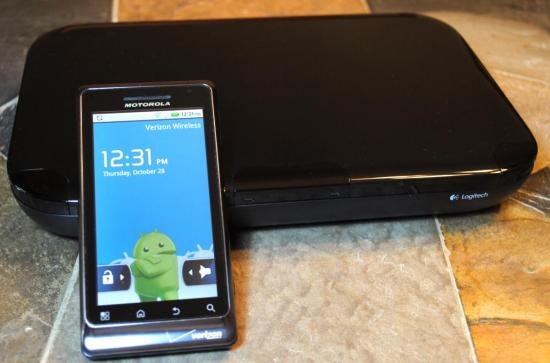
The Honeycomb (Android 3.1) beta for the Logitech Revue has been leaked out nd is now available for you to download and flash to your Revue. Proceed at your own risk though, as this is not an official update, you might end up with a rather handsome looking paperweight in your living room and it won’t be abnormal to notice some crashes from time to time, when that happens just force close and continue barging your way through the update. In below you will find how to update Logitech’s Revue:
- Copy the update.zip to a Fat32 formatted USB drive, place it in its root (ie /mnt/usb/update.zip or E:\update.zip)
- Plug USB drive into Revue. Fully unplug revue. Plug it back in, count to One (a long one, say one mississippi), then hold down the connect button (keep it held). The Revue logo will come up, and the box will reboot, your tv will lose signal, and come back to the Revue logo. At this point, let go of the button.
- The GTV logo will then show up, with an arrow and a horizontal “barbershop scroll”. At this point, on your Revue’s keyboard, press the FN key (in yellow) and the left arrow (to the left of the OK button). It will then come up to a recovery menu.
- Hit “Apply update from sdcard:/update.zip”
- The box will verify the update, and reboot. This is normal. It is installing an updated bootloader and recovery image (both, heavily encrypted).
- Then, the box will come back on, and flash the latest kernel and system files. Once this is done, the box will reboot again.
- This bootup may take a few minutes, at first you will see the Revue logo, then the Google TV logo, then the “new” logo (a grey tv over a ball glowing red). Just wait it out.
- You can then begin setup, as normal. You may notice some crashes – this software is still beta, you should be able to force close and continue.
[ttjad keyword=”android-device”]