
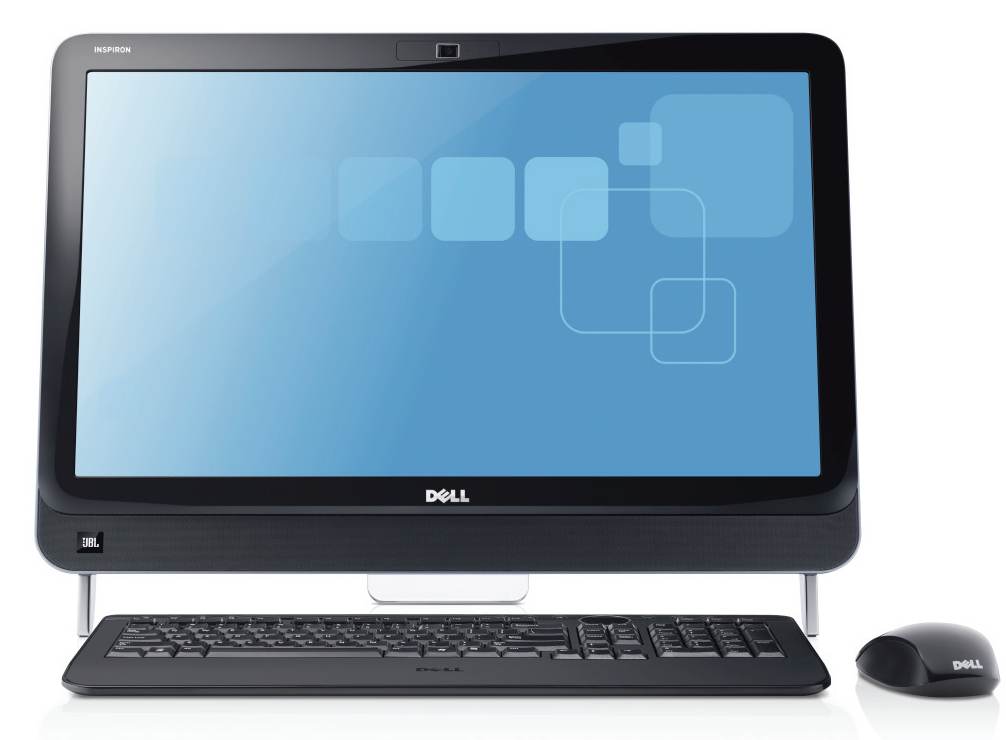
Delivering the latest in entertainment and interactive experiences, the Dell Inspiron One 2320 all-in-one PC is the ultimate PC for every member of the family–from finishing homework assignments and keeping track of household expenses to enjoying movies and music and staying connected to your favorite social networks. This is an Amazon’s product review. Checkout more details bellow.
|
Key Specifications
- 23-inch WLED-backlit multi-touch display with 1920 x 1080 resolution for native Full HD 1080p viewing
- 2.6 GHz Intel Pentium G620 dual-core processor (3 MB L3 cache; 1066 MHz front-side bus)
- 1 TB SATA hard drive (7200 RPM)
- 4 GB of installed DDR3 RAM (1333 MHz; 8 GB maximum)
- Intel HD Graphics for casual and mainstream gaming (supports Microsoft DirectX 10).
- 8x multi-format CD/DVD drive
- 2.0-megapixel HD webcam
- Integrated JBL speakers with 5 watts of average power per channel (10 watts total), and SRS audio enhancements
- Wireless keyboard and mouse
- Dimensions and Weight: 22.32 x 2.67 x 15.6 inches (WxDxH); 20.6 pounds
Wireless & Networking
- Wireless-N Wi-Fi (802.11b/g/n) for ultra-fast connectivity to home and business networks (requires Wireless-N router to optimize speed and range).
- Next-generation Bluetooth 3.0 connectivity provides faster throughput while minimizing on power requirements. It’s compatible with new Bluetooth 3.0-enabled devices as well as backward compatible with older Bluetooth-enabled peripherals such as printers and cell phones.
- Gigabit Ethernet (10/100/1000)
Rear Connectivity & Expansion
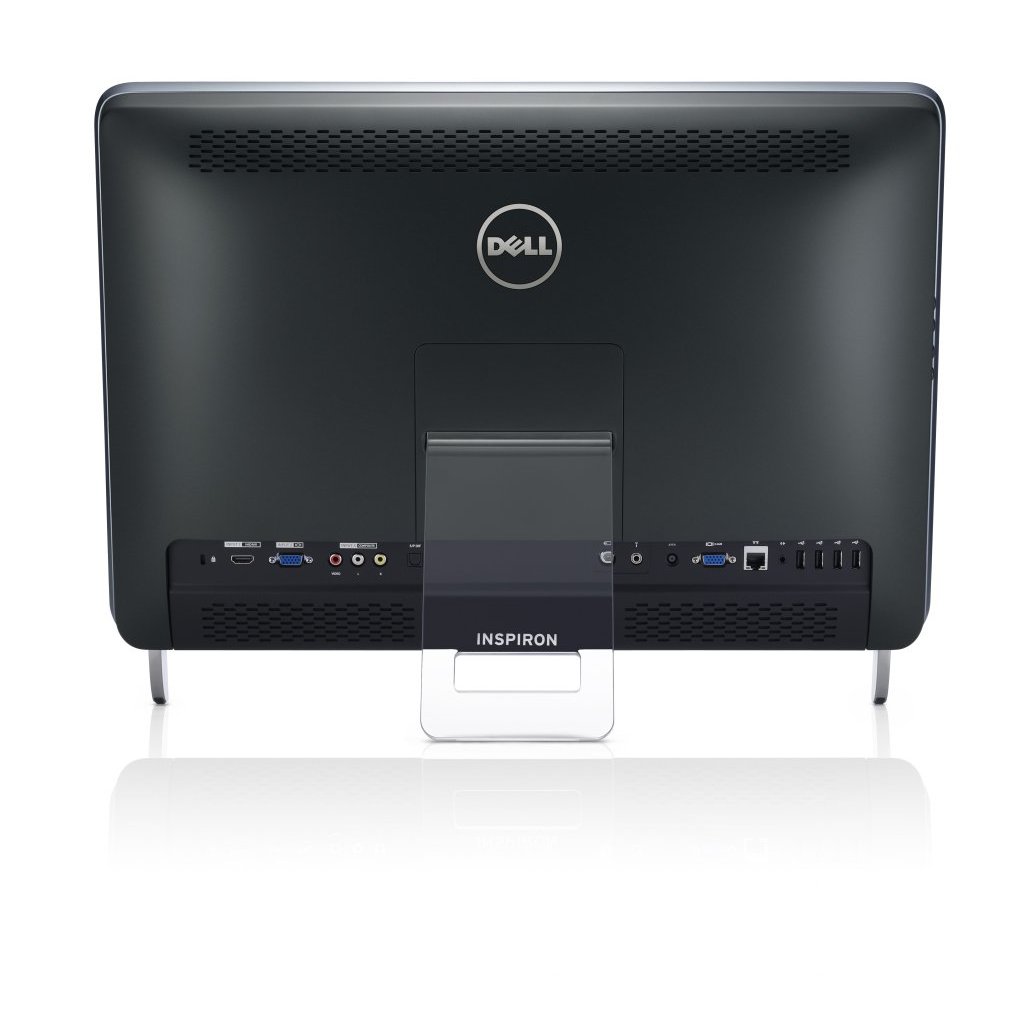
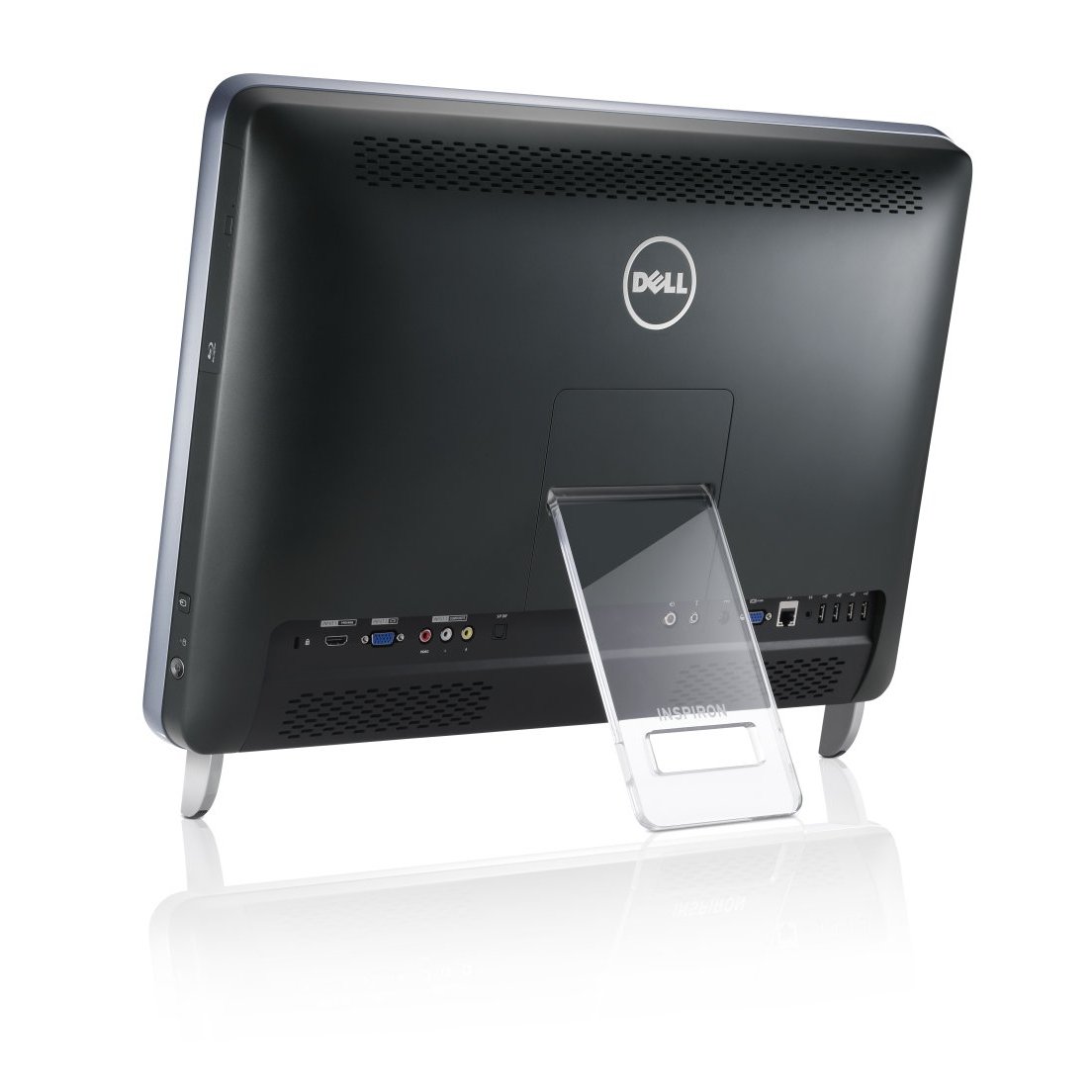
- 4 standard USB 2.0 ports
- 1 HDMI port for connecting to a compatible HDTV or home theater receiver for uncompressed digital audio and video via a single cable.
- VGA video output (analog, RGB)
- SPDIF optical output plus analog audio line out
- Antenna and IR blaster connections
Side Connectivity & Expansion
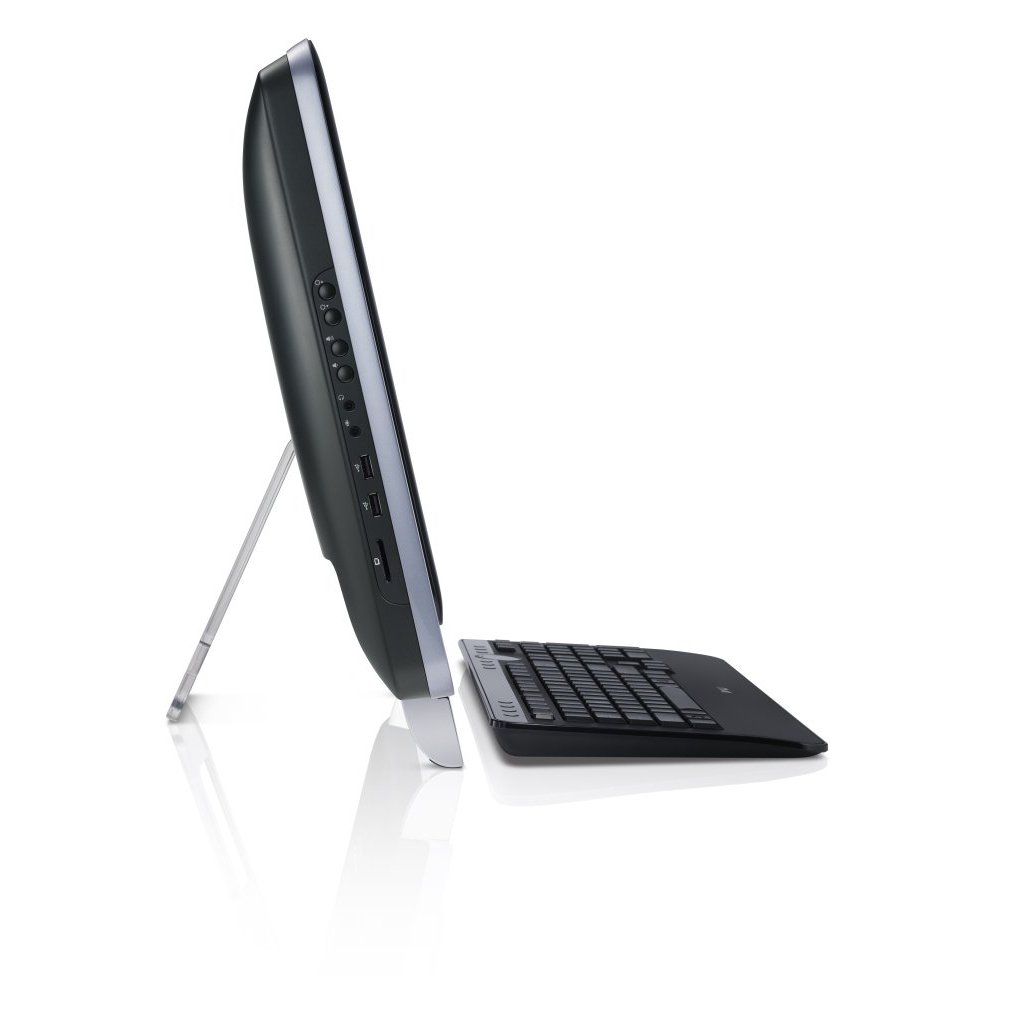
- 2 standard USB 2.0 ports
- 8-in-1 memory card reader (SDXC, SD, MMC, MS, MS-PRO, xD, SDIO, SDHC)
- Microphone/headphone jacks
The streamlined and uncluttered all-in-one design brings simplicity and sleekness to any room in your home. And you’ll enjoy vivid colors and sharp images thanks to its impressive 23-inch WLED backlit multi-touch display with Full HD 1080p resolution. With immersive SRS audio and optional JBL speakers, you’ll get a theater-like experience when streaming Full HD movies or gaming on an external console connected to the HDMI port.
The wireless keyboard and mouse fit perfectly under the Inspiron One 2320, and also coordinate well with this sleek desktop’s glossy design. And with just one power cord for all your interactive adventures, you’ll relish its clean and streamlined presence in any office, family or play area in your home. You can also mount the Inspiron One 2320 to the wall with an optional VESA wall-mounting kit.
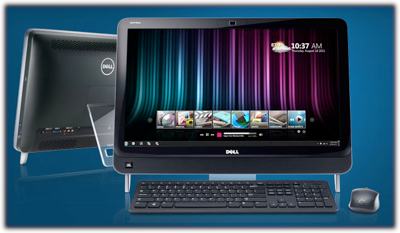
Full HD 1080p multi-touch display.
This Inspiron One 2320 (model iO2320-2222ELS) is powered by an Intel Pentium dual-core processor for good everyday computing power, and it’s complemented by ultra-fast Wireless-N Wi-Fi networking (802.11b/g/n), Bluetooth connectivity for peripherals like a headset, and a 2.0-megapixel HD webcam for video chats with friends and family strewn about the globe.
You also get Dell’s innovative Stage software, which provides a one-stop entertainment hub. Download movies, play games, listen to your favorite songs, and stream radio stations with RadioTime. Connect with friends on social networks, and view their Facebook and Flickr photos together in a real-time photo stream.
Hands-on Experience
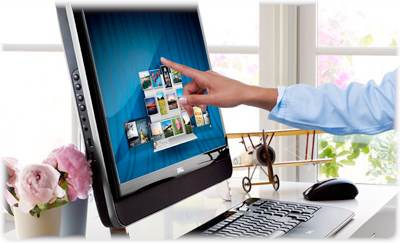
Experience the Web, entertainment and your favorite apps in a whole new way with the intuitive, fun-to-use multi-touch display of the Inspiron One 2320 desktop. A swipe of the finger lets you toggle between windows, launch applications, and zoom in and out of photos and Web sites. Explore touch applications like Sticky Notes, which lets you write onscreen messages for all to see. Two kids can play touch-optimized games like Dodge, YouPaint, or Bug Garden at once.
The Stage That Sets Itself
Dell Stage delivers the things that matter to you right to your desktop, with your most recent content always front and center. Seamlessly toggle between your favorite applications (photos, videos, music, Web pages and more) with ease, all from Stage’s sleek, movie-reel style interface.
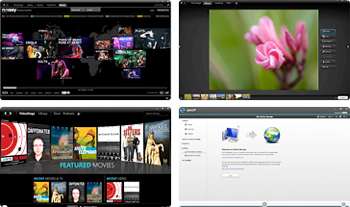
With Stage, you can easily edit and crop your photos, then share them with family and friends on Facebook or Flickr–no extra software required. Want to find that song you love? MusicStage lets you search your music collection by artist, title or even genre. And when you’re ready to share your home movies, PhotoStage makes it easy to play and upload video files to Facebook.
When you buy a Dell system equipped with Stage software, you get a one-stop entertainment hub. Download movies, play games, listen to your favorite songs and stream radio stations with RadioTime. Connect with friends on social networks, and view their Facebook and Flickr photos together in a real-time photo stream. And SyncUP (powered by Nero) is the easy way to keep the smartphones, tablets and computers in your network in sync (requires download from Android Market).
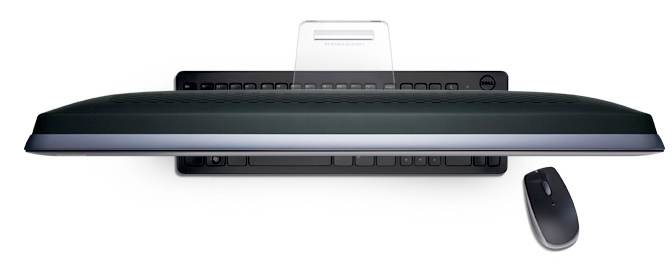
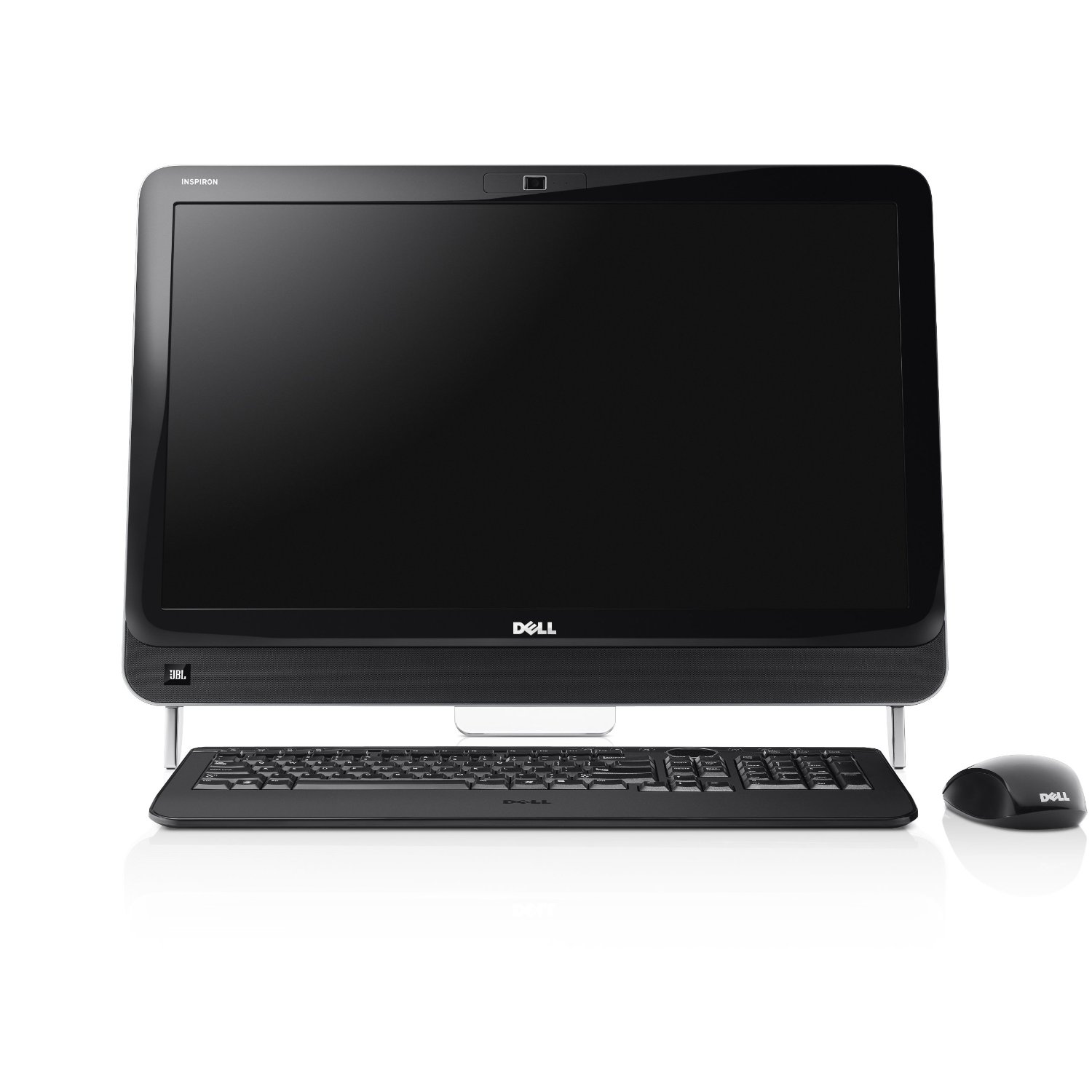
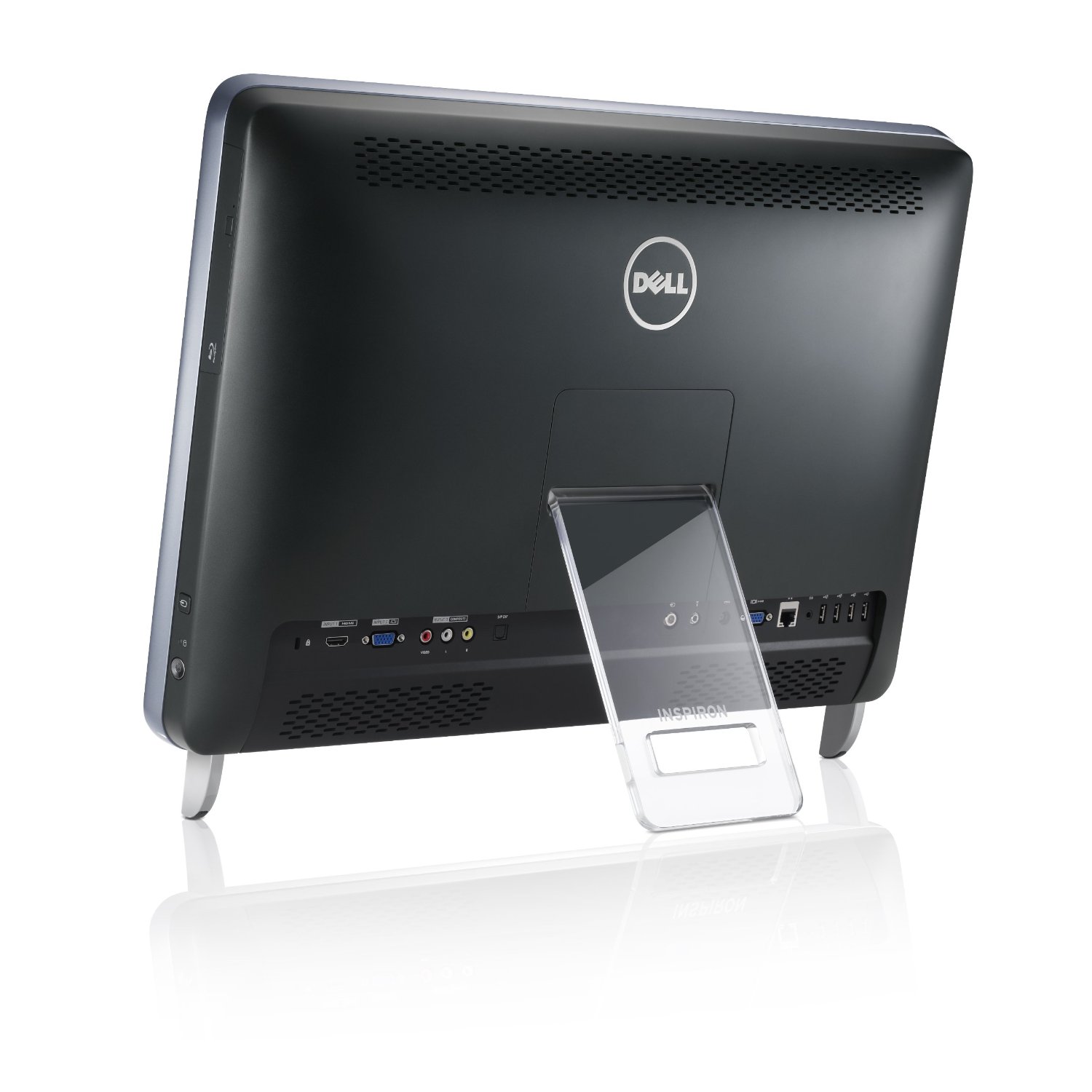
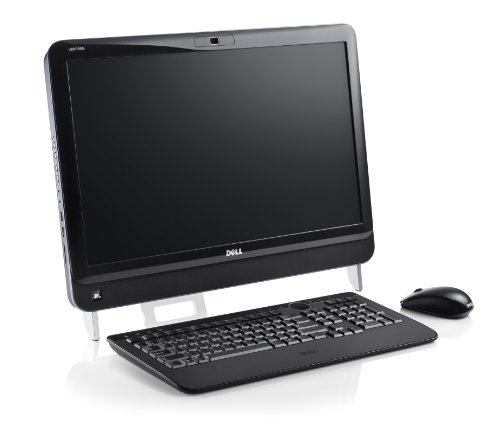

The desktop is looking hotter. Really amazing hardware configuration + awesome design. Really fantastic device from Dell.
It is much better desktop PC than many which I see these days. Consider PC configurations and specifications are very important before buying desktop PC. The Dell iO2320-2222ELS is perfect at every aspects.
very innovative device from DELL. Really impressed. Attractive design with awesome features
thanks for this information
thanks for the information