website statistics

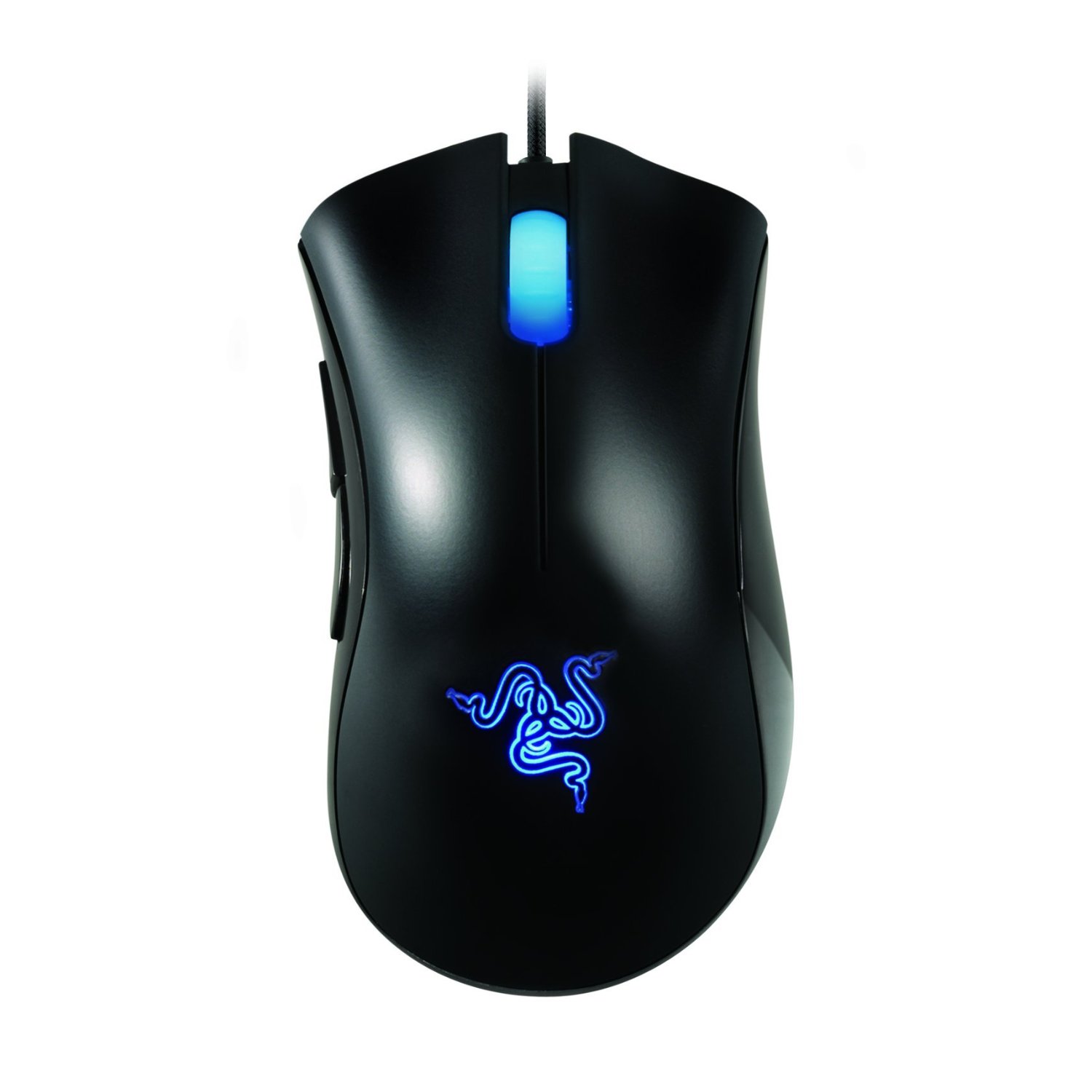
Razer Deathadder 3500 High Precision 3.5G Infrared Gaming Mouse

When do you use Facebook?

View Results

Loading ... Loading ...
1 Star2 Stars3 Stars4 Stars5 Stars (Rate This)
Loading ... Loading ...

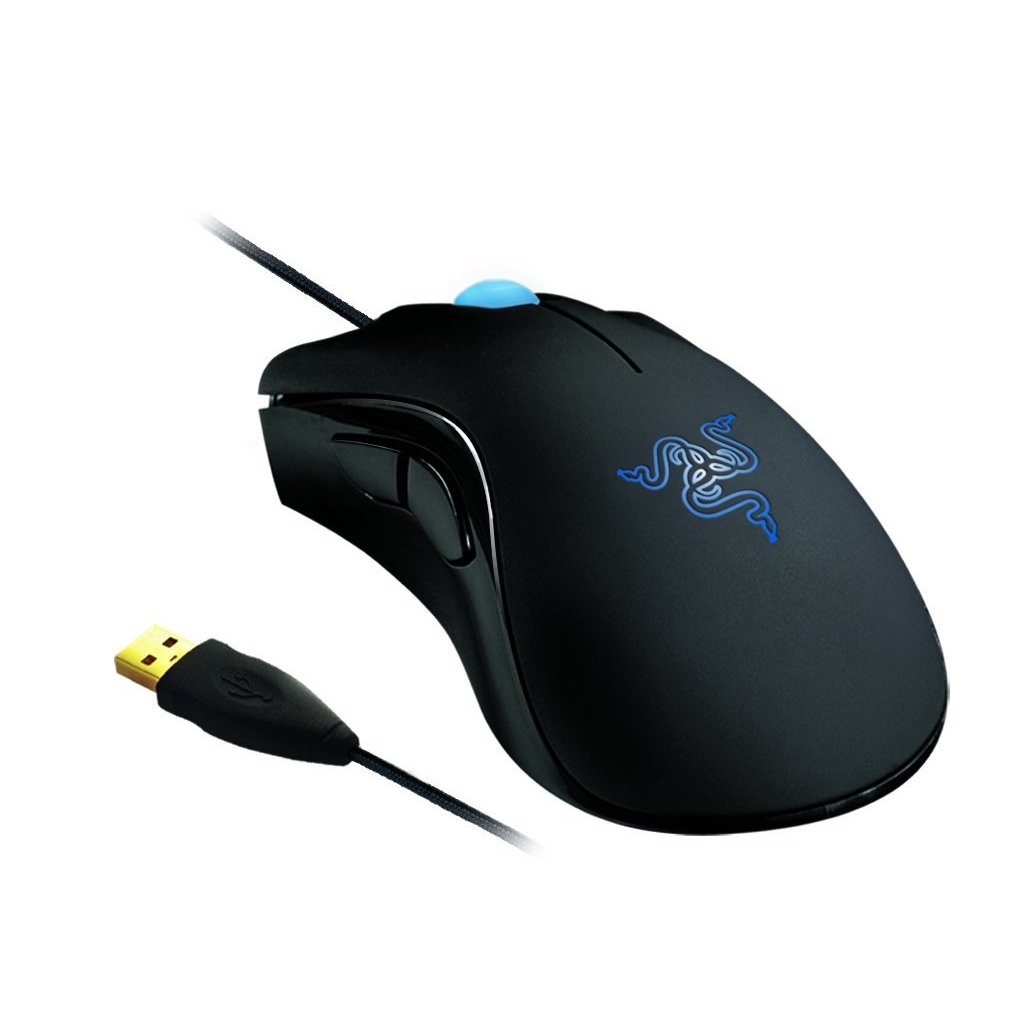
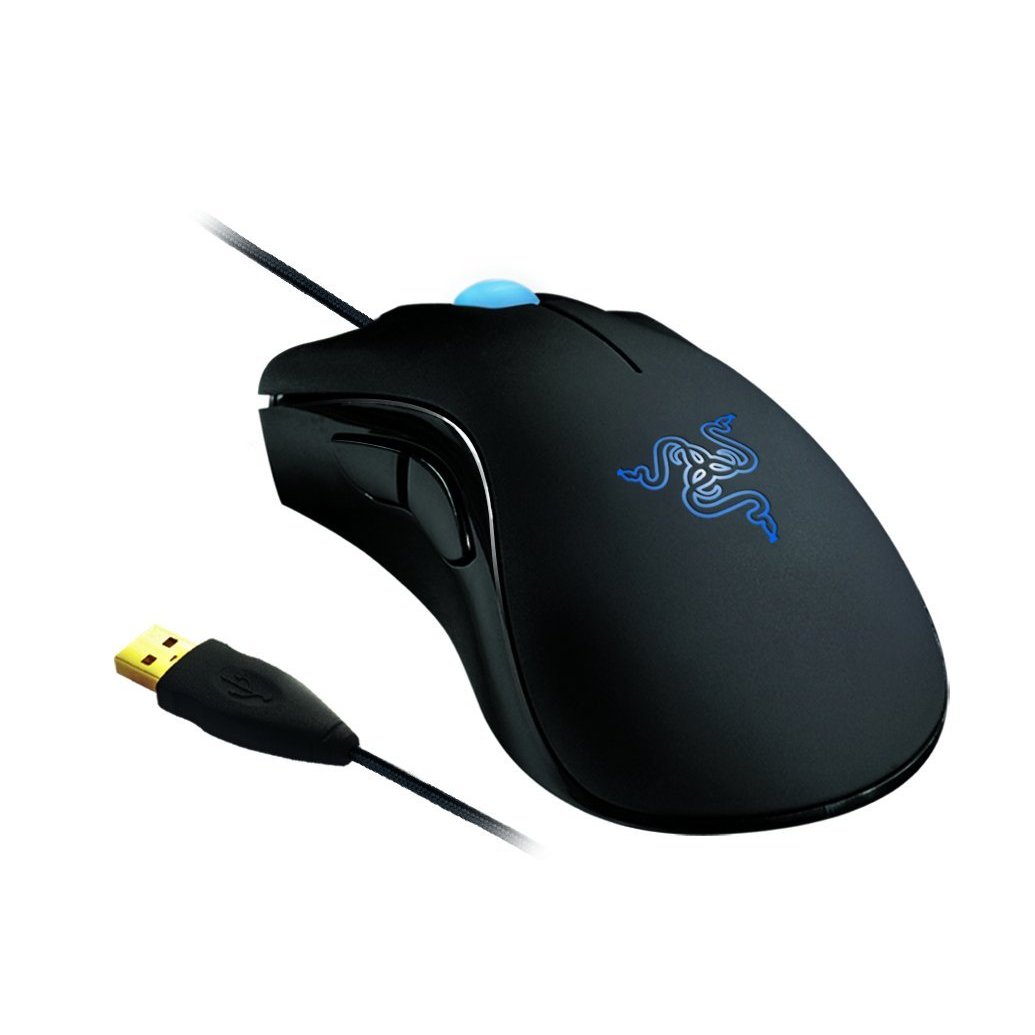
The Razer DeathAdder is the weapon of choice for gamers seeking a combination of comfort and unbridled gaming precision. Enjoy extended gaming sessions in comfort with its right-handed ergonomic form factor crafted for the world of competitive gaming. When the difference between victory and defeat is determined in between heartbeats, the 3500dpi Razer Precision 3.5G infrared sensor translates your every movement into frags with pinpoint accuracy. This is an Amazon’s product review. Checkout more details bellow.
http://cdn.thetechjournal.com/wp-content/uploads/images/1111/1321032062-razer-deathadder-3500-high-precision-35g-infrared-gaming-mouse-1.jpg

Technical Details

Style: Standard Edition
  • Ergonomic Right-Handed Design
  • 3500dpi Razer Precision 3.5G infrared sensor
  • 1000Hz Ultrapolling / 1ms response
  • 7 Foot Lightweight, Braided Fiber Cable
  • Gold-plated USB Connector
  • 1000Hz Ultra polling / 1ms response
  • 3.5 G Infrared Gaming Mouse

The Razer DeathAdder is without a doubt Razer’s best selling mouse with its unrivaled ergonomic form factor. After years of countless frags under its belt, Razer has added more muscle to the Razer DeathAdder with an improved 3500dpi 3.5G optical sensor.

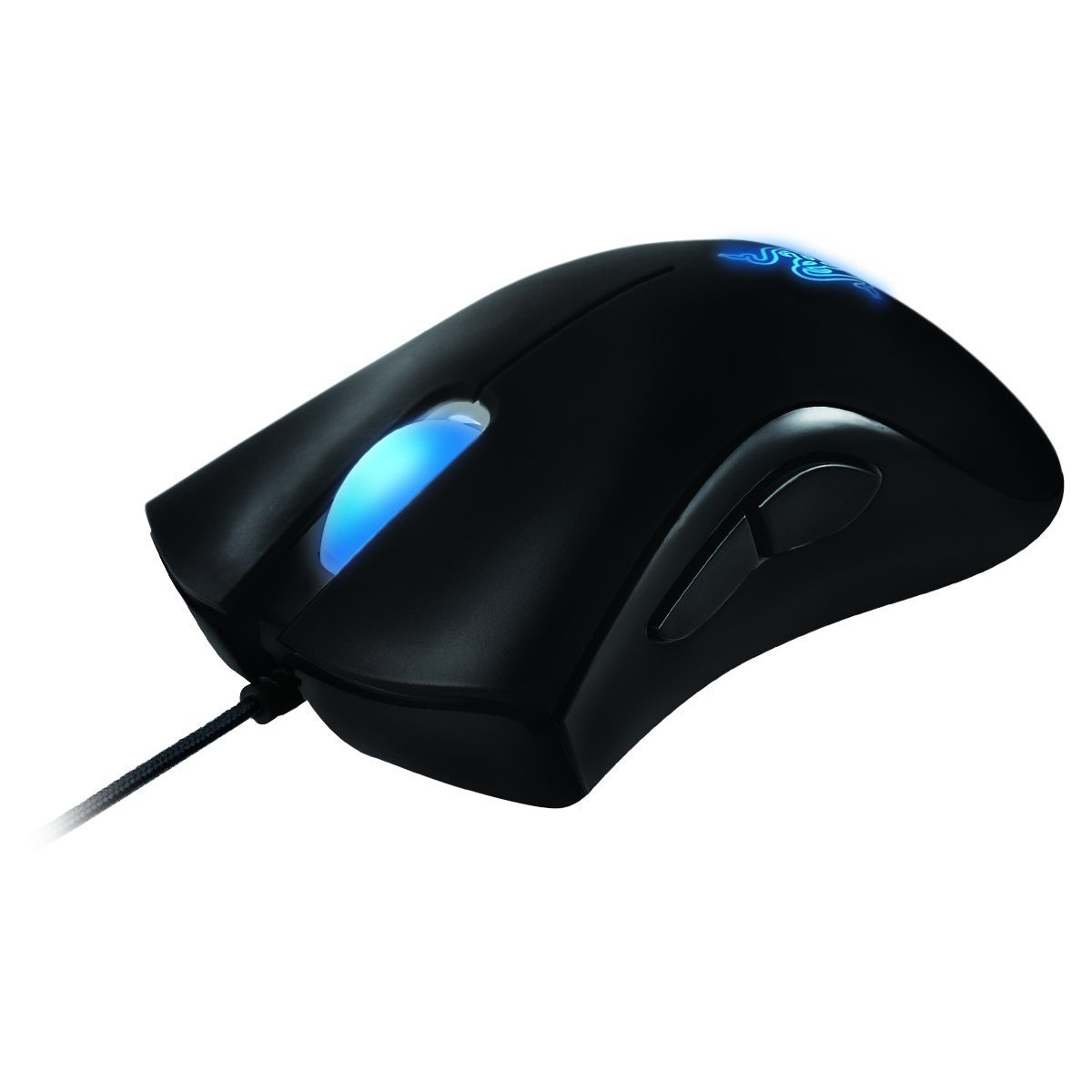
Ergonomic Right-Handed Design
Long after your opponents’ performances are dulled by hours of gaming, the Razer DeathAdder’s ergonomic right-handed design provides optimum comfort for intense, extended gameplay that keeps you at your sharpest.
3500dpi Razer Precision 3.5G infrared sensor
The 3500dpi Razer Precision™ 3.5G infrared sensor arms you with 4x more precision than a standard 800dpi mouse giving you the edge over the competition.
1000Hz Ultrapolling
Instantaneous execution is guaranteed with Razer’s 1000Hz Ultrapolling™ technology giving you a response time of 1ms compared to that of 125Hz / 8ms found in conventional gaming mice.

http://cdn.thetechjournal.com/wp-content/uploads/images/1111/1321032062-razer-deathadder-3500-high-precision-35g-infrared-gaming-mouse-5.jpg

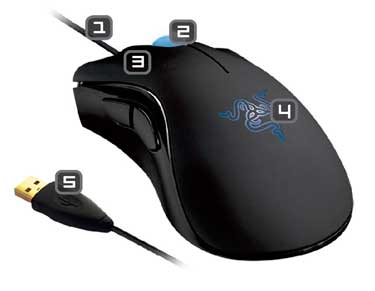
  1. 7 foot lightweight, braided fiber cable
  2. Scroll wheel with 24 individual click positions
  3. Ultra-Large mouse buttons with anti-slip rubber coating
  4. Ambient blue glow on mouse logo
  5. Gold-Plated USB connector
http://cdn.thetechjournal.com/wp-content/uploads/images/1111/1321032062-razer-deathadder-3500-high-precision-35g-infrared-gaming-mouse-7.jpg
http://cdn.thetechjournal.com/wp-content/uploads/images/1111/1321032062-razer-deathadder-3500-high-precision-35g-infrared-gaming-mouse-8.jpg
http://cdn.thetechjournal.com/wp-content/uploads/images/1111/1321032062-razer-deathadder-3500-high-precision-35g-infrared-gaming-mouse-9.jpg

That’s all about the Razer Deathadder 3500 High Precision 3.5G Infrared Gaming Mouse. This Gaming Mouse is available in Amazon.com. You can directly order or buy from here.
Source

Buy Cheapest Related Product From Amazon.com


Samsung Focus Flash 4G Windows Phone By AT&T

Sony Plans To Revolutionize The TV Industry
You can also press the left/right arrow key on your keyboard to go to previous/next post
  On November 11, 2011(1 year, 6 months ago.)

Recent Search

Recent Tutorials

This tutorial will show how to use S.M.A.R.T. (Self Monitoring Analysis and Reporting Technology) to continuously collect information on health of your equipment.
In this tutorial I'll show you how you can easily protect yourself from any kind of security breaks that may occur through Java.
Today Apple enabled "Two Step Verification" for iCloud And Apple ID. But the process is not that simple. But no worry, here we have made a step by step tutorial.
Cant remember your iPhone passcode? Here I will show you some workaround on what to do and how to recover and restore for every possible scenario.
This tutorial will show you how to perform the Winapp2.ini installation inside CCleaner and how to use it under Windows operating system.
With app called AD Sound Recorder, you can record any stream that passes through your sound card or speakers and in this tutorial I will show you how to do that.
If you want to have Boxee app inside your Apple TV, in this tutorial we will show you how to install XBMC and Boxee using Windows on your Apple TV.
This tutorial will show you how to transfer PS3 Saved Game Files from your PC to your PS3 game console.
Adding videos from external sources such as internet, more specifically from YouTube, is a great solution to enhance a presentation; in this tutorial I will show you the procedure.
If you are one of new comers to Windows Phone 8, like me, in this tutorial I will walk you through the process to update your Windows Phone 8 device.
Close You Have To Login
User:
Pass:
Login With »Login With TwitterLogin With Facebook