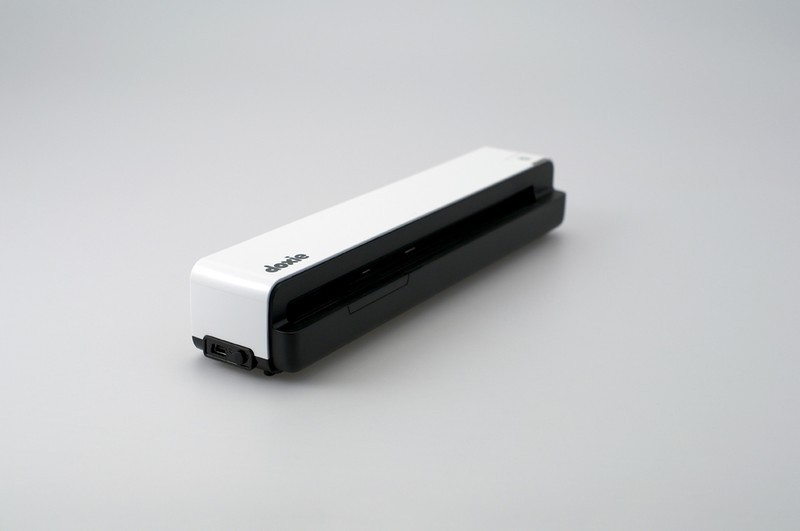
Apparent Corporation has announced the Doxie Go and if the name or the company sounds familiar, it’s because the company is known for their portable scanners, the Doxie Go will allow users to scan documents/photos on the go without needing a computer and the kicker is that Apparent will also be releasing an accessory that will allow scanning into an iOS device like your iPhone or iPad. The Go is a portable scanner with built-in memory for up to 6,000 pages, and you can even add on more storage through the USB port or SD slot, all scans are automatically fed through OCR software and turned into searchable PDFs. You can also sync with your iPhone, iPad or send your documents straight to Dropbox, Evernote or Google Docs from the Doxie 2.0 desktop app and can pre-order the Go now for $199, which will start shipping in late November………………….
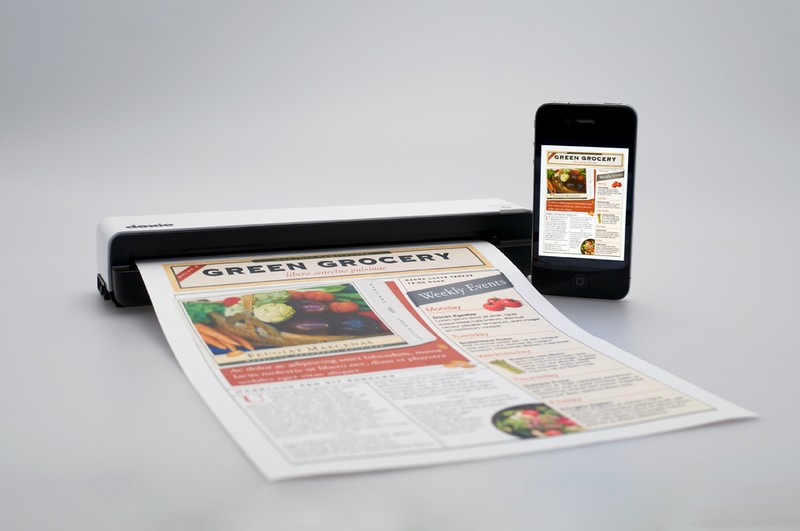
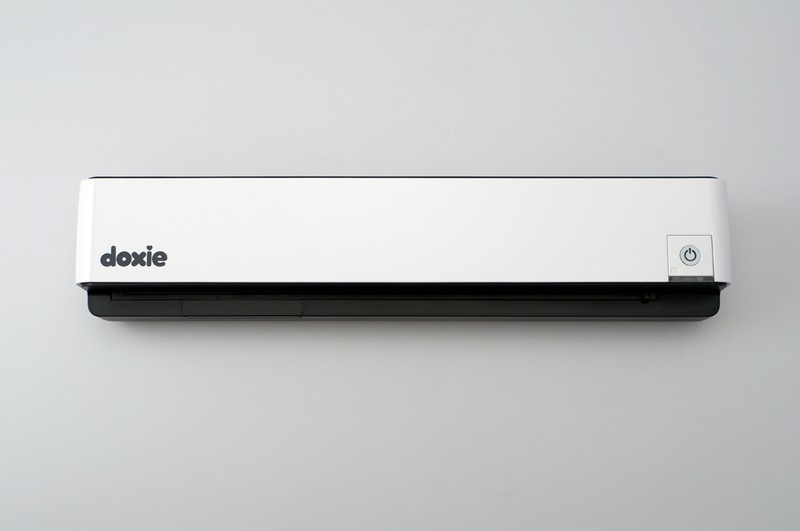
Apparent unveiled Doxie Go, the modern new mobile paper scanner that’s tiny, cordless and simple, so you can scan anywhere no computer required. Doxie’s app syncs scans just like a digital camera then organizes multi-page documents, creates searchable PDFs with ABBYY OCR and sends to the cloud – Evernote, Dropbox and more. Doxie scans everything from bills and receipts to reports, recipes, ideas, cards, photos and everything else. Doxie’s tiny size means you can scan anywhere, no computer required. Scan full color pages in just 8 seconds. Scan up to 600 pages with built-in memory, or insert a USB flash drive or SD card for endless storage. Doxie Go syncs scans to your computer – just like a digital camera. Doxie even syncs direct to iPhone & iPad. Doxie Go syncs scans to Doxie 2.0 when you plug it in – just like a digital camera – and charges while you sync. Doxie‘s intuitively designed companion app makes going paperless amazingly easy. Just sync, staple, and save. Award-winning ABBYY OCR technology recognizes the text on your scans and creates searchable PDF files. Doxie works directly with Evernote, Dropbox, Google Docs and more – send PDFs and images to the cloud. Doxie Go is the newest member of Apparent Corporation‘s award-winning Doxie scanner family, and includes the cordless scanner, Doxie 2.0 software, and a carrying case. Now available for pre-order for $199. The first orders ship in late November.
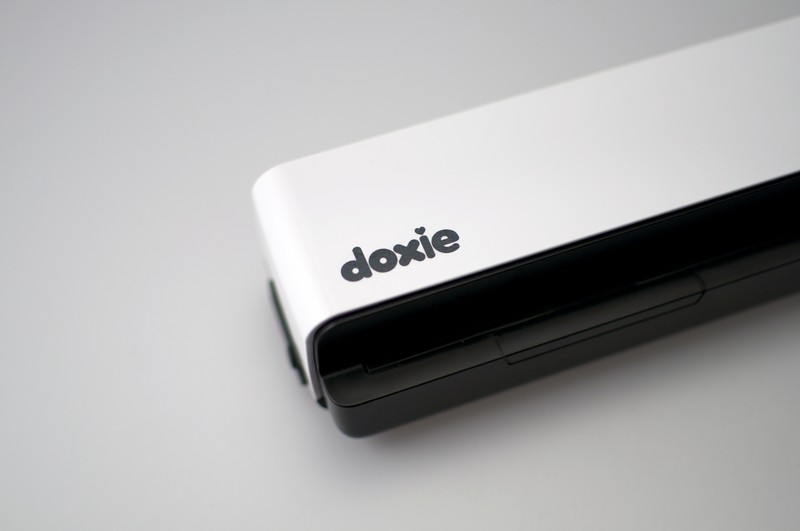
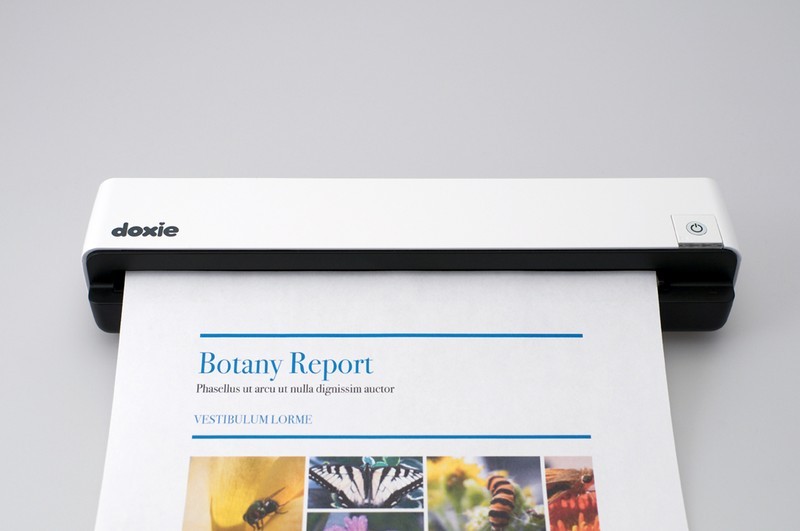
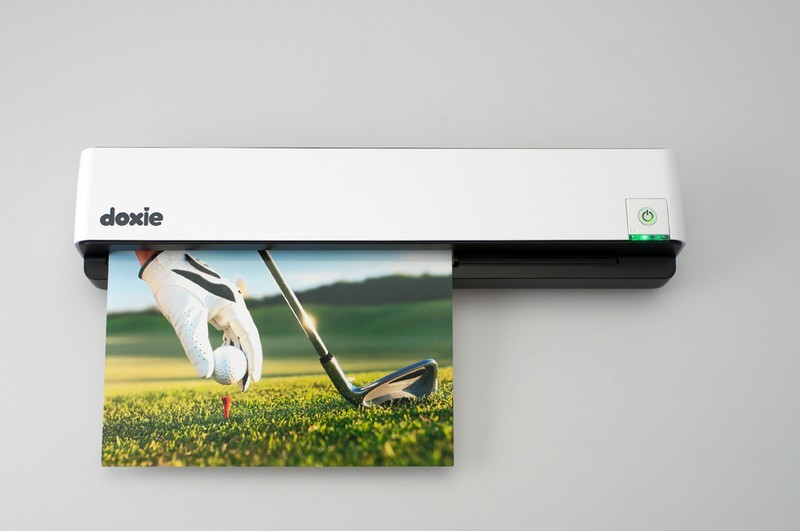
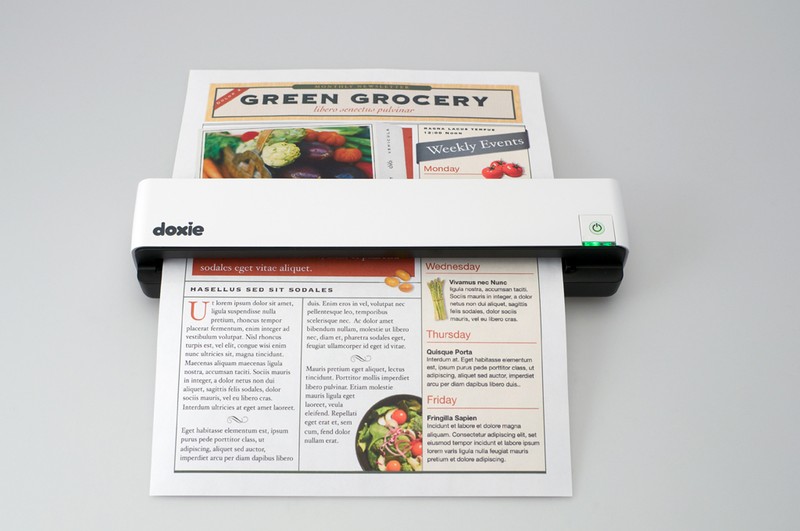
ScreenShots:
[ttjad keyword=”general”]