
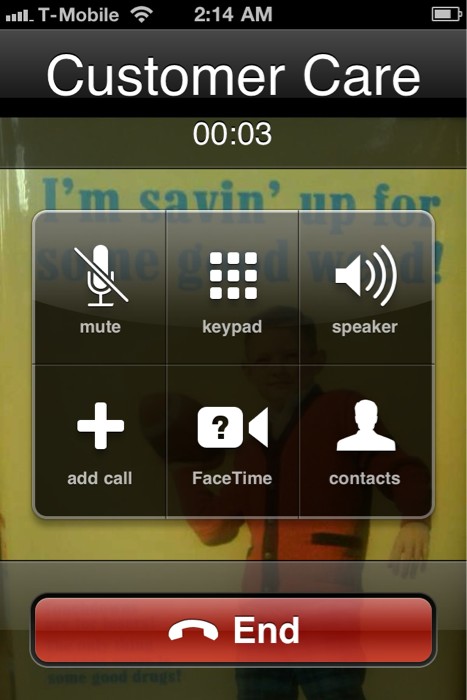
You can activate FaceTime feature on iPhone 4 operating over T-Mobile network or other unofficial carriers worldwide using MiTime Cydia App.To activate FaceTime on T-Mobile, you need to jailbreak your iPhone 4 iOS 4.0.1 with jailbreakme and install MiTime app.
Check out the video below.
The steps are given below.
Step 1: Jailbreak your iPhone 4 with JailbreakMe.
Step 2: IF you are outside the US, check your phone # in Settings -> Phone. Your phone number must be correct and should have the + symbol at the front of it. You should NOT continue unless your phone # is exactly the one that you entered on the purchase page of MiTime.info
Step 3: Install MiTime from my repo via Cydia. To do so, follow the steps below
* Start ‘Cydia’ on your jailbroken iPhone 4 iOS 4.0.1 springboard.
* Select ‘Manage’ tab at the bottom of your iPhone screen and then select ‘Sources’.
* Select ‘Edit’ and then select ‘Add’. Now enter a URL source. Type ‘http://cydia.pushfix.info’ and select on ‘Add Source’. Once Cydia has added the source click on ‘Return to Cydia’ button.
* Once the installation is completed. Search for ‘MiTime’ in Cydia and install it.
* Reboot your iPhone.
Step 4: Run MiTime and verify you are authorized – If your phone # matches, you will be.
Step 5: See below and compare to what you have on the screen:
* If it says “Ready for activation” and has an “Activate” button, you are ready to use a credit to activate.
* If it does NOT say “Ready for activation”, leave it at this screen until it resets FaceTime and re-springs (2 minutes). After re-spring, unlock the phone and within one minute it should warn you about costs – IMPORTANT–>click OK. If it doesn’t warn you or does not reset, see the troubleshooting tips below.
* If it says “Activated” you can stop here. It will back up your FaceTime activation for later recovery.
Step 6: If you are ready, tap the Activate button and follow the prompts. Only send one activation request and wait for up to 15 minutes. It should only take 1 minute, but don’t waste your activation credits. If it doesn’t activate after 15 minutes, eject and re-insert your SIM. Wait 1 minute and then reboot.
Step 7: If it says the request was sent, stay on this screen. Within 1 minute usually, you will see it change to Activated.
Step 8: You are done. Once it shows Activated, it has saved your token and FaceTime is fully enabled.
Check out another video that FaceTime working on T-Mobile iPhone 4.
I got iphone 4 first day it was released.. Waited 12 hours on the line, and paid $757 without AT&T Contract. All that was to be able to Facetime with my relatives overseas..
I got Mitime and couldnt make it work for months.. I used to get message saying “FT SMS TOO OLD” until today i tried every step and Im a comp geek..
Today, I reinstall mitime and tried it one more time & it worked!!!! yes it does work..
so the key here is to reinstall mitime app on cydia!
Pingback: http://WWW.INSPECTAGADGETS.COM
Pingback: **YOUTUBE VIDEO REVIEWS ON THE HOTTEST ELECTRONICS OUT**
Hi, my FaceTime works by installing the MiTime! Thanks for the great info! You are genius!
Help I’m out of attempts I need to activate FaceTime on speakout in Canada. Please email me !! legomeego@hotmail.com