The release of Absinthe 2.0, which packs an untethered jailbreak for iOS 5.1.1, has sent a new wave of joy and jubilation in the iOS community. An untethered jailbreak essentially brings a lot of freedom and perks for iOS users. However, even after the release of Absinthe 2.0, many users have been waiting for an update to the iPhone Dev Team’s software, Ultrasn0w which enables the users to unlock their iPhone to be used on other networks.
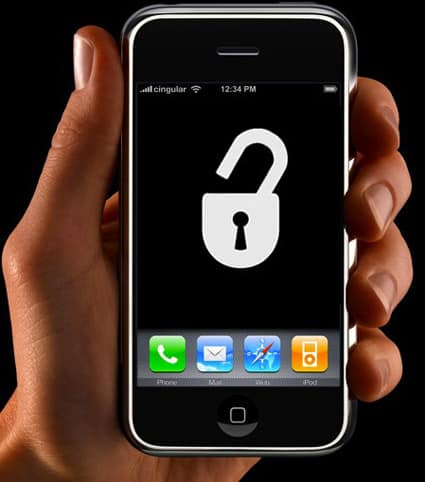
Before you rejoice over this and rush to your iPhone to have it jailbroken, you must make sure that whether or not the firmware of your device matches the ones that are supported by this version of Ultrasnow. This latest release of the software supports the following modem firmware: 01.59.00, 04.26.08, 05.11.07, 05.13.01, 05.12.01 and 06.15.00. Points to note here is this UltraSn0w does not bring any new Baseband unlock support then older version of UltraSn0w did, it just brings support for iOS 5.1.1, so check your Baseband version first.
You can check the baseband of your iPhone by going to Settings > General> About. Here you will be able to see the Modem firmware version of your device. If you have the firmware which is supported and if your device runs iOS 5.1.1, follow the step below to unlock it using the latest release of Ultrasn0w.
1. Your device must be jailbroken before you use Ultrasn0w. If your device is jailbroken, you will be able to see the Cydia icon on home screen. Launch Cydia.
2. Type ‘Ultrasn0w’ in the search bar in Cydia and hit enter.
3. In the search results, you will see Ultrasn0w package. Select ‘Install’ and confirm the installation so that it would begin.
4. Once the installation is complete, select ‘Restart Springboard’ which will reboot the device.
Once your iPhone reboots, it will be unlocked and ready to be used with any other network.
Note:
Again, Points to note here is, this UltraSn0w does not bring any new Baseband unlock support then older version of UltraSn0w did, it just brings support for iOS 5.1.1, so check your Baseband version first. And if you did RAW update to iOS 5.1.1 rather then using custom Firmware and keeping baseband to older, then surely you will not get any benefit from this version of Ultrasn0w, you have to wait for future working unlock solution or try SAM unlock solution.
Source: Redmondpie
[ttjad keyword=”i-doc-station”]