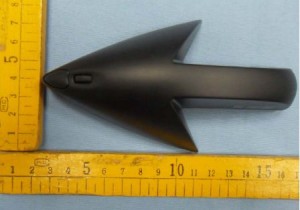
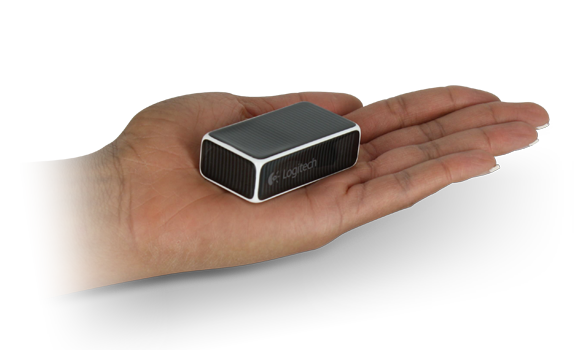
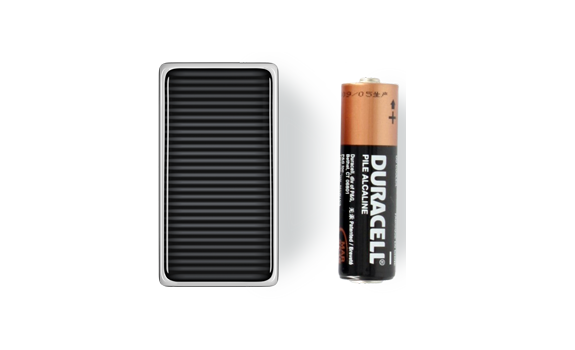
The mouse is so small that it may seem to be a eraser. The Logitech Cube mouse is a cuboid shaped wireless mouse that can also be used to control presentations. There is neither a middle button nor a scroll wheel. But the surface design is so good that you can scroll without any problem.
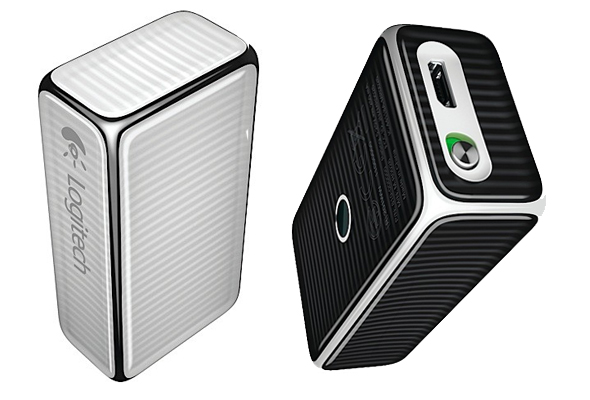
The tiny grab-and-go mouse that starts big conversations—helps you make an impression in a size that fits in any pocket.
Logitech Cube Mouse is available at Amazon for $69.99
Features
From mouse to presenter—effortlessly
When used as a mouse, Logitech Cube scrolls when you swipe your finger along the main panel. But lift the Cube in the air—and a moment later it’s in Presenter mode. Clicking the Cube advances to the next slide. Go back? Simply turn the Cube over in your hand and click again.
Ready to work
Need a mouse for your meeting? Because the Cube is in your shirt pocket, it’s a snap to pull it out—and whether taking notes or presenting to the room, it’s ready to work. There’s no fumbling around for the right device.
Only “on” when you want it
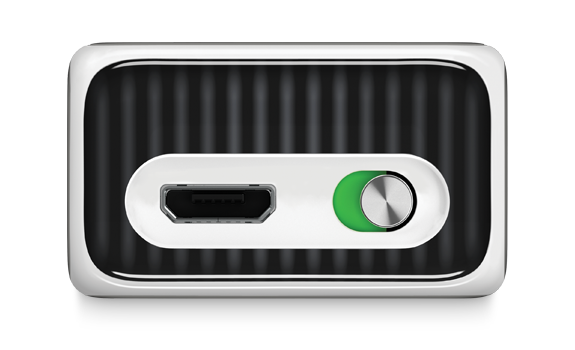
Even though the Cube goes wherever you go, a flick of the on/off switch keeps it from using power while it’s in your pocket. And with its smooth sides and subtly curved edges, it’s the perfect pocket-traveler.
Six-in-one power
The tiny Logitech Unifying receiver connects up to six Unifying-compatible devices with a powerful, reliable wireless connection (up to 25 meters). So the Cube works with your other Logitech Unifying devices without taking up another USB port.
Smooth-as-smartphone scrolling
Logitech Flow Scroll software gives you scrolling that isn’t choppy – more like the fluid scrolling on your favorite touchscreen smartphone. Slide your finger along the touch surface to experience immediate, continuous and free-flowing Web page scrolling.
No battery surprises
It’s the perfect traveling companion thanks to its small, USB-rechargeable lithium-polymer battery—and when you’re running low on juice, the low-battery light illuminates, eliminating surprises. So you’re never out of power.
Specifications
System Requirements
- Windows XP, Windows Vista or Windows 7
- Mac OSX 10.5 or later
Package Contents
- Cube
- Logitech Unifying receiver
- 1 rechargeable battery (pre-installed)
- USB charging cord
- Pouch
- User documentation
You can also buy this product from Logitech for $69.99
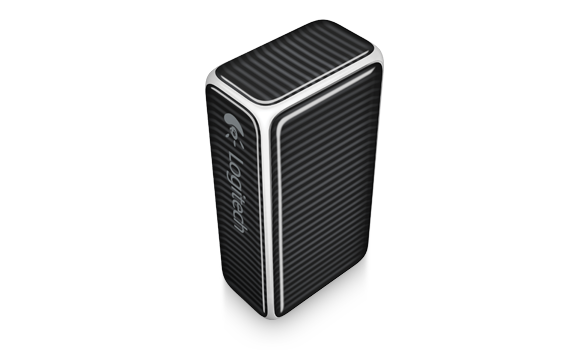
Source: Logitech
[ttjad keyword=”keyboard-mouse”]