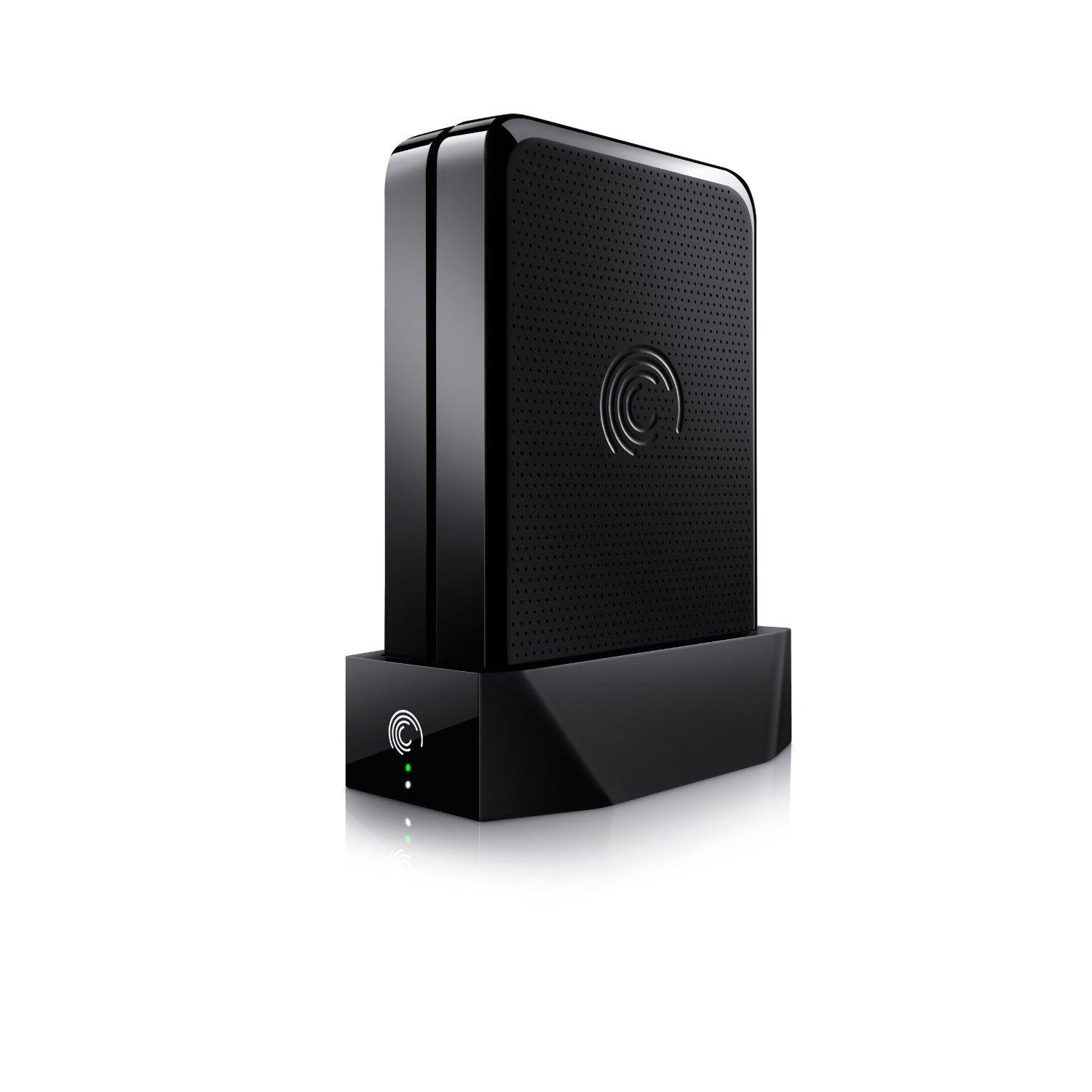
Introducing with the GoFlex Home network storage system. This device enables you to set up a wireless network for the backup, storage, and streaming of your files at home. Connect multiple computers, PC, or Mac, and automatically protect your data while also enabling streaming to media players, game consoles, and other computers, all over your own “cloud”. This is an Amazon’s product review. Checkout more details bellow.
|
Product Features
- Connects to your WiFi router, enabling convenient, wireless access to all your files from any PC or Mac computer in the home
- Automatically and continuously back up files and folders from up to 3 PC and Mac computers in the home ? Time Machine software compatible
- Stream movies, photos and music to PCs, Mac computers, game consoles and GoFlex TV HD media player
- Simple setup in just minutes
- Share a USB printer with every PC and Mac computer in the home
Technical Details
- Brand Name: Seagate
- Model: STAM2000100
- Warranty: 2 year limited
- Width: 3.09 inches
- Height: 10.00 inches
- Weight: 3.35 pounds
Then download the free GoFlex Home app to experience movies, video, and photos while you’re on the go. It’s perfect for those who need more space than a portable hard drive allows but still want access to all their data. Having a cloud solution for your movies, music, and photos also means less devices to carry around–use your phone or tablet to keep you connected to all your media and important files.
A Cloud to Call Your Own
Use the GoFlex Home to wirelessly back up and store data for multiple computers. Share media to your networked mobile devices, or access media from remote, web-connected computers with no monthly fees. It’s like having your own cloud storage and backup solution right at home.
Your Media Made Mobile
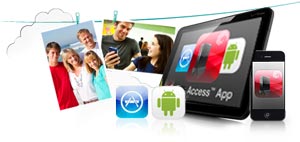
Store your media safely at home, then experience all your movies, photos, and music on the go. Your data becomes portable, but you don’t need to worry about mobile storage or data loss when you’re on the road. Stream your media to iPhone, iPad, and Android devices using the free GoFlex Access app. Or remotely stream your media library to any Internet-connected computer with a web browser. It’s a simple solution to access all your data anywhere, anytime.
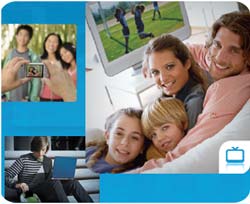
Big Backups
GoFlex Home lets you automatically back up and store up to a massive 3TB of data from multiple PC and Mac computers. It will easily organize even the largest media library in one secure spot. It’s even compatible with Time Machine backup software for Mac.
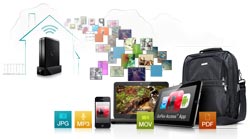
A simple solution to access all your data anywhere, anytime.
System Requirements
- Windows XP/Vista/7, or Mac OSX 10.4.6 or later
- Available USB 2.0 port for host computer
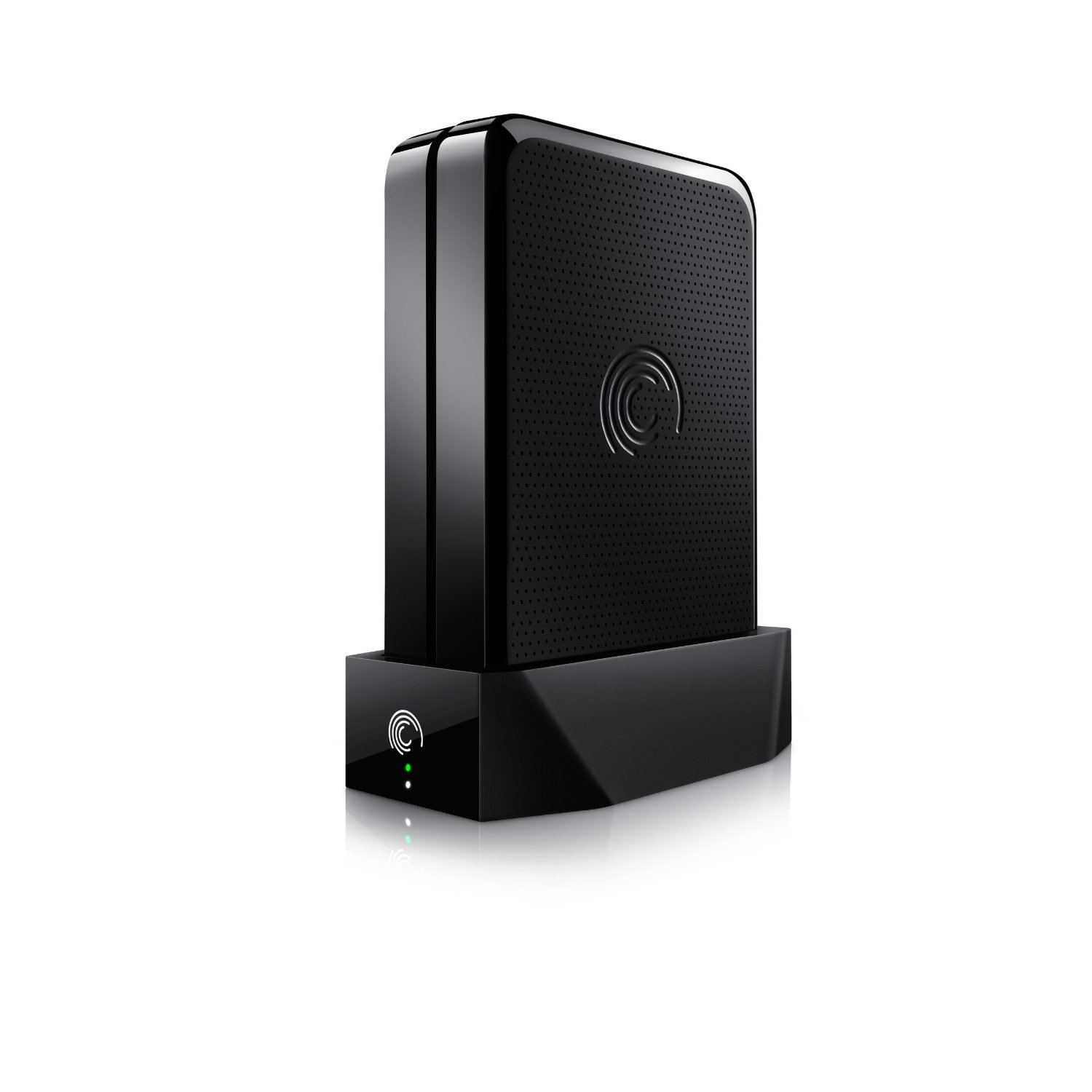
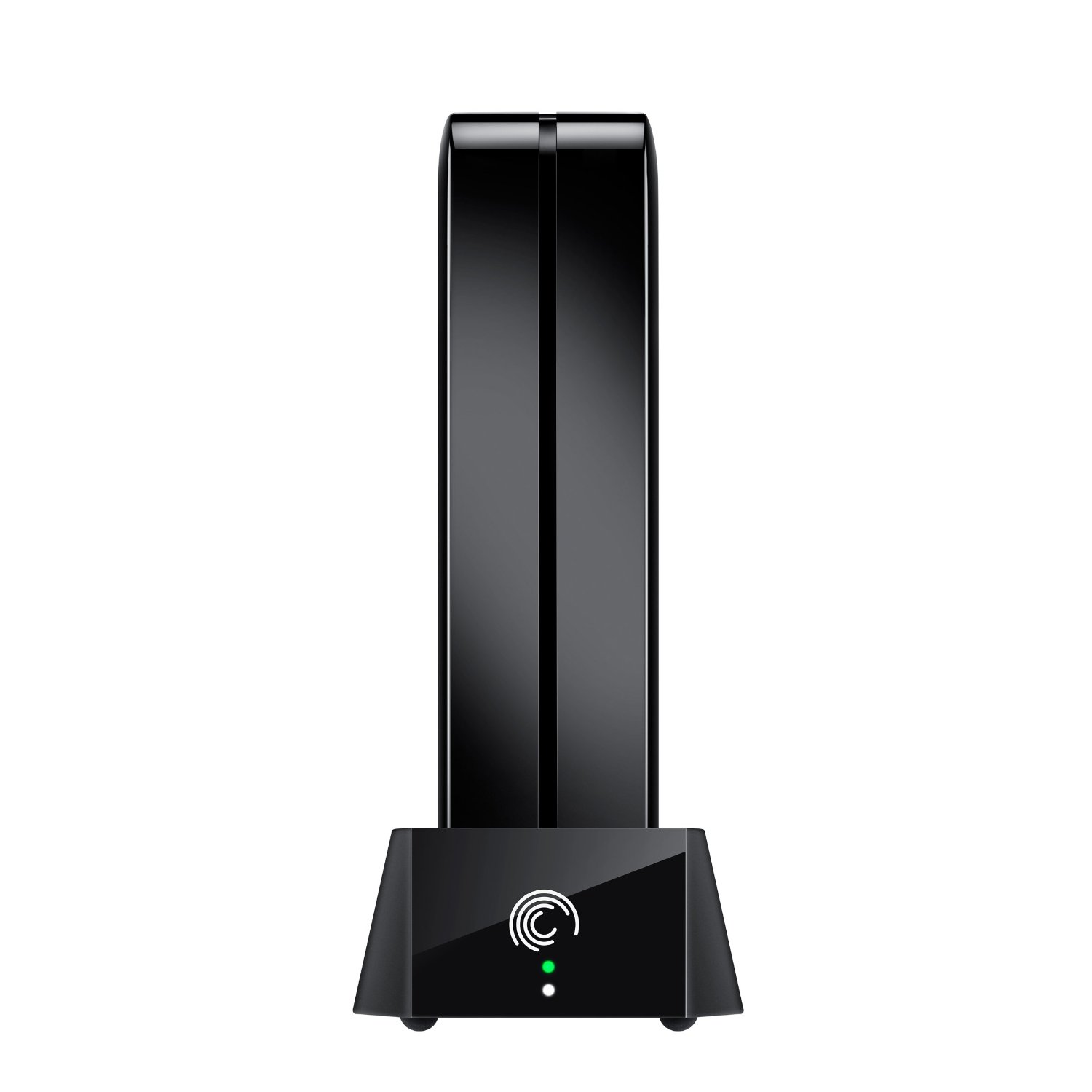
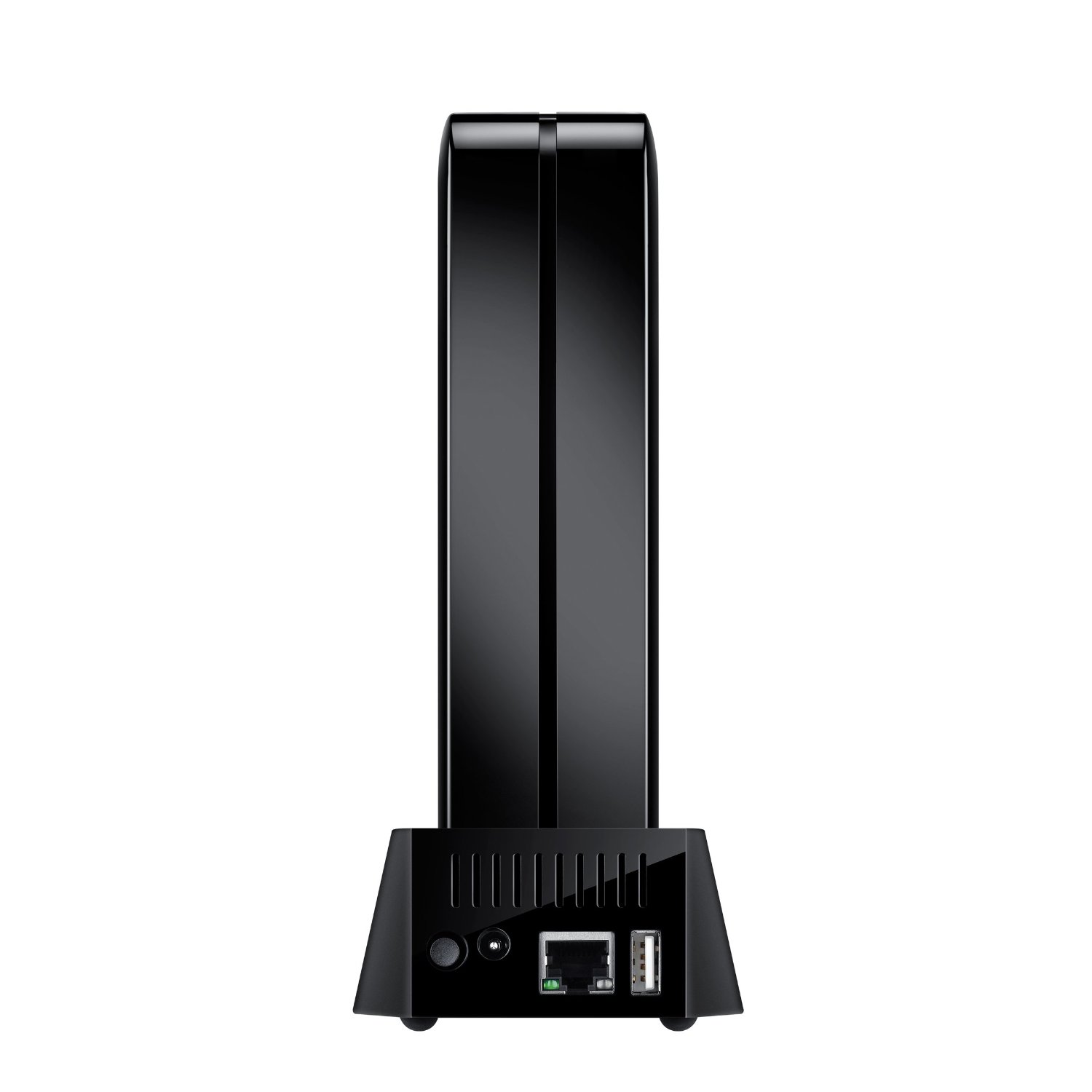
That’s all about the Seagate FreeAgent GoFlex Home. This device is available in Amazon.com. You can directly order or buy from here.
[ttjad keyword=”portable-hard-drive”]