
iPhone Dev Team has released redsn0w 0.9.6 for windows as well as mac to jailbreak iOS 4.1 / 4.0 running on iPod touch 2G.Those who want to jailbreak their iPod touch with RedSn0w here is complete how to guide for them.

The steps are given below.
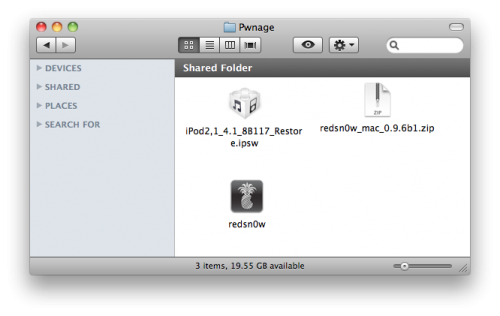
Step 1: Create a folder on your desktop called Pwnage
Download RedSn0w from here and place it in the Pwnage folder. Likewise, download the latest 4.1 firmware from below and place it in the same folder.
4.1.0 (2G): iPod2,1_4.1_8B117_Restore.ipsw
Extract the redsn0w app from the RedSn0w zip file by double clicking it.
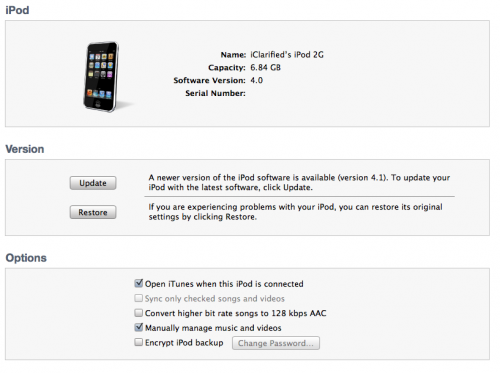
Step 2: Connect your iPod to the computer and launch iTunes.Select your iPod from the list of devices on the left. Now hold down Option and click the Restore button. Restore is preferred as it won’t create any wasted space on your iPod.
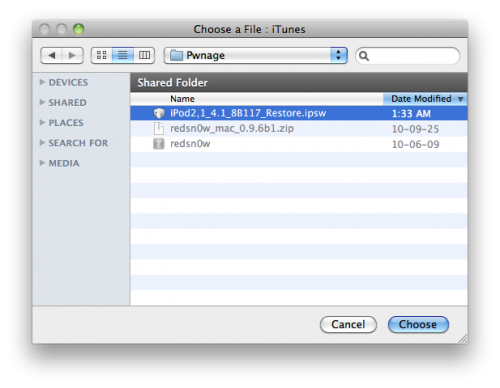
Navigate to the Pwnage folder on your desktop and select the 4.1 firmware ipsw. Click the Choose button to continue.
Step 3: Once iTunes has finished updating your iPod to the desired firmware open the Pwnage folder on your desktop and launch the redsn0w application from the redsn0w folder we extracted earlier.
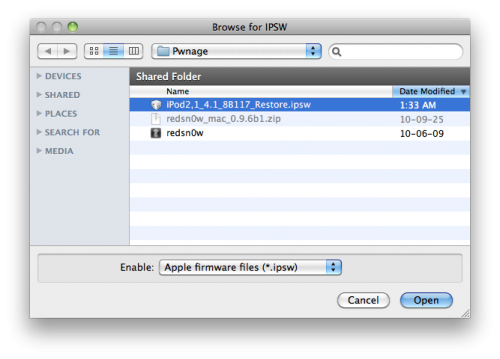
Step 4: Once RedSn0w opens click the Browse button
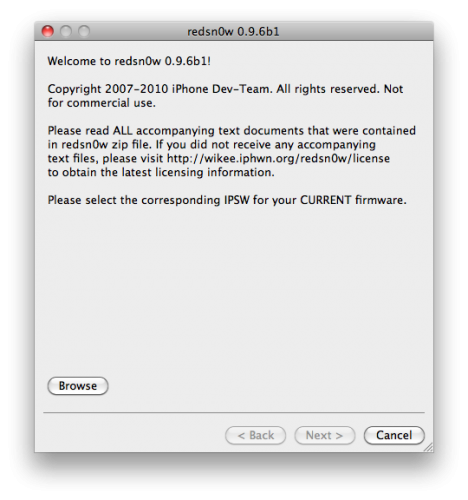
Step 5: Select the 4.1 firmware ipsw we placed in the Pwnage folder on our desktop then click Open.
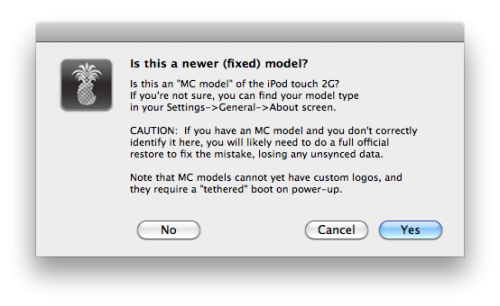
Step 6: You will be asked if your serial number begins with MC. If it does NOT then click No. If it does then click Yes. Please note that if your serial number does begin with MC then you can only do a tethered jailbreak. This means you will need to connect your iPod touch to the computer to reboot.
Once the firmware has been verified click the Next button to continue.
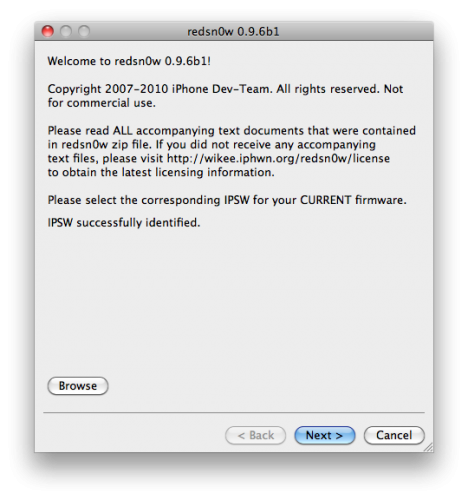
Step 7: RedSn0w will now prepare the jailbreak data

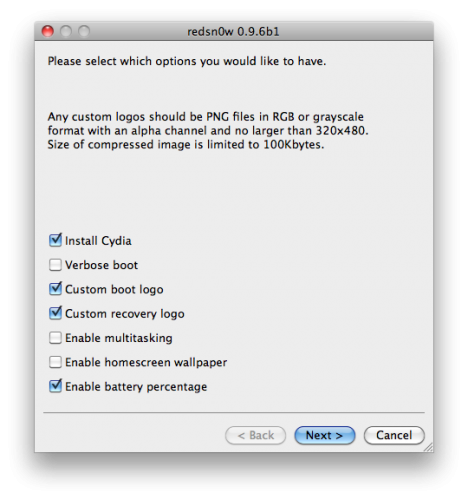
Step 8: From this window you can select the jailbreak options you would like.
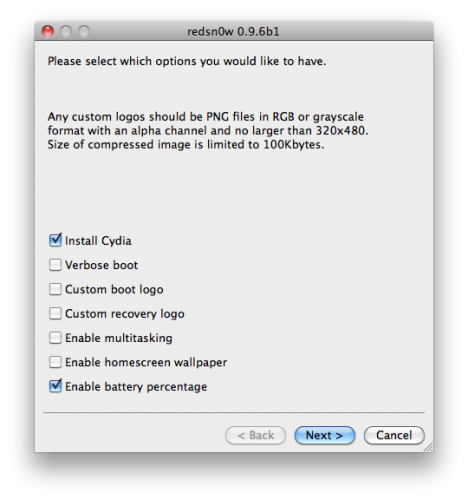
Verbose boot displays detailed information on boot of your device and is generally only needed by developers and advanced users.
Make sure Cydia is selected. For this tutorial we will also select Custom boot logo and Custom recovery logo.
When you click to select each custom logo option a dialog window will appear asking you to select the image. Locate the image you would like to use then press the Open button.
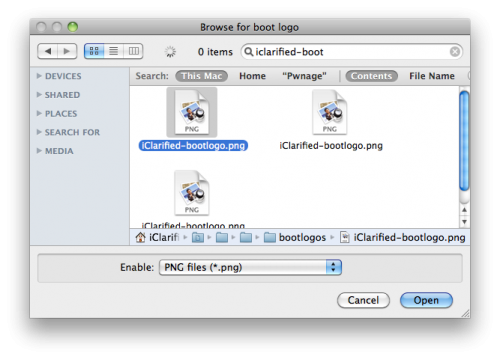
Remember the rules for boot logos are: RGB or Grayscale format with Alpha channel and dimension below 320×480. If you would like to use the iClarified ones they can be found here: Boot Logo, Recovery Logo
Notice that RedSn0w has options to Enable multitasking, Enable homescreen wallpaper, and Enable battery percentage. If you do not need multitasking we would recommend deselecting it as it makes your iPod touch 2G run very slow.
Click the Next button to continue
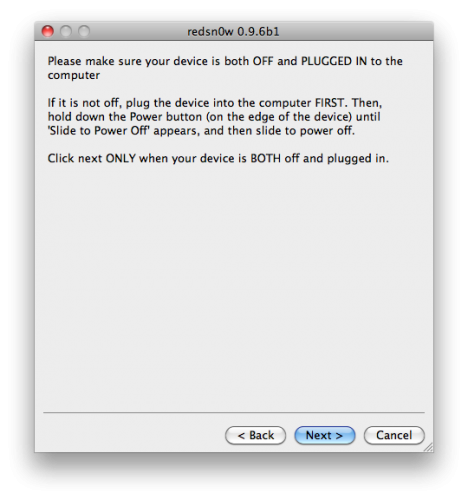
Step 9: Please plug your iPod into the computer and make sure its OFF then click the Next button
Step 10: RedSn0w will now guide you through the steps to get into DFU mode.
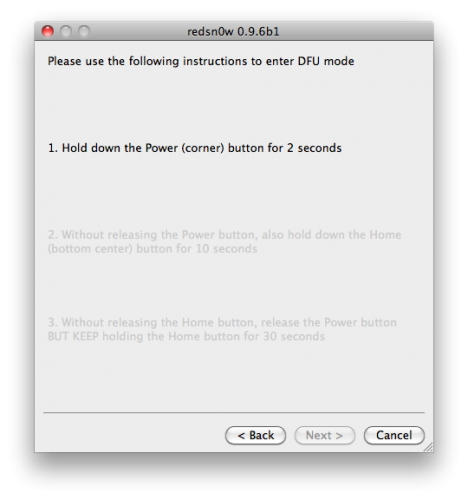
Hold down both the Home button and the Power button for 10 seconds.
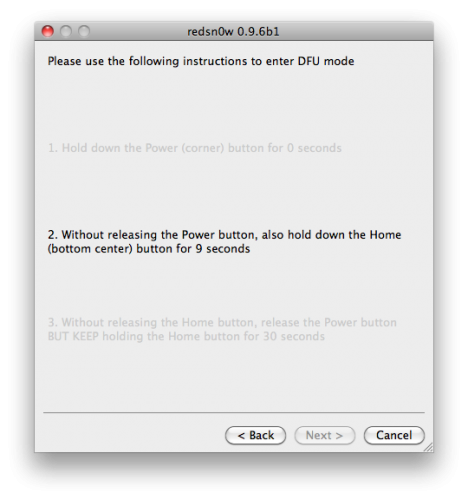
Release the Power button and continue holding the Home button until RedSn0w detects the device.
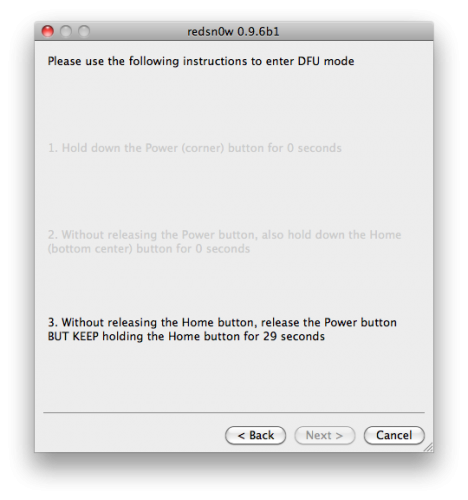
Step 11: Your iPod will now reboot

Step 12: RedSn0w will then begin uploading the new RAM Disk and Kernel.
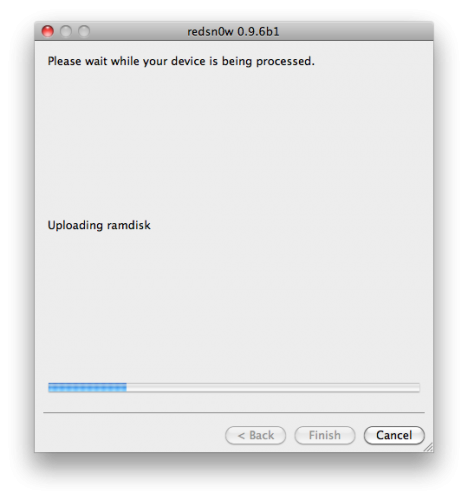
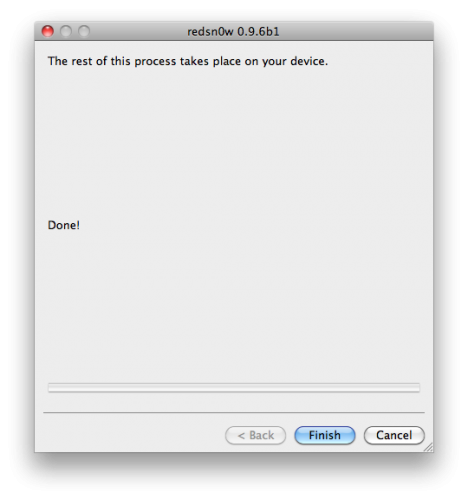
Step 13: Once this is complete you will be notified that RedSn0w is done. Click the Finish button. When your iPod finishes rebooting (5 minutes or so) it will be jailbroken with Cydia on the SpringBoard.
That’s all.
Thanks
Click On Adds To Buy
at step 4 it does not find the file even though Ive downloaded it….help :/
now it finds “all_flash” and “dfu” but that doesnt work either?!
What a pain in the ass this was finding the right way for my ipod touch MB.
THIS WORKED! THANK YOU!
mine is mc model so i dont know how to do it plz answer
Now hold down Option and click the Restore button.
don’t see how this is possible
thank you so much,it worked in my tpod touch MB.
If You are windows user,press shift and restore…