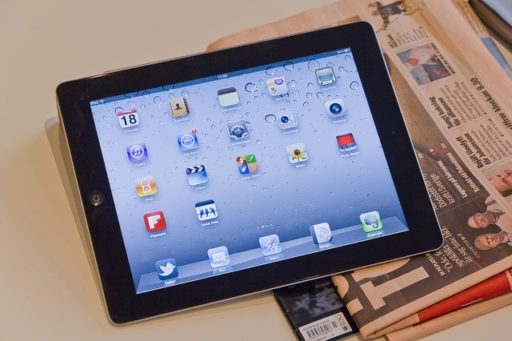
Smart Speller English HD is a kids app wonderful graphics in HD quality created especially for iPad. This app is developed by Lemberg Solutions Limited. This app was cost $2.99 but now it’s totally FREE to download from iTunes store under Education category. Learning to spell has never been so much fun with the new Smart Speller English HD from EduKidsApps! This simple to use and effective interactive learning game was created by parents for parents to help their children learn to correctly pronounce and spell words and letters.

iTunes Link: http://itunes.apple.com/app/smart-speller-english-hd/id467353647?mt=8
Overview:
This is a medium sized app run very well in any iPad device. I have tested this game in my iPhone 3GS and it runs great. Thanks to its three levels of complexity (with hints, without hints and with extra letters), SmartSpeller will be exciting for kids to complete over and over again, moving to the next level as they grow up and learn.
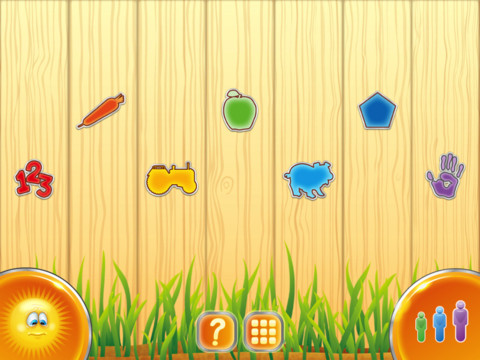
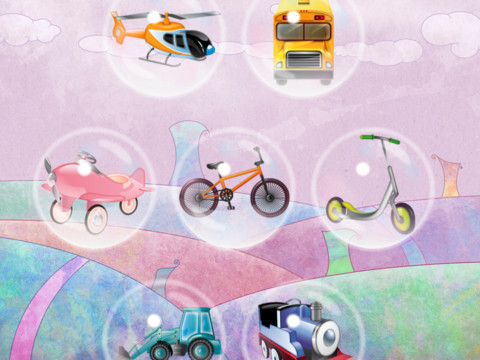
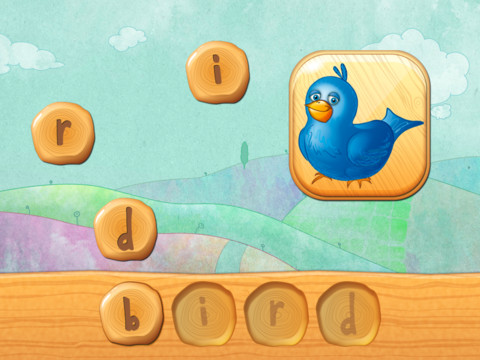
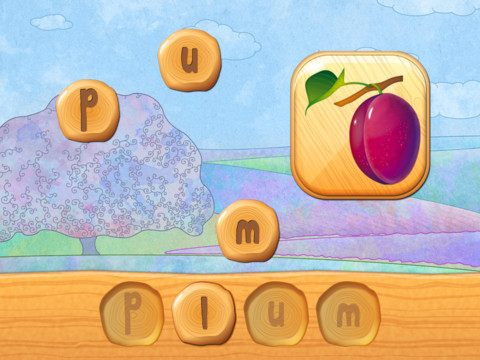
First words. With its 80 original pictures across 7 categories (numbers and colours, fruit & veg, vehicles, farm animals, shapes, body parts), the game is played by tapping a moving object and then completing a word puzzle. The word selection features basic and most common words from each category, thus enriching the child’s vocabulary.
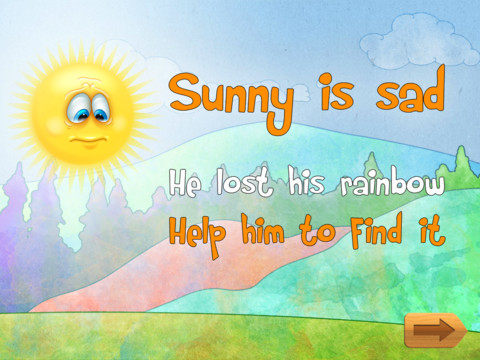
Storyline. To grasp and hold the child’s attention, the game has an interesting story that kids will love. Your children will be amazed by their quest to return seven colours of the rainbow to the sun by completing word puzzles correctly.
Alphabet practice. What makes it even more fun and educational is the app’s audio feature – every time you press any of the letters to complete a puzzle, that letter is pronounced. This way, apart from learning to spell, the child also learn to pronounce letters of the alphabet correctly.
Word pronunciation. Each time a kid taps on a picture of an object, it’s name is pronounced. This can work as a hint for medium and difficult complexity levels. After a puzzle is completed, the word is pronounced. This means that not only visual skills are involved, but rather an interaction of visual and auditory skills takes place.
Skill development. This game helps kids to develop a whole range of skills: motor skills and hand-eye coordination, visual and auditory skills, language and pronunciation skills, problem solving skills
Requirements: Compatible with iPhone 3GS, iPhone 4, iPhone 4S, iPod touch (3rd generation), iPod touch (4th generation) and iPad. Requires iOS 4.0 or later. This app is totally free to download from iTunes.
Current Version: 2.0
Size: 30.5 MB
[ttjad keyword=”ipad”]