
If you don’t have powerful computer that is able to use Windows 7 Aero 3D effects in optimal conditions, then their display won’t be activated. In this tutorial I will show how you can enable them anyway and use full potential of this feature.
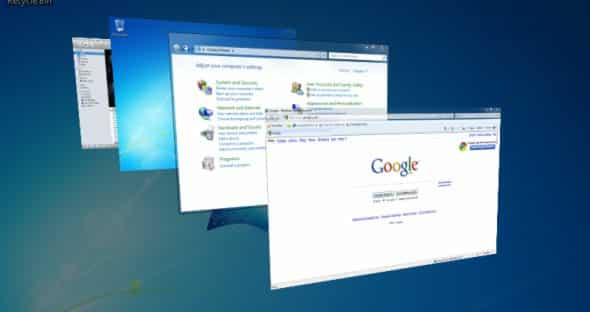
To get started follow steps below
Step 1: Open Start menu, inside search field type regedit and press Enter on your keyboard.
Step 2: Once in the registry editor, go to the following value HKEY_CURRENT_USER\Software\Microsoft\Windows\DWM
Step 3: Right click on DWM and from context menu that appears, choose New -> DWORD (32-bit) Value.
Step 4: In right window frame select the new key and press the F2 key on your keyboard to change the name to “UseMachineCheck“.
Step 5: Repeat two more times this operation by creating 2 new values and give them names “Animations” and “Blur“.
Step 6: Once you create all three values restart your computer for changes take effect.
[ttjad keyword=”all-in-one-desktops”]

![Read more about the article [Tutorial] How To Handle Notifications In Windows 8](https://thetechjournal.com/wp-content/uploads/2012/11/toast-notifications-ttj-logo-512x185.jpg)
![Read more about the article [Tutorial] Sort Your iPhoto Videos And Photos With Smart Albums](https://thetechjournal.com/wp-content/uploads/2012/06/smart-album-512x354.jpg)
![Read more about the article [Tutorial] How To Fix Galaxy Note 2 Wi-Fi Problems](https://thetechjournal.com/wp-content/uploads/2013/01/wifi-note-2-fix-ttj-logo-512x245.jpg)