Amazon lets you check out Kindle books from library websites, asks you to shush yourself at home and you can download copies to your Kindle or Kindle app-enable device via WiFi or USB. As e-books have taken off with readers, libraries have been building their e-book collections to meet demand and successfully persuading many publishers to sell their titles to libraries in e-book format……………..
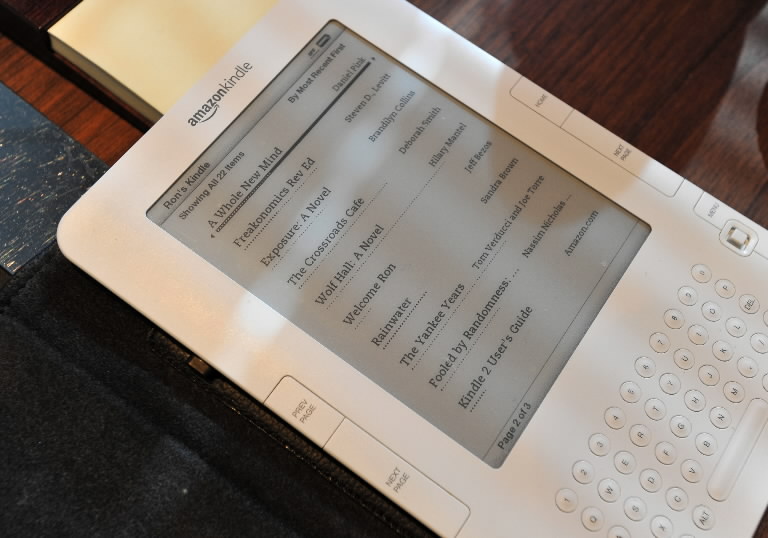
Amazon.com announced that Kindle and Kindle app customers can now borrow Kindle books from more than 11,000 local libraries in the United States. When a customer borrows a Kindle library book, they’ll have all of the unique features they love about Kindle books, including Whispersync, which automatically synchronizes their margin notes, highlights and bookmarks, real page numbers, Facebook and Twitter integration, and more. For more information about borrowing library books for your Kindle or free Kindle apps, go to www.amazon.com/kindle/publiclibraries. To start checking out Kindle library books, visit your local library’s website. “Starting today, millions of Kindle customers can borrow Kindle books from their local libraries,” said Jay Marine, Director, Amazon Kindle. “Libraries are a critical part of our communities and we’re excited to be making Kindle books available at more than 11,000 local libraries around the country. We’re even doing a little extra here – normally, making margin notes in library books is a big no-no. But we’re fixing this by extending our Whispersync technology to library books, so your notes, highlights and bookmarks are always backed up and available the next time you check out the book or if you decide to buy the book.”
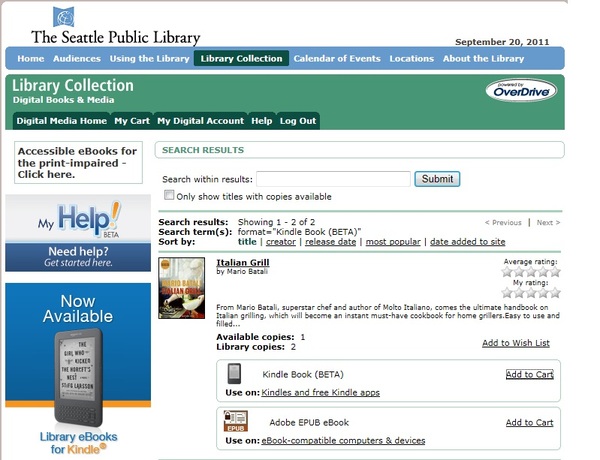
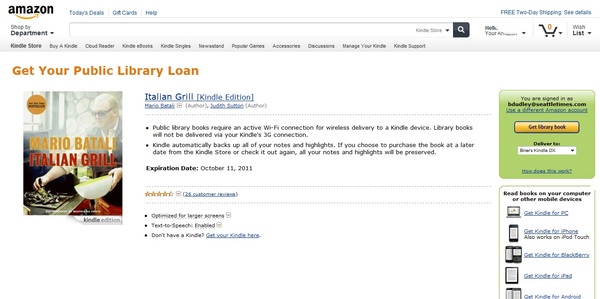
Customers will use their local library’s website to search for and select a book to borrow. Once they choose a book, customers can choose to “Send to Kindle” and will be redirected to Amazon.com to login to their Amazon.com account and the book will be delivered to the device they select via Wi-Fi, or can be transferred via USB. Customers can check out a Kindle book from their local library and start reading on any generation Kindle device or free Kindle app for Android, iPad, iPod touch, iPhone, PC, Mac, BlackBerry or Windows Phone, as well as in their web browser with Kindle Cloud Reader. “This is a welcome day for Kindle users in libraries everywhere and especially our Kindle users here at The Seattle Public Library,” said Marcellus Turner, city librarian for The Seattle Public Library. “We’re thrilled that Amazon is offering such a new approach to library ebooks that enhances the reader experience.” When borrowing a Kindle book from their local library, customers can take advantage of all of the unique features of Kindle books, including:
- Whispersync technology wirelessly sync your books, notes, highlights, and last page read across Kindle and free Kindle reading apps
- Real Page Numbers let you easily reference passages with page numbers that correspond to actual print editions
- Facebook and Twitter integration makes it easy to share favorite passages with your social networks
- Popular Highlights show you what our community of millions of Kindle readers think are the most interesting passages in your books
- Public Notes allow you to share your notes and see what others are saying about Kindle books
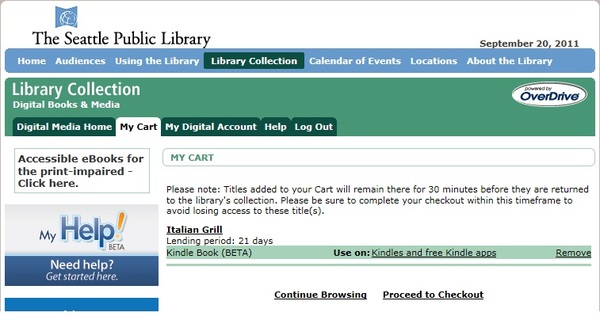
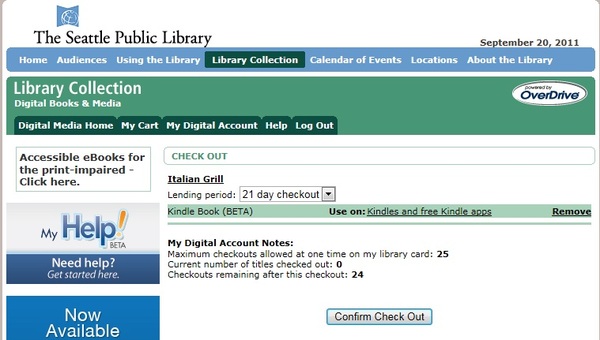
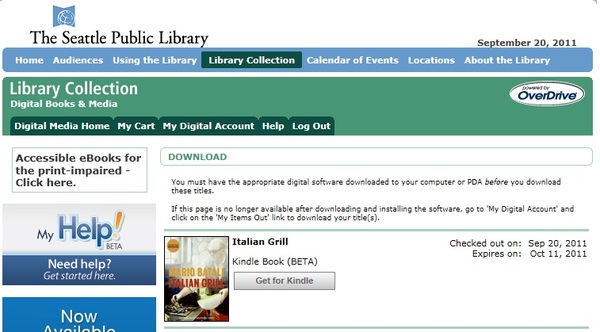
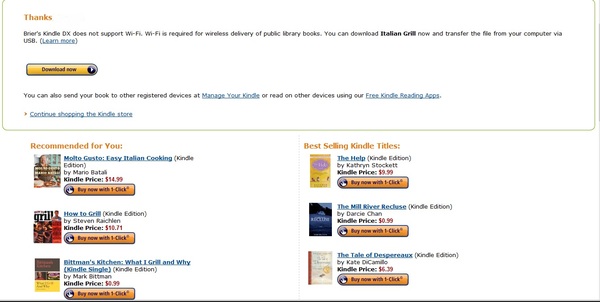
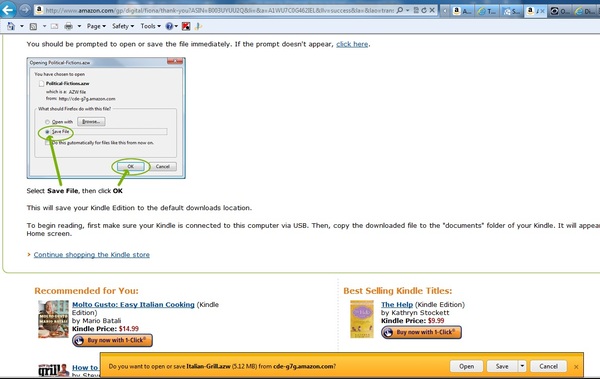
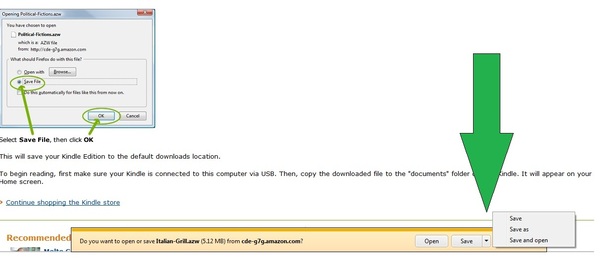
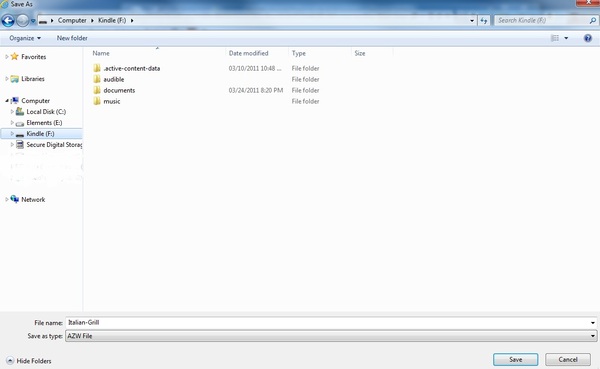
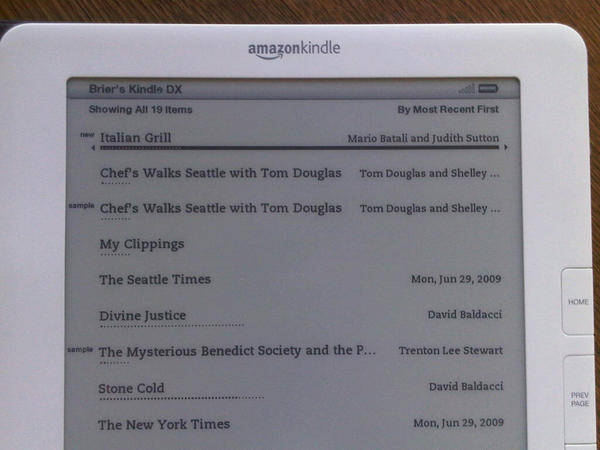
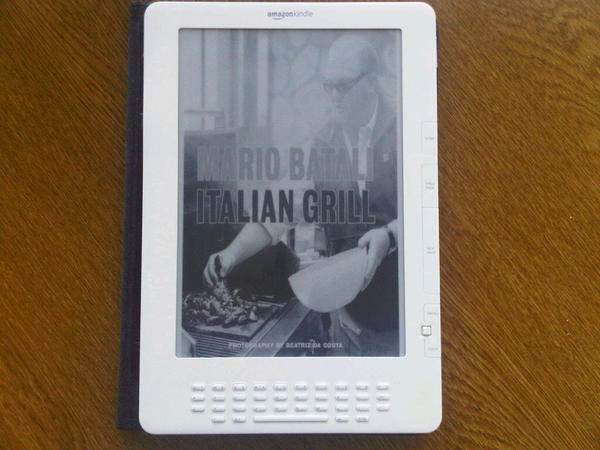
In below you will find how to check out Kindle library books in pictures by seattletimes.nwsource.com:
[ttjad keyword=”kindle”]