
To improve the stability and speed of Windows Explorer, you can configure it for Windows 7 opens windows in different processes. In that case each window will have its own resources and, in case of a blocked window, others will be available. Follow this tutorial to find out how to perform this procedure in Windows.
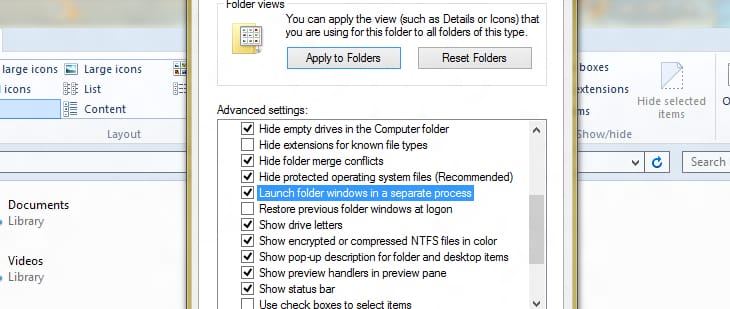
To get started follow steps below:
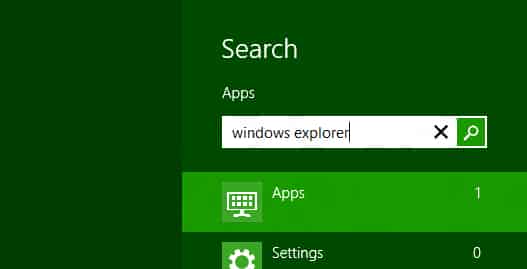
Step 1: On your keyboard press Win+Q buttons to lunch Search Charm bar.
Step 2: Inside search field type windows explorer and press Enter on your keyboard.
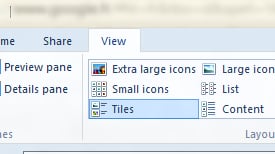
Step 3: When Windows Explorer window opens up, choose View tab.
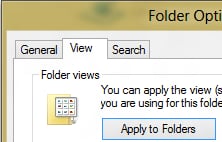
Step 4: Click on Options option located at the very end of Ribbon navigation and from drop down menu click on Change folder and search options.
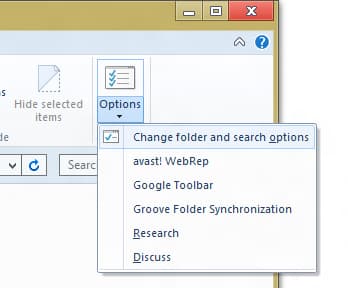
Step 5: Select View tab.
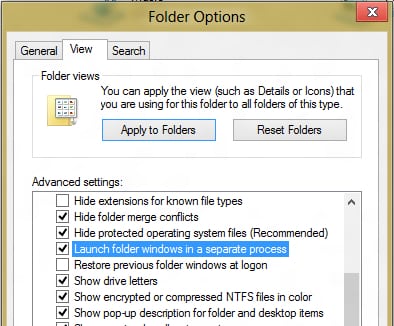
Step 6: In the Advanced Settings section, select a checkbox in front of Lunch folder windows in a separate process.
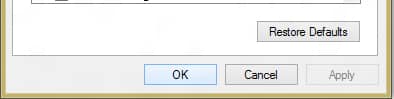
Step 7: Then press OK to save your changes.
[ttjad keyword=”windows-tablet”]


![Read more about the article [Tutorial] How To Make Video Calls From Gmail](https://thetechjournal.com/wp-content/uploads/2012/07/install-video-gmail-plugin.webp)