
An unofficial Mario theme has wrapped onto the iPhone 4,bringing customized icons and wallpaper to Apple’s mobile.

Paul Brown over kotaku developed a new iMario theme for the iPhone 4 bringing the entire mushroom kingdom on your springboard.To install it your iPhone needs to be jailbroken/rooted.
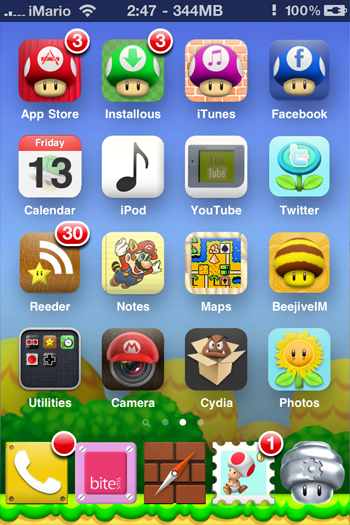
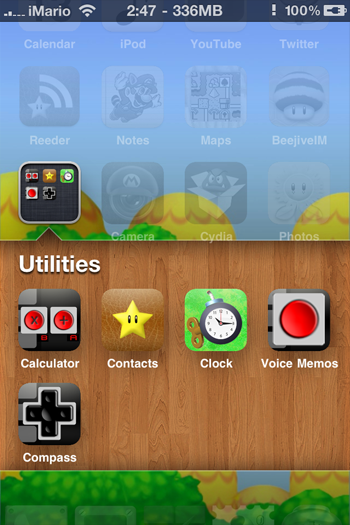
Steps to install it are given below.
Step 1:
First you have to jailbreak iphone 4 (posted here)
Step 2:
Download and install WinterBoard from Cydia
Step 3:
Now Reboot iphone 4
Step 4:
Download iMario theme and extract it
Step 5:
Copy its contents to the Winterboard directory (private/var/stash/theme.xxxx) of your iPhone 4
Step 6:
Navigate to Winterboard app and select the iMario theme you have copied.
Step 7:
it’s done now you can enjoy iMario Theme for your iphone.
Download iMario theme for iPhone 4
iMario for iPhone 4 , Backgrounder
Thanks to cubed3,mobileclues,gadgetsdna,kotaku


ohio homeowners insurance [url=https://otvetnow.ru]https://otvetnow.ru[/url] cheap auto insurance fresno ca