
Installing new fonts in Windows is not that hard, however it is a bit different compared with earlier versions of Windows. In this tutorial I will show you how to install it and before proceeding on tutorial make sure you have ready .ttf files which you want to install.
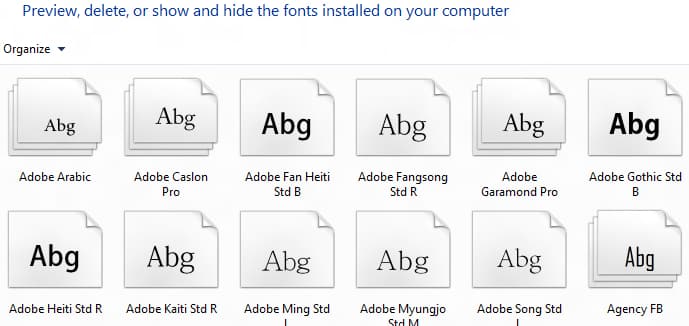
To get started follow steps below:
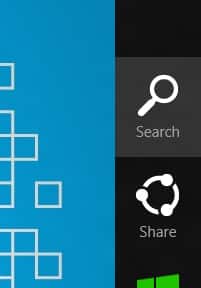
Step 1: Press Win+C on your keyboard and from Charm bar choose Search.
Step 2: Type word fonts, then select Settings and press Enter on your keyboard.

Step 3: Place you new font on desktop.

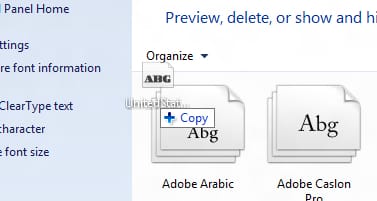
Step 4: Now drag your new font from desktop into Fonts folder and you font is now ready for use.
[ttjad keyword=”windows-tablet”]

![Read more about the article [Tutorial] How To Check RAM Of Windows And Mac Computer](https://thetechjournal.com/wp-content/uploads/2012/04/ram-memory-memtest-logo.webp)
![Read more about the article [Tutorial] How To Improve The Accuracy Of Mouse In Windows 7](https://thetechjournal.com/wp-content/uploads/2012/03/mouse-logo.webp)
![Read more about the article [Tutorial] How To Unmount And Detach VHD or VHDX File in Windows 8](https://thetechjournal.com/wp-content/uploads/2012/10/disk-management-as8d789s7ry1u321o.webp)