
Whenever you lunch any Microsoft Office application, whether it’s Word, Excel, PowerPoint, Outlook, etc… a welcome screen is displayed during a certain period longer or shorter depending on the speed of your computer. In this tutorial we will show you how to not show this welcome screen, and save a few seconds when loading the program.
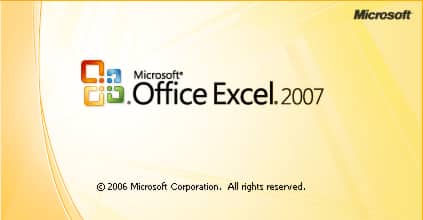
To get started follow steps below
Step 1: Before you open any Microsoft Office application right click on e.g. MS Excel icon on your desktop and choose Properties
Step 2: Then go to the tab “Shortcut“, add “-q” at the end of the path specified in the “Target” and confirm with OK.
Step 3: Next time when you run Microsoft Excel you won’t see welcome screen
Step 4: Remember that you need to repeat this same change to any other Office icon such as Word, PowerPoint, etc…
[ttjad keyword=”microsoft”]

![Read more about the article [Tutorial] How To Enable Private Browsing In Android](https://thetechjournal.com/wp-content/uploads/2012/05/android-private-browsing.webp)
![Read more about the article [Tutorial] How To Use Dropbox From Portable USB Drive](https://thetechjournal.com/wp-content/uploads/2012/10/language-select-next-as5d465w4rt56y4u54iy65.webp)
![Read more about the article [Tutorial] How To use SkyDrive To Embed A PowerPoint or Excel Document in a Web Page](https://thetechjournal.com/wp-content/uploads/2012/03/skydrive-logo.webp)