
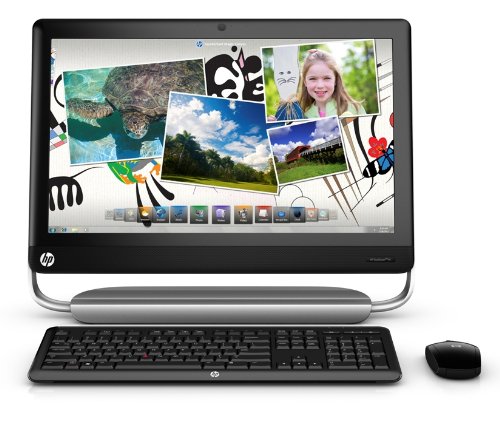
Keep your world clutter free with the all-in-one design of the HP TouchSmart 520-1070 PC, which has a multi-touch enabled 23″ diagonal widescreen Full HD LED backlit display, comes with a built-in suite of touch-optimized applications and supports gestures such as pinch, rotate, arc, flick and press and drag. This HP desktop lets you hear music the way the artist intended with Beats Audio Studio Quality Sound. You can also watch, pause, rewind, and record live TV with the built-in HDTV Tuner and HP TouchSmart remote control with Media Center functionalities and connect your Xbox, Wii, or Playstation through the HDMI input. It also has a built-in webcam/microphone, Integrated Bluetooth and Wireless LAN 802.11b/g/n featuring Single-band (2.4GHz) 2×2 MIMO technology, a Slot-load SuperMulti Blu-ray Burner and a wireless keyboard and wireless optical mouse. This is an Amazon’s product review. Checkout more details bellow.
 |
Product Features
- Integrated multi touch enabled 23, diagonal widescreen Full HD LED backlit display
- Built in HP TouchSmart apps
- Beats Audio Studio Quality Sound
Touchscreen convenience, easy productivity, fun with music, photos and videos. The HP TouchSmart 520-1070 PC puts your entire PC on top of your desk while concealing antennas, cables and messy peripherals. With this HP desktop PC, you can watch HD movies, video chat with friends and family using the built-in webcam and microphone and surf the Web, wirelessly. Simply touch the screen to create playlists, watch, record and upload videos, view and organize photos, browse the Web and more.
Specafications:
- Processor
2nd Generation Intel Core i7-2600S Processor
- Operating System
Genuine Windows 7 Home Premium 64-bit
- Display
Multi-touch enabled 23” diagonal widescreen Full HD LED backlit display
- Memory (RAM)
8GB PC3-10600 DDR3
- Hard Drive
2TB (5400RPM) SATA
- Wireless
Integrated Bluetooth and Wireless LAN 802.11b/g/n featuring Single-band (2.4GHz) 2×2 MIMO technology
- Optical Drive
Slot-load SuperMulti Blu-ray Burner
- Video Graphics
Radeon HD 6450A graphics card with 1GB GDDR3 dedicated graphics memory and support for Blu-ray and Microsoft DirectX 11. Up to 3571MB Total Available Graphics Memory as allocated by Windows
Other Features:
- Touchscreen Technology
Use multi-touch gestures to navigate your touchscreen - Multicore Processor
Get better performance and work more efficiently - 6-in-1 Digital Media Reader
Transfer photos from a digital camera to your desktop PC without using cables - Built-in HP Webcam
Video chat live using your HP TouchSmart 520-1070 PC - TV Tuner
Watch, pause, rewind, and record live television - Wireless LAN 802.11a/b/g/n
Connect to a wireless printer and other accessories - Bluetooth
Save time with wireless synching and printing - Beats Audio:Hear music in crisp, clear sound and deep bass
EXCLUSIVE HP SOFTWARE
- HP TouchSmart Music: Create and edit playlists of all your favorite tunes
- HP TouchSmart Video: Watch, record and upload your home videos with the touch of a finger
- HP TouchSmart Photo: Share photos easily with your family and friends
- HP TouchSmart Calendar: Manage your busy schedule, from daily tasks to special events
- HP TouchSmart Webcam: Add custom effects on the spot to personalize your videos
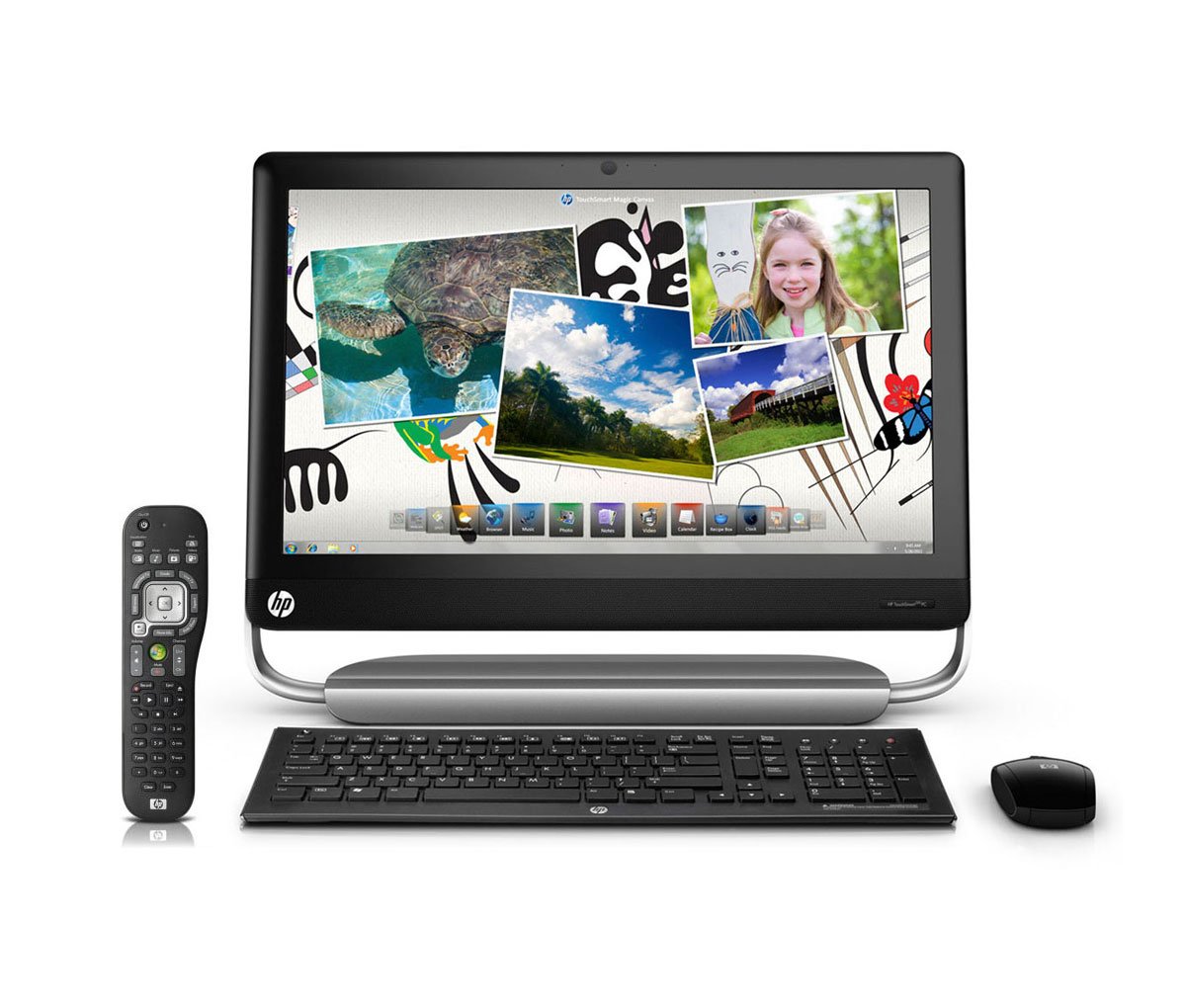
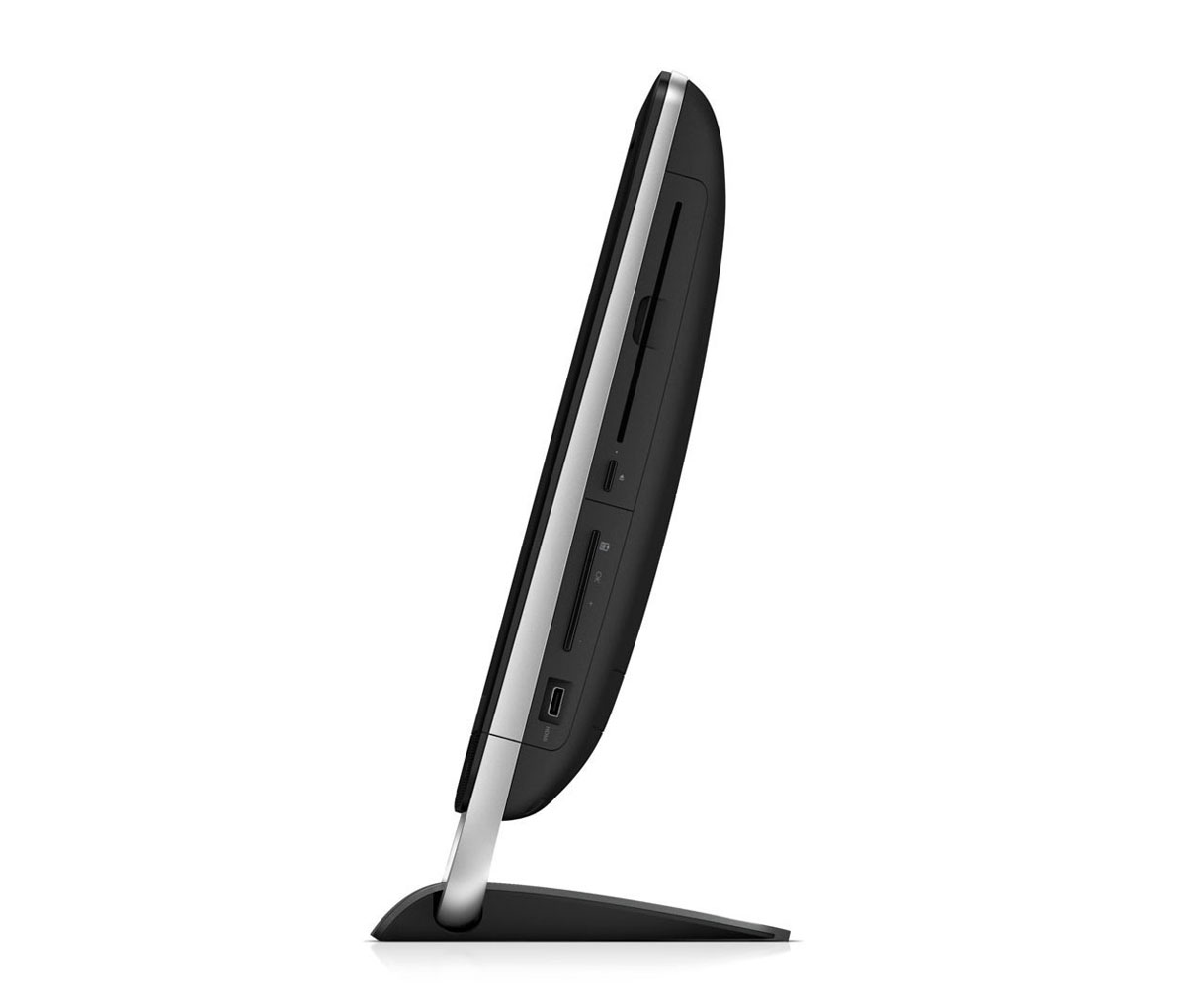
That’s all about the HP Touchsmart 520-1070 All-In-One Desktop PC. This PC is available in Amazon.com. You can directly order or buy from here.
Source
[ttjad keyword=”all-in-one-desktops”]
