
Windows 8 will face the same thing as what the current Windows 7 than accustomed, but there would be some interesting innovations, such as the new start area and those who now want something like the Windows machine, you should familiarize yourself with its Omnimo the latest version of 4. To use Omnimo you must first Rainmeter from version 2.0 and then you can download Omnimo down, extract all files from the ZIP package………..
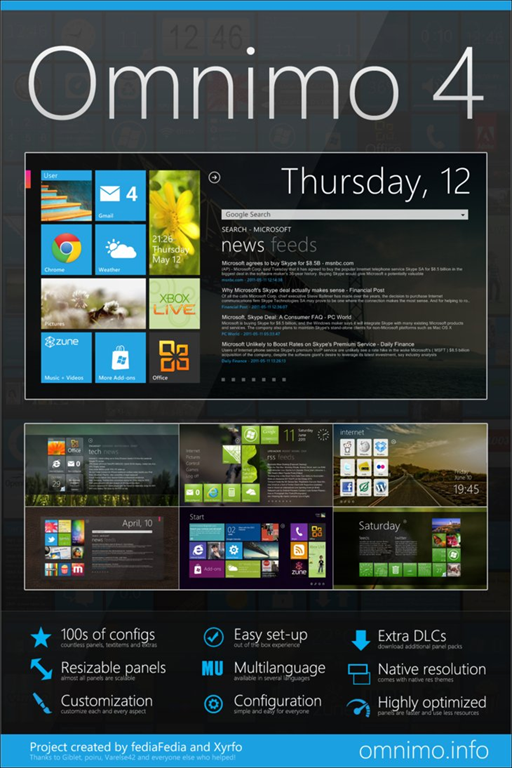
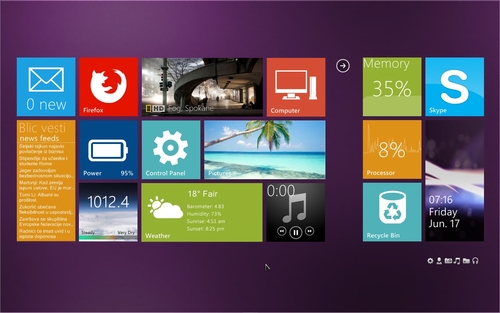
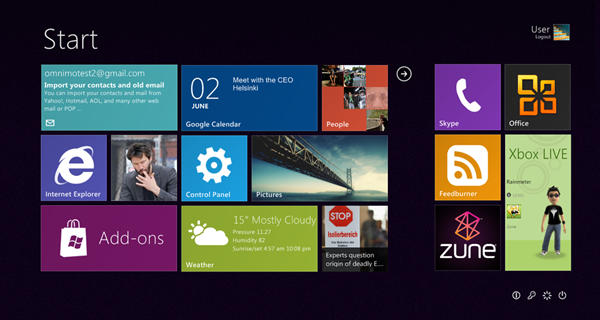
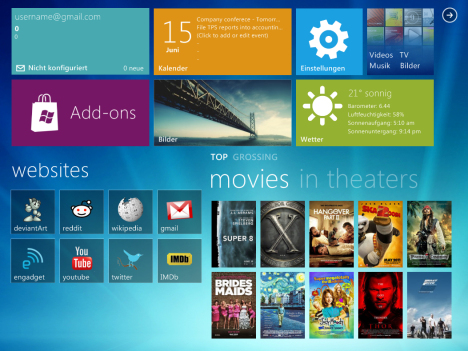
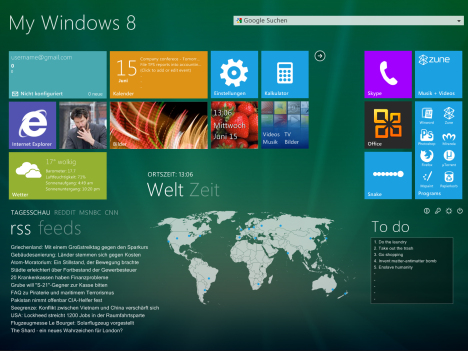
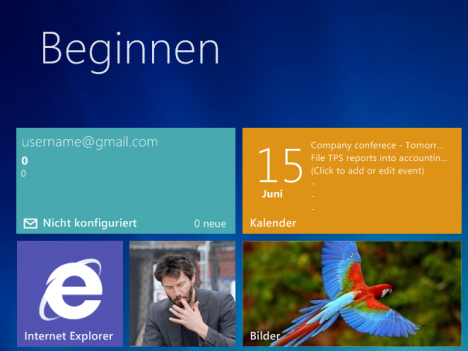
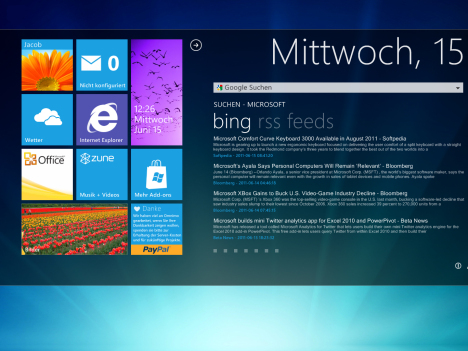
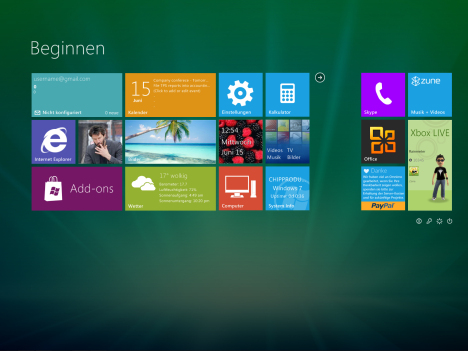
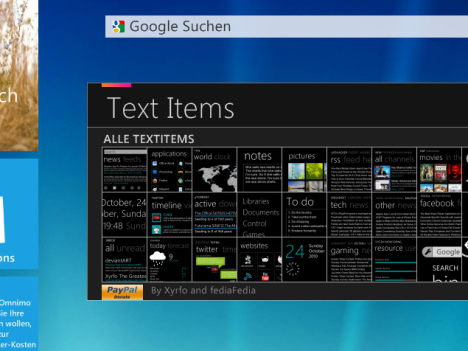
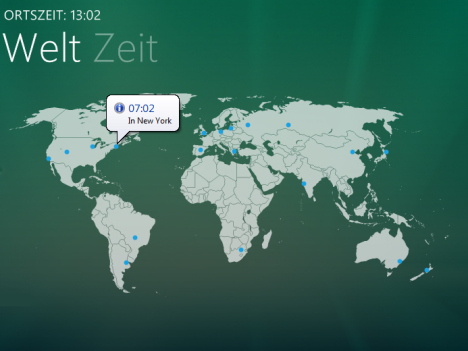
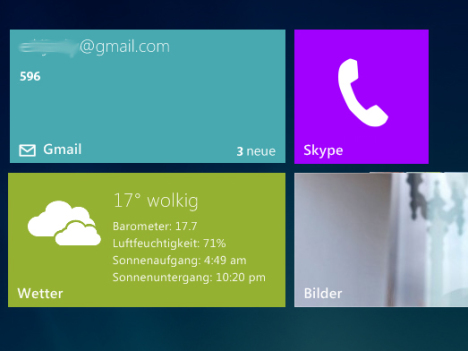
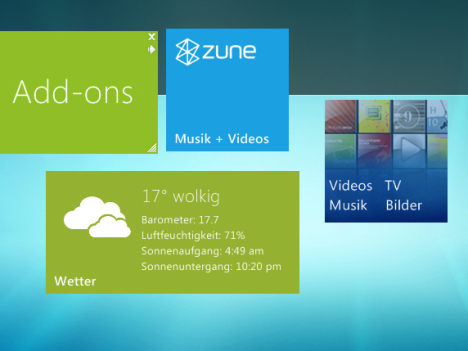
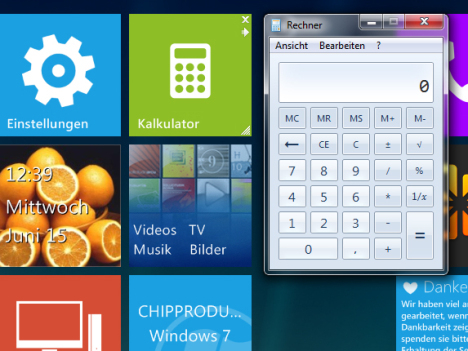
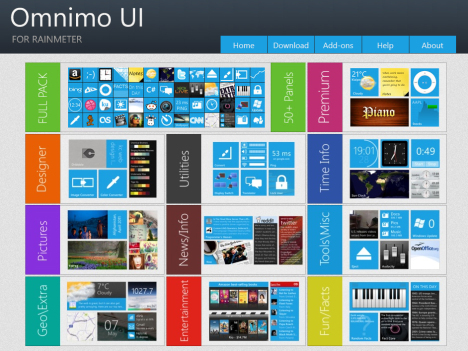
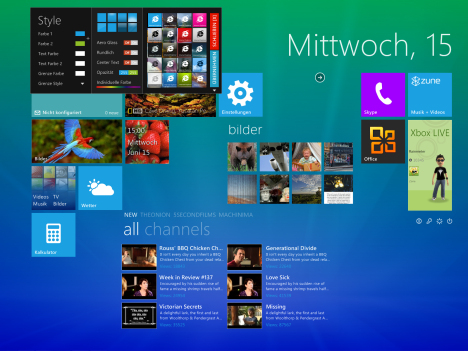
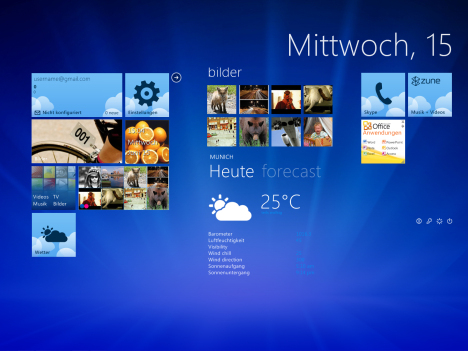
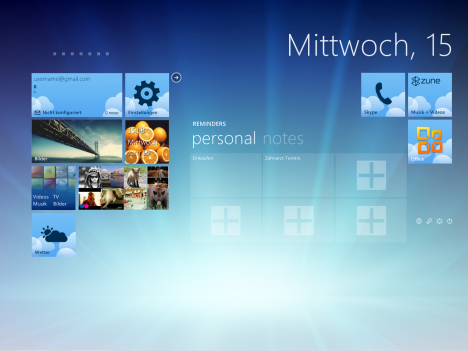
Fediafedia released Omnimo 4 skin freeware which exactly brings Windows 8 Start screen for your Windows 7. If you don’t know at D9 conference Microsoft unveiled user interface for Windows 8 for touch devices like tablets tile-based Start Screen is a feature aimed at touch screens replaces Start Menu with customizable, scalable full-screen view of apps. Omnimo is a multifunctional interactive desktop information center based on rainmeter and will turn your desktop into a productive and attractive workarea , delivering only the information you need. Omnimo 4 is a skin for Rainmeter, a desktop customization platform that features tools that can display various information on desktop and every interactive tile gives you information at a glance, and can be easily customized to your needs. Once after installing Omnimo 4 over Rainmeter pack you can select Windows Phone 7 or Windows 8 skin accordingly and for Omnimo 4 to work on Windows 7 you should have Rainmeter 2.0 or higher installed. Download Omnimo 4, here.
Steps to install Omnimo 4:
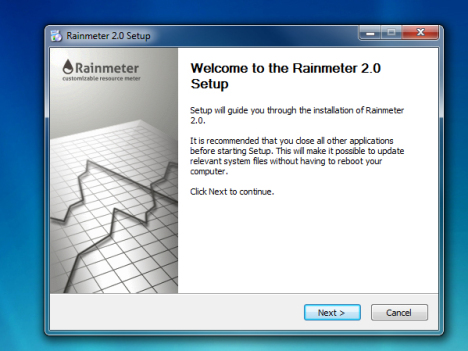
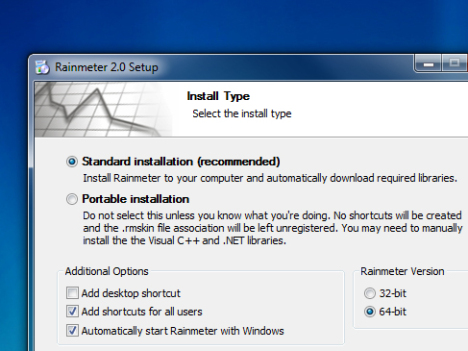
1. First you need to install Rainmeter 2 or higher in your Computer. Installing Rainmeter 2.1 Beta is better as it adds Aero Glass, NowPlaying and Twitter functionality.
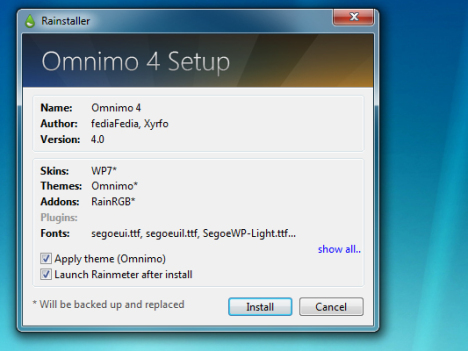
2. Download Omnimo 4 skin pack, extracts its contents to a folder, double-click SETUP.rmskin to install Omnimo 4 .

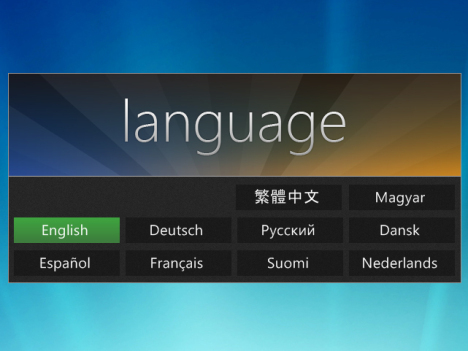
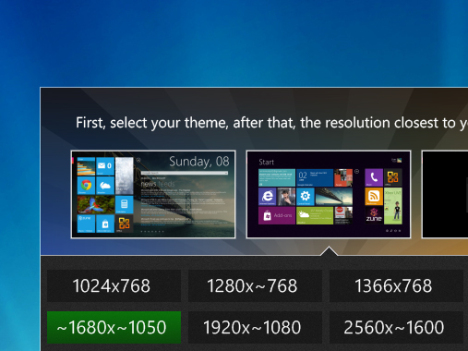
3. After the installation, from Omnimo 4 setup screen select your settings then select Start Screen theme from Windows Phone 7, Windows 8 Start Screen and Blank theme after that, click the highlighted resolution and you’re done.

4. Your Windows 8 Start Screen for Windows 7 is ready, you can add or remove by clicking + button on the desktop and then click on the panel you want to add.
Omnimo 4 works on Windows XP but Windows Vista/7 is required for Aero glass effects and after installation, select your settings and then the theme+resolution to apply the optimum layout. Don’t worry if your desktop resolution is not included and you can move things around to your liking anyway.
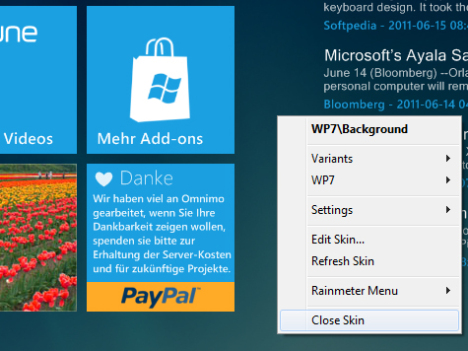
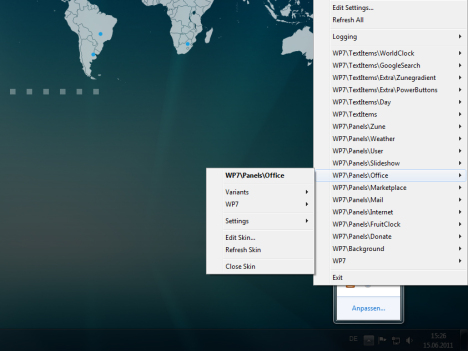
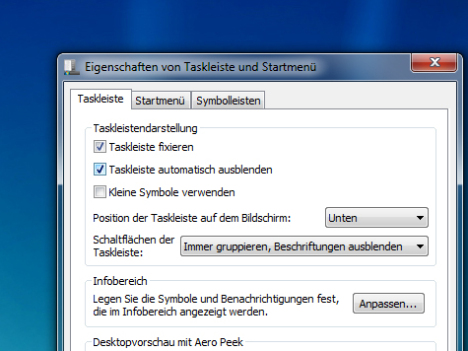
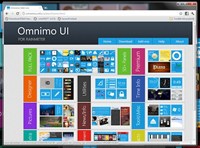
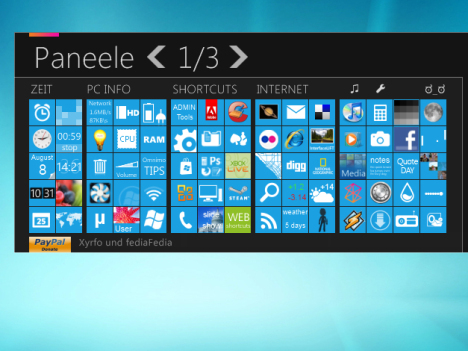
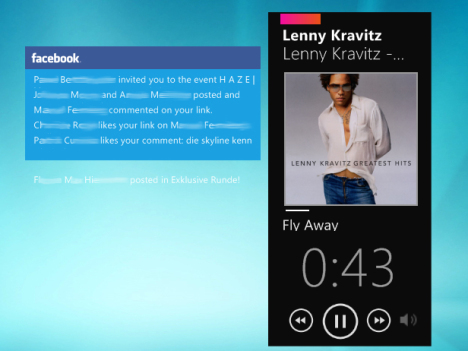
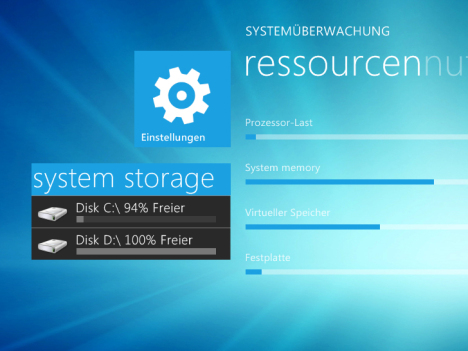
ScreenShots by chip.de:
[ttjad keyword=”microsoft”]

