
A good news for iPad users.Now iPad users can install and run iMovie.It is known that the current version of iMovie available in the App Store can’t run on the iPad.iMovie is specially designed for iPhone. You can not install iMovie on your iPad. But now a new way have been found using which you can install and run iMovie on your iPad. This way is founded by the folks over at iPad device.
Follow the instruction that has given below.
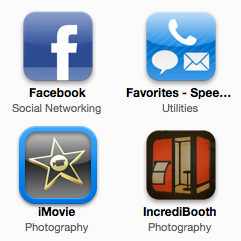
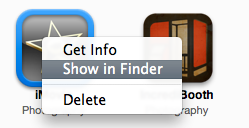
Step 1: First you have to download iMovie app from App store. Now from iTunes, right-click on the app and “Show in Finder”. Then drag the app on your desktop from the Finder window.
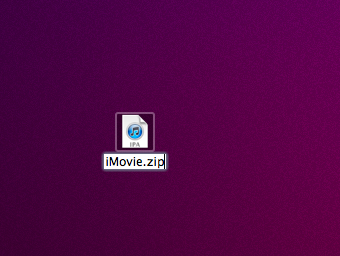
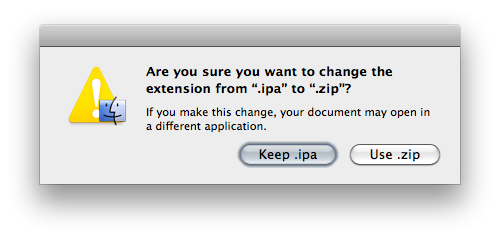
Step 2: Now double click on the .zip file then navigate to iMovie/Payload. Now drag the iMovie.app file from the folder to your desktop. We are going to install this iMovie.app on the iPad.


Step 3: You’ll have to install OpenSSH from Cydia in order to copy the file on your device. Now open Cyberduck and connect your iPad. You can do this by manually opening a connection then enter iPad’s IP address then use “root” as username and use “alpine” as password.
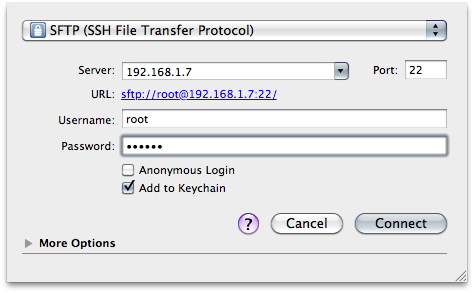
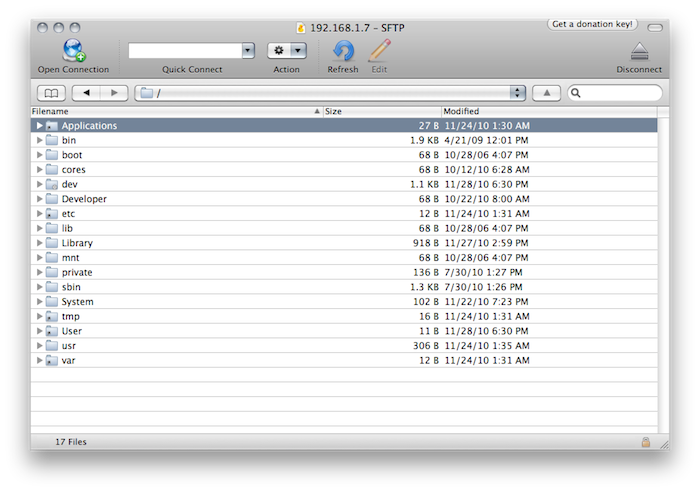
Step 4: Now navigate to the root “/” then open the “Applications” folder. Then drag the iMovie.app file in there and wait until upload is finished.
Step 5: After the file is on your iPad, then right-click on it and choose “Info”. Now change the file’s permissions to 777 to install it on your iPad. You should click on “Apply changes recursively” so that every file available inside the iMovie folder will have permissions set to 777.
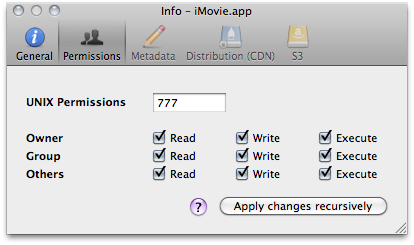
Step 6: Now you have to respring. Now you’ll be able to see iMovie on your iPad homescreen. Now this app will run just like iPhone app in compatibility mode “out of the box”. Using FullForce from Cydia you can upscale this app to a native resolution so that it give a much more iPad-like feeling.
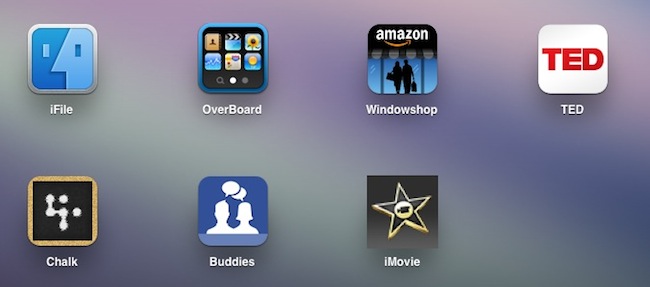
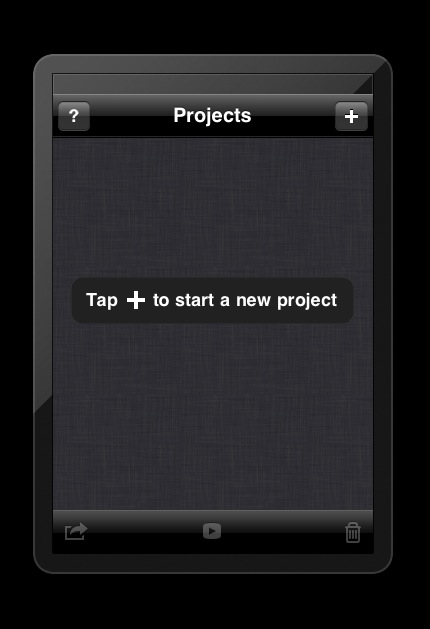
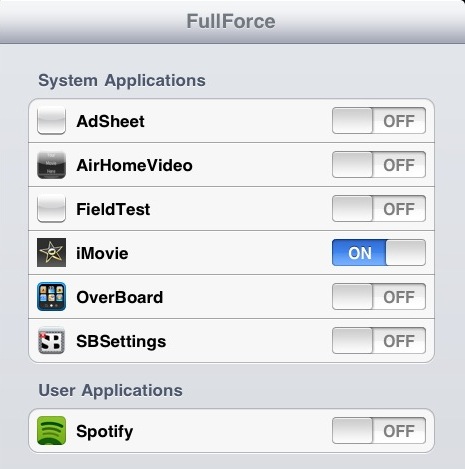
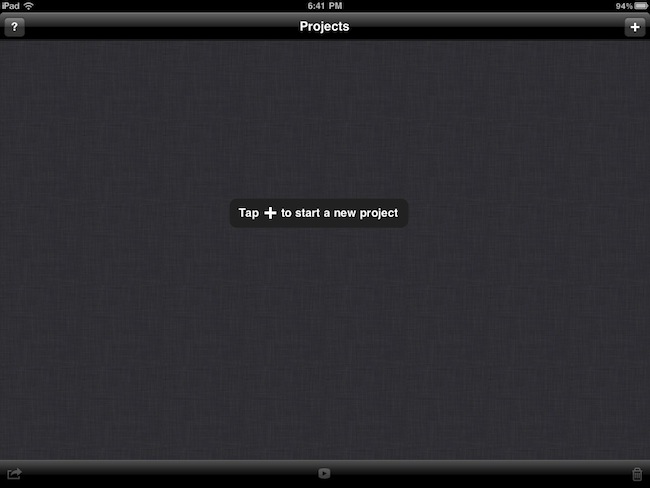
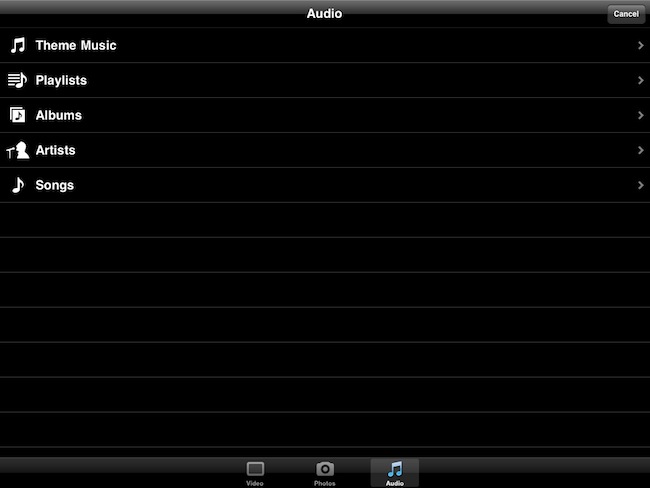
Step 7: Now install FullForce, then open the Settings app, choose iMovie and again try to open it. Now you will be able to see that this app is running in native “iPad-mode” with a proper resolution.
That’s all.
Now you can import and edit videos on your iPad taking advantage of the larger screen and interface. In this way you can install and run iMovie on your iPad. You will need to have a jailbroken iPad running iOS 4.2 in order to run iMovie on your iPad.It’s available at $4.99 in the App Store.
Click On Adds To Buy iPad
doesn’t work !
Can complete, it won’t let me install to my iPad, keeps throwing an error message up.
But I found this detailed post help me out, installed ok and works well:
http://www.everythingicafe.com/forum/ipad/how-to-install-imovie-on-the-ipad-v1-89069.html
Ignore posters who say this doesn’t work. If you follow the instructions it works perfectly. I did and it worked for me. Thank you!!
Finally I got a fix for the kAMDRecieveMessageError error
Check it out http://wp.me/pbTzE-hj
hi
I made movie using imovie, about 3 gb
I export it to camera roll – works great
burt When i export it to my pc (using simple transfer)
zipped file won’t open
it worked before
what is wrong?is it the size?
please help, I need this vid sooo badly
marta