
Google+ is the alleged Facebook killer and said to be the biggest and most promising new social network of all. Picasa client can now upload pictures from your device to Google+ unofficially and the process of uploading picture onto Google+ is easier than you might think and requires no workarounds…………
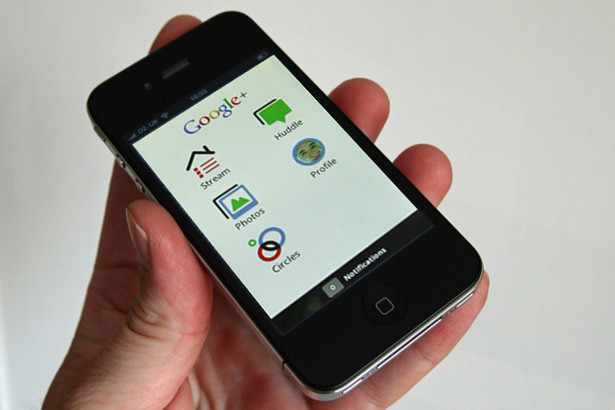
You can now upload photos to Google+ with an iPhone by using any app that can send pics to Google‘s image organizer, like Picasa. For this how-to sent to mashable, by Paul Molluzzo of Alpha Dad, let’s use an ad-supported app called Piconhand, available free on the App Store. This is a quick and easy way to send photos to Google+ and will suffice until Apple finally approves a Google+ app for iOS. Once you have the app downloaded and installed, follow Paul’s quick tutorial with some of Charlie White‘s own tips inserted:
Step 1:

Step 2:

Step 3:

Step 4:

Step 5:

[ttjad keyword=”iphone”]
![Read more about the article [Tutorial] How To Re-Install USB Drivers In Windows 8](https://thetechjournal.com/wp-content/uploads/2013/01/control-panel-search-windows-8-askdjasd6as5d65te6r4e65.webp)
![Read more about the article [Tutorial] How To Change Windows 8 Lock Screen Background Image And Apps](https://thetechjournal.com/wp-content/uploads/2012/08/personalize-pc-settings-as5d46gs564dsf.webp)