website statistics

Samsung TangoView

When do you use Facebook?

View Results

Loading ... Loading ...
1 Star2 Stars3 Stars4 Stars5 Stars (Rate This)
Loading ... Loading ...

Samsung TangoView vacuum surveillance camera will bring you to your knees and eatures an integrated video camera that lets PC, smartphone and tablet owners treat the vacuum as a remote controlled surveillance camera when not sweeping the floors………
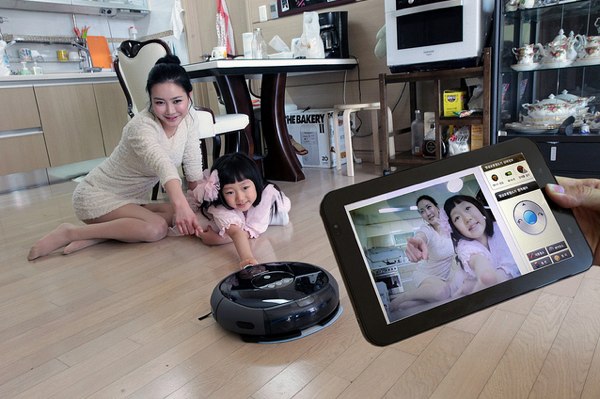
 

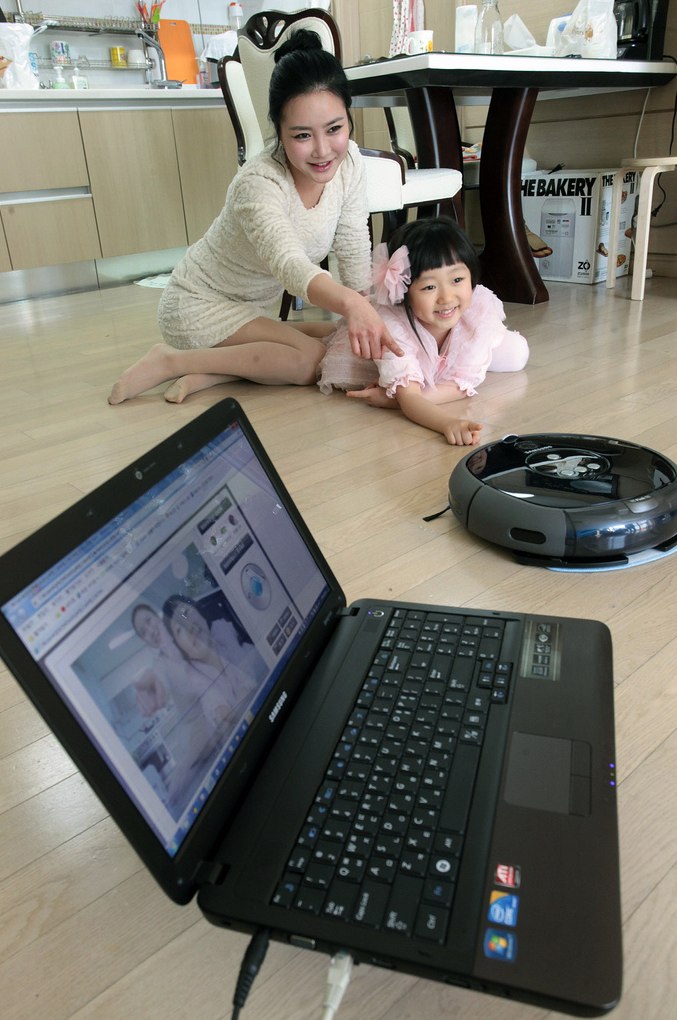
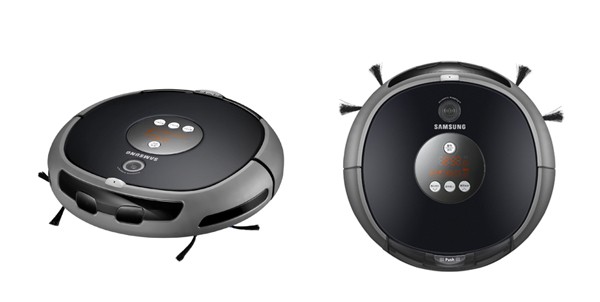
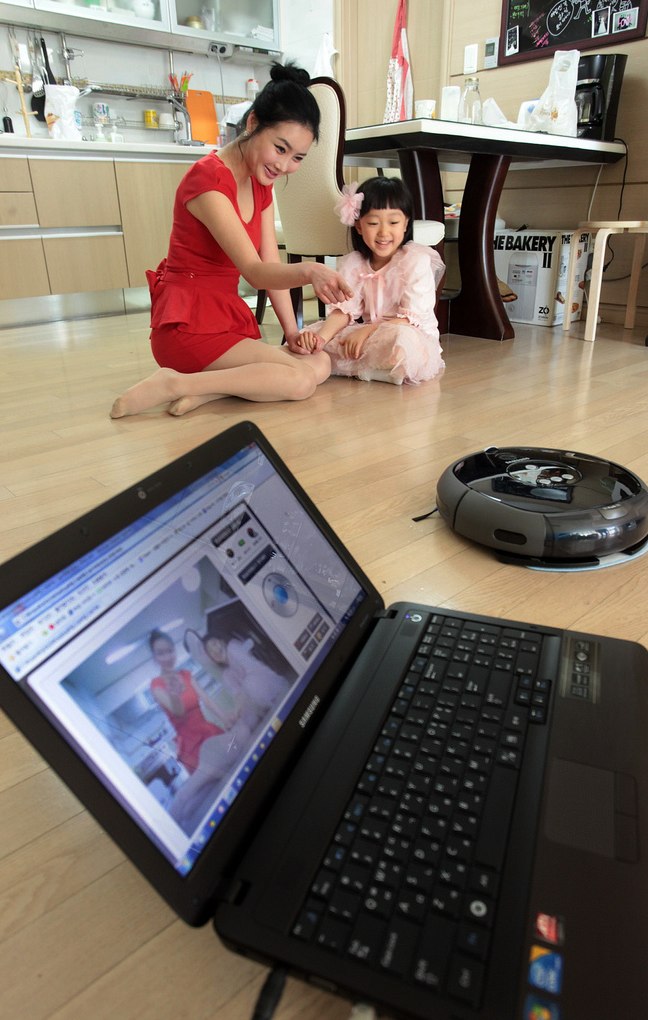
Samsung has another home appliance milestone with their TangoView robotic vacuum cleaner, which is Wi-Fi connected and is able to monitor your home remotely. Similar to LG’s Hom-Bot somewhat, this vacuum cleaner will come with an integrated video camera which allows you to treat it as a remote controlled surveillance camera through a smartphone, computer or even compatible tablet whenever it isn’t going around munching up dust from your floors. Operating at a relatively quiet 48dB while featuring a microphone and external lighting, it will retail for around $711 after conversion.The Samsung vacuum, catchily titled VC-RL87W, features an integrated video camera that lets PC and smartphone users keep an eye on their pets and other domestic dwellers from the comfort of their workplace, while surprisingly enough, the video doesn’t work while the vacuum is actually cleaning.Those of you that always dreamt of watching ground-level vacuum cleaning up-close and personal will doubtlessly be shattered at such news, though perhaps you should re-evaluate your life.So forget about your centrifugal Dyson vacuum, Samsung have now developed the ultimate robotic cleaning tool – it cleans when you want it to and acts as a remote-controlled surveillance camera when isn’t putting paid to dust deposits.Samsung robotic vacuum is a chilling, entirely superfluous look at the future of robotic home cleaning. Though having said that, we do quite like the idea of monitoring our dog from 9-5.


Images :


Sources :ubergizmo.com,joe.ie

To Buy Click On Ads:


Olympus SP-800UZ 14MP Digital Camera

Samsung Sens QX412 Laptop Hits South Korean Market
You can also press the left/right arrow key on your keyboard to go to previous/next post
  On March 17, 2011(2 years, 2 months ago.)

Recent Products

Buy Now | Compare  
Buy Now | Compare  
Compare  

Recent Search

Recent Tutorials

This tutorial will show how to use S.M.A.R.T. (Self Monitoring Analysis and Reporting Technology) to continuously collect information on health of your equipment.
In this tutorial I'll show you how you can easily protect yourself from any kind of security breaks that may occur through Java.
Today Apple enabled "Two Step Verification" for iCloud And Apple ID. But the process is not that simple. But no worry, here we have made a step by step tutorial.
Cant remember your iPhone passcode? Here I will show you some workaround on what to do and how to recover and restore for every possible scenario.
This tutorial will show you how to perform the Winapp2.ini installation inside CCleaner and how to use it under Windows operating system.
With app called AD Sound Recorder, you can record any stream that passes through your sound card or speakers and in this tutorial I will show you how to do that.
If you want to have Boxee app inside your Apple TV, in this tutorial we will show you how to install XBMC and Boxee using Windows on your Apple TV.
This tutorial will show you how to transfer PS3 Saved Game Files from your PC to your PS3 game console.
Adding videos from external sources such as internet, more specifically from YouTube, is a great solution to enhance a presentation; in this tutorial I will show you the procedure.
If you are one of new comers to Windows Phone 8, like me, in this tutorial I will walk you through the process to update your Windows Phone 8 device.
Close You Have To Login
User:
Pass:
Login With »Login With TwitterLogin With Facebook