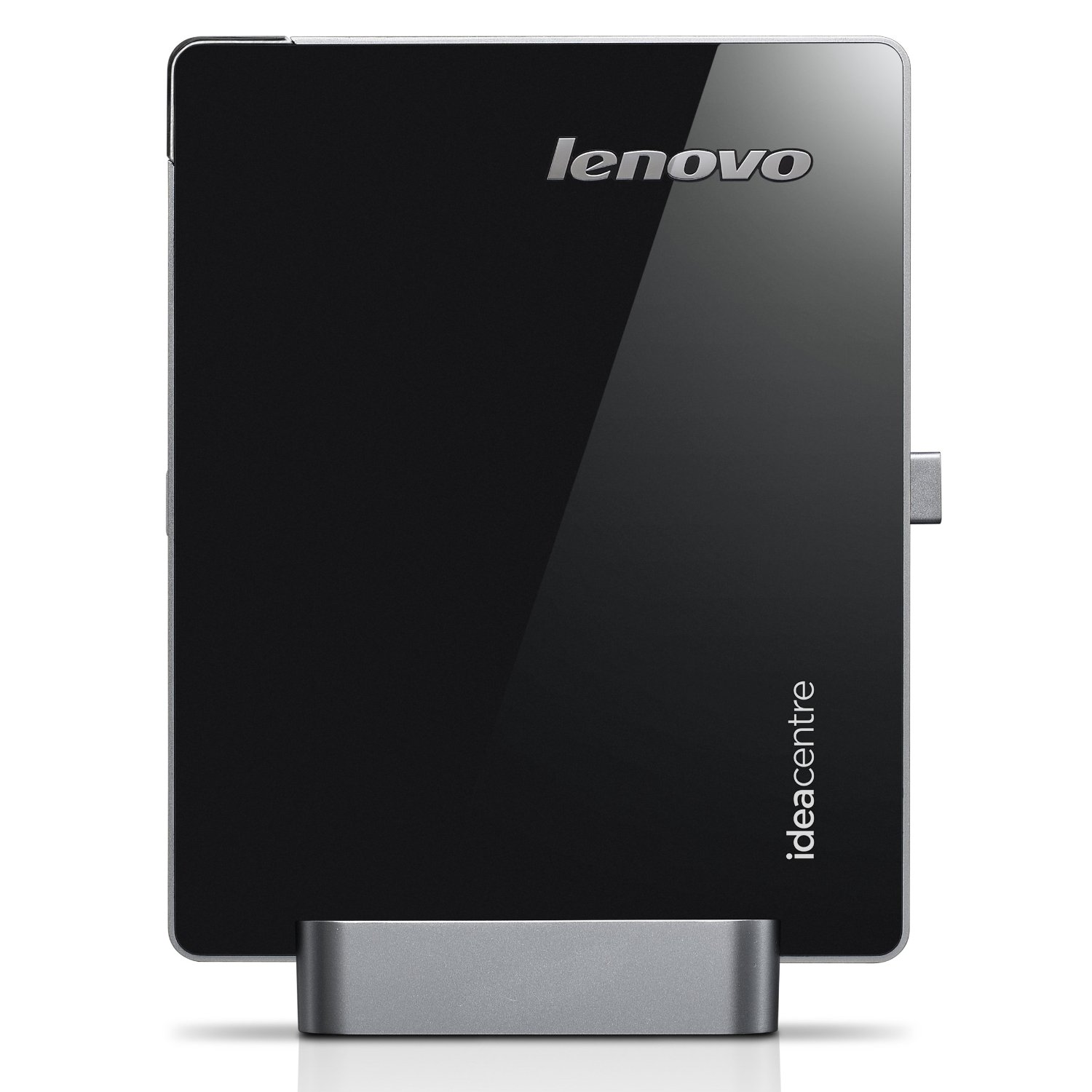
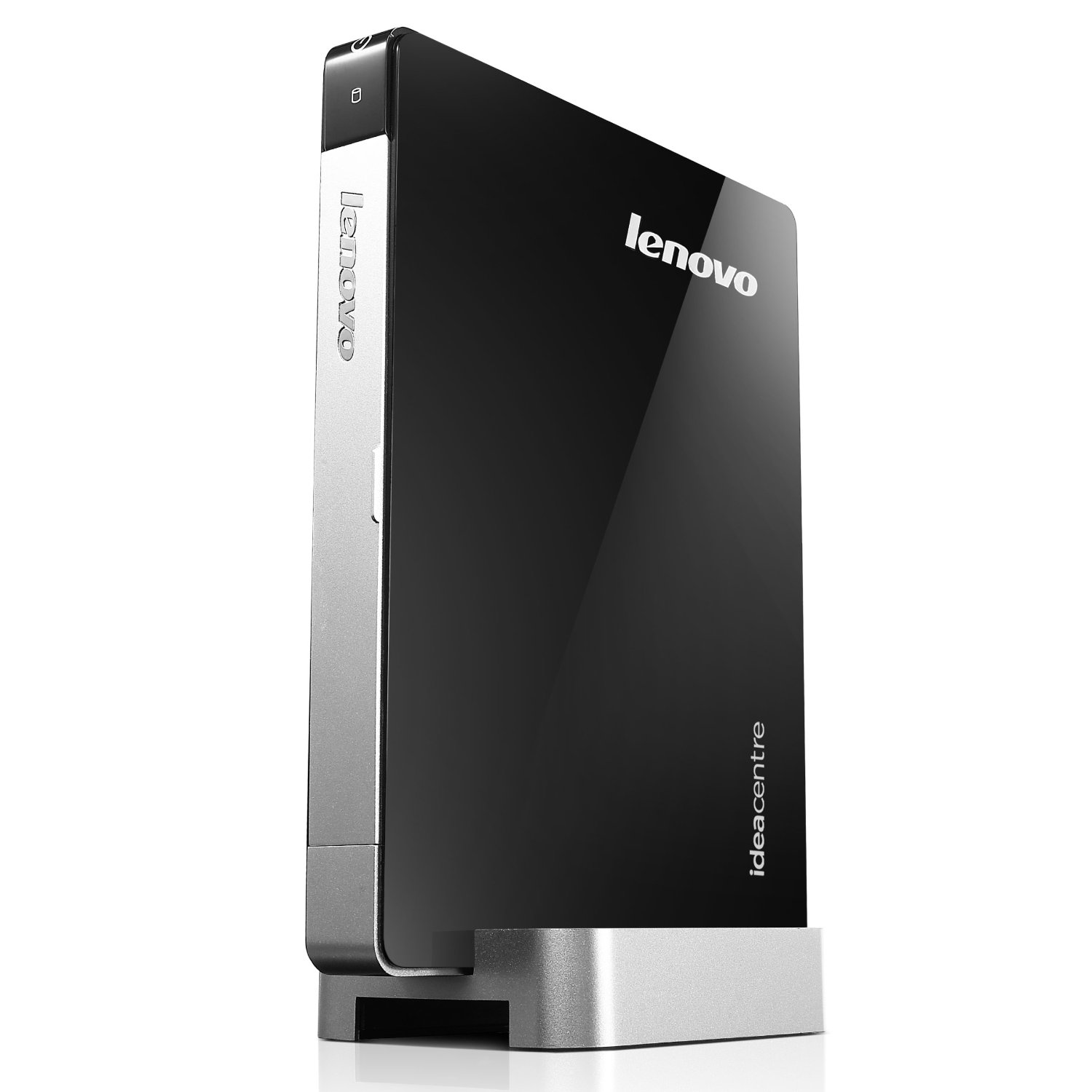
Lenovo’s new IdeaCentre Q180 31102KU Desktop PC. This PC is powered by the energy-efficient Intel Atom Dual-Core Processor. With full HD graphics and 7.1 surround sound, it doubles up as a mobile home theater system. The multimedia features that can turn your TV into an entertainment hub for multimedia, games, videos and web browsing. It also comes with a compact wireless multimedia remote with a built-in mini-keyboard and mouse, while its range of high-speed connectors like USB 3.0 and 8-in-1 card reader supporting SDXC format, make data transfer super fast. This is an Amazon’s product review. Checkout more details bellow.
|
Product Features
- Intel Atom D2700 Dual-Core Processor
- Windows 7 Home Premium 64-bit
- AMD Radeon HD 6450A 512MB graphics with DirectX 11
- 2GB DDR3 memory, 320GB HDD storage
- Integrated high-speed 802.11 b/g/n Wi-Fi
- USB 2.0, USB 3.0 connectors and 8-in-1 card reader supporting SDXC format
Processor, Memory, and Motherboard
- Hardware Platform: PC
- Processor: 2.3 GHz
- System Bus Speed: 1066 GHz
- RAM: 2
Hard Drive
- Size: 320 GB
- Manufacturer: SATA
- Speed: 5400 rpm
Graphics and Display
- Graphics RAM: 0 MB
Sound
- Speakers: No
Ports and Connectivity
- USB Ports: 6
- USB 2.0 Ports: 4
- VGA Video Out Ports: 1
Cases and Expandability
- Size (LWH): 7.56 inches, 6.1 inches, 0.87 inches
- Weight: 5 pounds
Warranty and Support
- Warranty, Parts: 1 Year Limited
- Warranty, Labor: 1 Year Limited
INSPIRE CREATIVITY
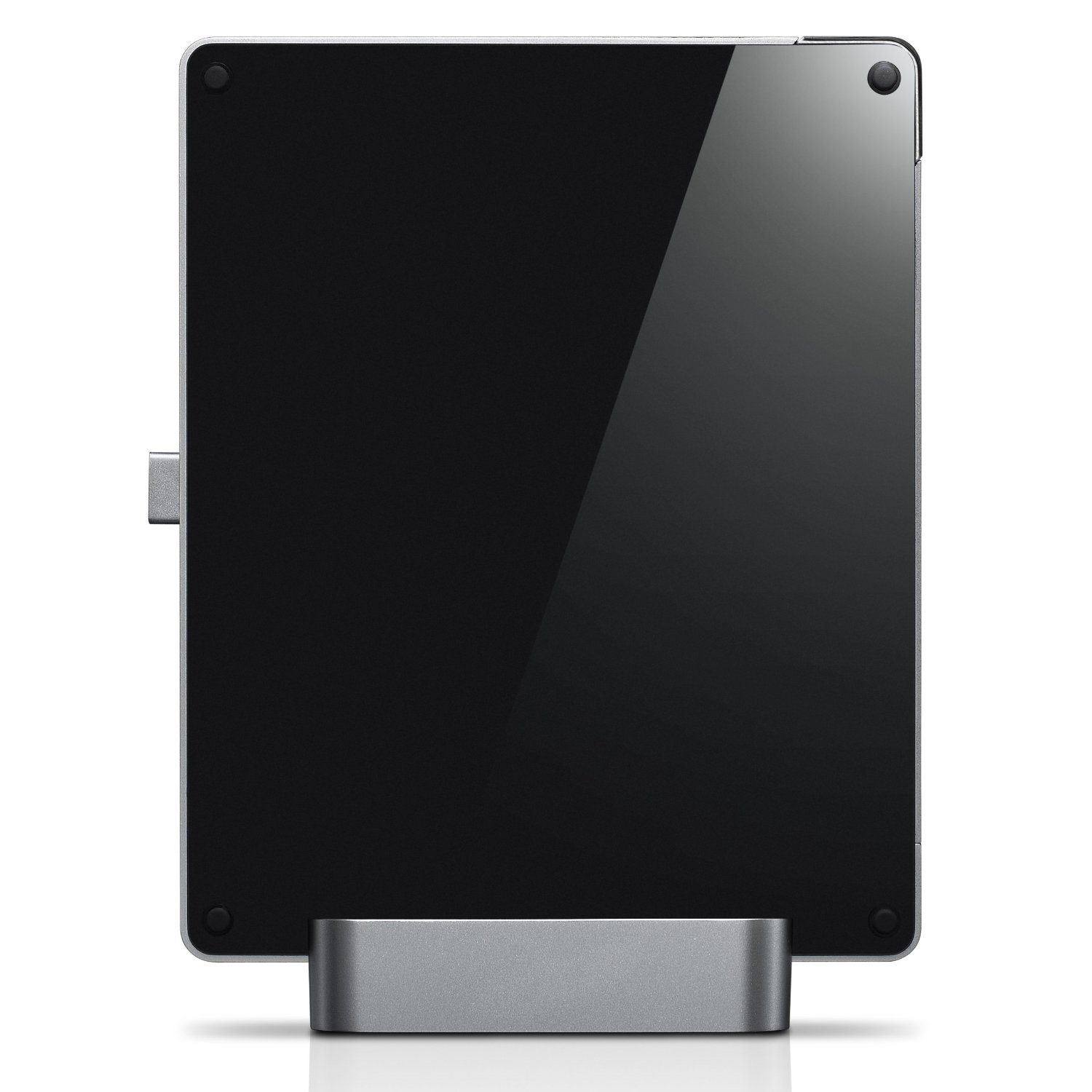
- Compact and space-saving design; world’s smallest desktop PC – just 22mm wide
- VESA Mount allows flexible fitting anywhere in the hom
- Compact wireless multimedia remote with a built-in mini-keyboard and mouse
SIMPLIFY
- Lenovo Rescue System makes data backup andrecovery simple so you can spend time on being more productive
- HDMI for connecting to other high-definition devices
CAPTIVATE AND ENTERTAIN
- 7.1 channel surround sound support
- HDMI for connecting to other high-definition devices
- S/PDIF support for lossless digital audio output
- Full HD graphics support
Space-Saving Design – Ideal for TV pairing
The space-saving nettop PC (just 22mm wide) is ideal for connecting to a television.
It’s perfect for users to pair with their living room TV to watch movies.
Full HD (1080p) Support and HDMI Output
The Q180 nettop allows the user to connect to a TV, monitor, or projector. VGA is supported as well, along with HDMI.
S/PDIF Digital Audio Output
The Q180 nettop supports 7.1 channel digital audio with HD surround sound, and S/PDIF allows the user to link up with their TV for a fantastic living room PC experience.
VESA Mounting Bracket
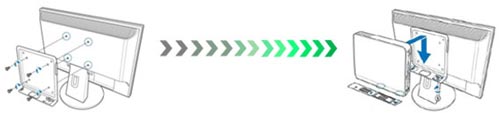
Users can attach their nettop to the back of a monitor with the nettop’s included mounting bracket to create their own all-in-one entertainment PC.
Lenovo Rescue System
This technology is a quick and easy way to backup and recover your data without loosing all your settings. If required, you can also restore your Windows OS and entire hard disk drive to its factory default settings all at the touch of a button.
An ultra-slim nettop that’s perfect for the living room. The lean, elegantly designed IdeaCentre Q180 is a simple, fun, and affordable way to bring home entertainment and computing to your living room television. The IdeaCentre Q180 gives you the graphics power of a desktop PC in the size of—and for the price of—a nettop.
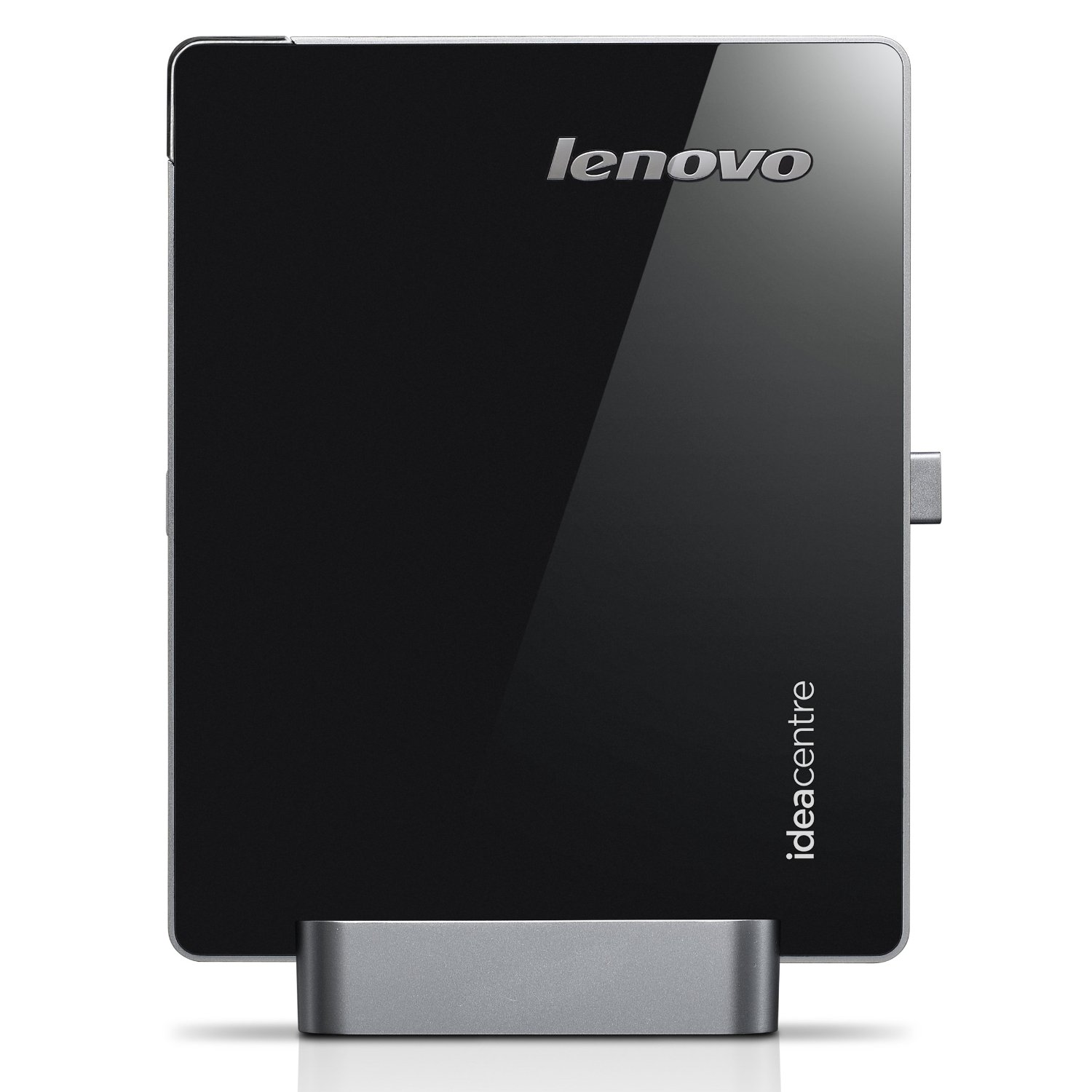
That’s all about the Lenovo IdeaCentre Q180 31102KU Desktop PC. This Desktop PC is available in Amazon.com. You can directly order or buy from here.
Source
[ttjad keyword=”mini-pc”]