
Windows 8 has been long anticipated by all Windows users. While it comes with a major over-haul of the User Interface, it seems like it will also have some really awesome usability features. One of these features is Storage Space. Storage Space allows you to make one single virtual drive by pooling the resources of multiple devices. This is the first time such a feature is available with Windows, or in any widely used OS for that matter, and it is definitely a most useful one.
This is how it works. Suppose you have connected two, or three hard drives to your PC. Now each of these hard drives has 10 GB of space. You can pool this 10 GB of all three hard drives in one single virtual drive, for example the D drive. Now you get to have 30 GB of space in D drive. Moreover, if you still run short of space, you can plug another hard drive into your PC and shift some of it’s space to D drive, dynamically, without losing any data! In this way, Storage Spaces makes your computer drives flexible storage places which you can increase or decrease in size by pooling resources from many different devices.
This techniques makes use of ‘pools’ which is basically the collection of storage capacities of different devices into one. These pools are then divided into ‘spaces’ when you take a chunk out of the pool to make a drive. It works quite like RAID arrays except that the technique of Storage Space is much more flexible and more user-friendly and useful. There are a number of hardware and software solution which currently lets you create and alter the size of your drive dynamically: some examples are LVM, ZFS and Drobo.
However, despite the availability of similar options in the market, Windows 8 is offering it in the most user-friendly possible way. Moreover, with a record of an excellent UI, we can safely assume that using this feature will be very easy for a common user. And with the addition of this powerful feature, Windows 8 is certainly going to strike a chord with millions of users.
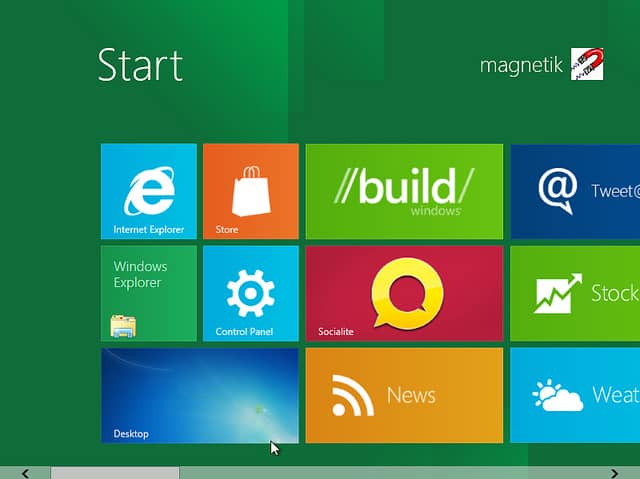
Image courtesy magn3tk.
[ttjad keyword=”microsoft”]


