
Now Apple’s iPad is so much popular now as a great companion tablet PC or even being used as home centralized control system or merely as an expensive Digital Photo frame. With its comparatively large screen size, have you ever think how you can use it as an extended secondary display device? Now with the help of this apps named as iDisplay, users can easily transform the famous iPad into external display via wireless connection.
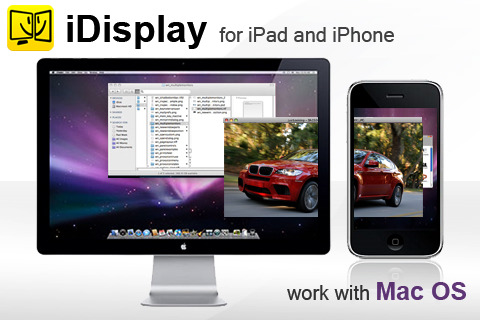
For the start, there are two apps that need to be installed on both your laptop and iPad. And since Apple iPhone doesn’t come with standard Ethernet port, users will have to establish the link between both through WiFi, so that the desktop screen can be shared just like having additional secondary screen in extended mode. Once installed and launched the program at both ends (with WiFi connection turned ON), a message with available lists of computers will be prompted. Tap on the respective PC name will connect both with extended display ready to be used. Since iPad is capacitive touch based and so there is a bit tricky to use it as your mouse cursor on the secondary display (iPad screen) will not be displayed correctly. Some simple tips here: Just tap on your iPad screen with two fingers will show keyboard and application menu. Besides, users can drag with two fingers to pan, pinch to zoom, or tap and hold to simulate right click and etc.
Tested on a jailbroken iPad 16GB WiFi version and it works great without significant lagging when sharing the screen. But for first time users, you will have to spend few minutes familiarizing with virtual screen position as well as its control function but once you get used to it, it is no doubt an effective tool as extended view for both your Windows and Mac PCs. Specifically designed to run on iPhone, iPod touch, and iPad, iDisplay (costs $4.99 at iTune) is compatible with Mac OS X and Windows XP 32-bit (Windows Vista and 7 is on the way) and users can get free installer download at ShapeServices for more effective work.

Hi there,
I ve installed it and it is working fine (Windows 7 Entrprise) but when I drag a running movie (VLC. Youtube, webcam…) the picture freeze on the iPad side. What is weird is that when I have the video window in between the two monitors (desktop monitoir & iPad screen) the movie continues to play normally.
Does anyone face this problem? Any solution please?
Regards,
M