
Utilizing latest iTunes 9.2 and Apple iOS 4.0 .ipsw firmware file, users can manually update iPhone & iPod Touch to iOS 4.0 latest firmware by themself on either Windows or Mac OSX. Generally Apple iOS 4.0 final build has been released and users can update directly via iTunes 9.2. Instead of using over the air update, you can manually upgrade your iPhone OS firmaware to iOS 4.0 latest build following this guide.

If You Face Any Trouble in Unlocking or JailBreaking Any iPhone, You Could Get Lifetime support and Exclusive Unlocking Tools for Just One time pay – Click Here
7 Steps Manual iOS 4.0 Upgrade for iPhone and iPod Touch on Windows and Mac OS
1. Download iTunes 9.2 setup file and install it
2. Download Apple iOS 4.0 firmware .ipsw file according on your iDevice (iPhone 3Gs, 3G, or iPod Touch)
3. Connect your iPhone or iPod Touch to PC / Mac
4. Run iTunes 9.2 and click on your iPhone/iPod Touch from devices list
5. Hold [Shift] key and click on [Update] button.
6. Then browse & select the iOS 4.0 firmware and click on Open.
7. Wait while iTunes updates iOS 4 on your iDevice.
Finally your iPhone or iPod Touch is now running iOS 4.0, the famous Apple mobile OS without having to jailbreak. However you may consider to jailbreak and unlock your iOS 4 iPhone 3Gs/3G to be able riding on any mobile carriers / mobile operators.
You could always get support from UnlockAlliPhone.com about any Unlock & JailBreak issue of any model of iPhone including iPhone 2G,3G & 3GS and also upcoming iPhone 4. They provide Premium Members Support for life time. Means just pay one time a small fee and you will receive support(real human support – avg response time 2 hour) for all present & future version of iPhone.

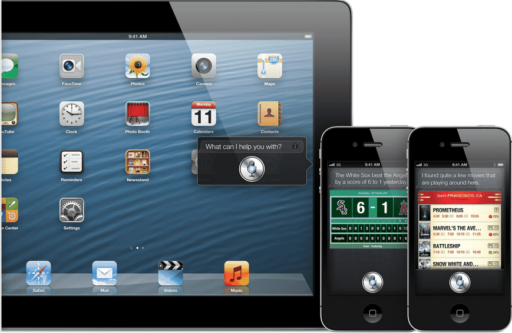
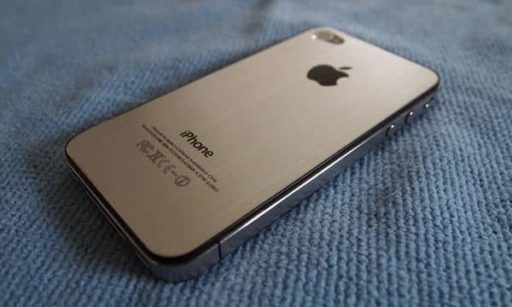
Hi my name is John from Electronic Hotspot, and today i wish to ask you to please check out my youtube channel for updates on the iphone 4 such as, iphone 4 jailbreak, iphone 4 case reviews, and iphone 4 app reviews! thank you for your time.
Pingback: TechFeeds.info
Pingback: Steps to Install Game Center App on iOS 4 Final Version | TheTechJournal.com
That didn't work. It said it couldn't update because on error 3002 or something.
my itunes says the firmware is incompatible
what do i do? i know its itouch 2g and i have itouch 2g
Hey boddy,
Seriously its not working manually…its not even restoring the ipod too..
please help me…its itouch 2g what i have…
does this method delete all music and apps?
Hello there i am new to this ipod business,
i recently purchased an ipod touch 4g.it has
an ios firmware of 4.1 and i want to update it
to ios firmware 4.2.1,i’ve seen some post on ur
site but it does’t seems to work for me.i’ve tried
to update my ipod’s firmware using itunes 10.2.1 and
i’ve downloaded iPod4,1_4.2.1_8C148_Restore file.
but every time i update it using itunes it gives me
an error 3149 or 3147.point is i can’t update it
manually using itunes can you please help me.
ok you need to download the latest itunes from apple and make sure you have no problems with the installation after thats done you should be able to update like that 🙂
What aren’t there any respones to any of the questions below?? Where are the answers
hi ive updated my iphone 4gs to 6.1 but it was jailbroke now its a black n white screen n needs puting back to 4,0.. can u help me find the software i need plz
sorry its a 3gs