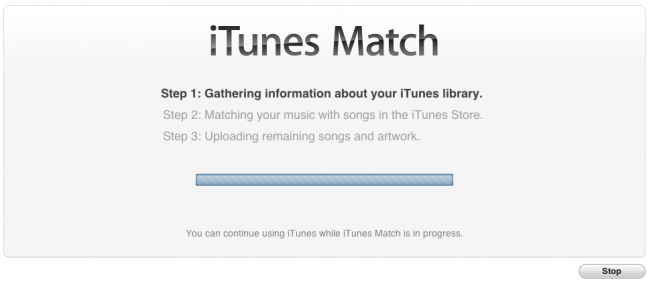
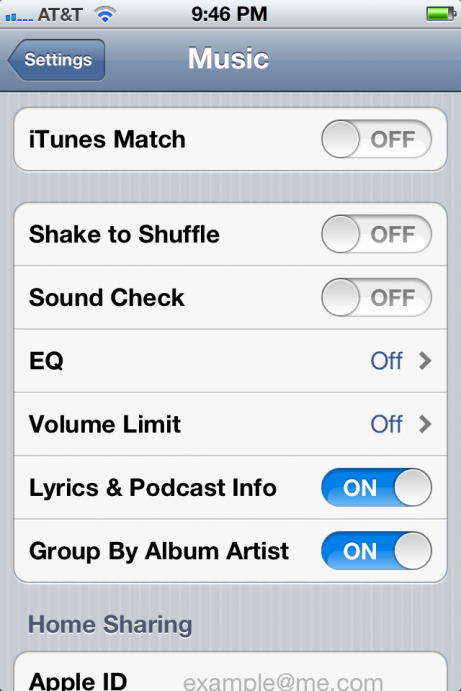
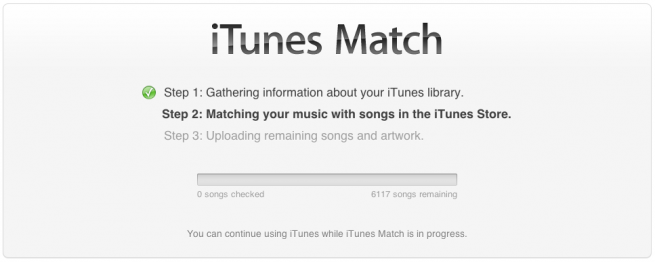
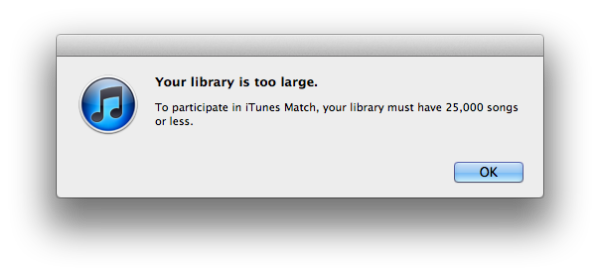
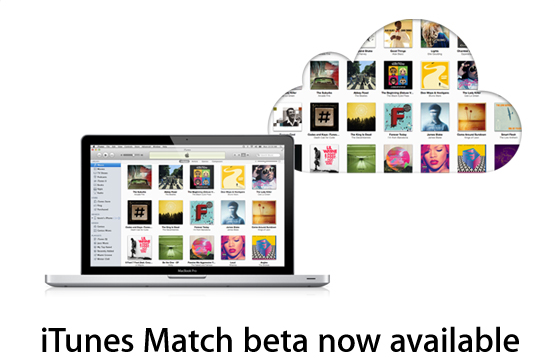
Apple has released a new version of iTunes for developer testing of the functionality of iCloud’s new iTunes Match feature for storing songs in the cloud for flexible access from mobile devices and iTunes 10.5 beta 6.1 with iTunes Match which’ll let you sign up for a yearly $24.99 fee. iTunes Match first scans your library and compiles a list of songs from what it finds, doesn’t matter if it’s a song you’ve bought through iTunes, one you’ve ripped from a CD, torrented or even made yourself. Songs that iTunes recognizes are streamed from Apple’s master recording at 256kbps and you will then be able to access the entire library from any Mac or iOS device with an Internet connection………………..
Apple has just seeded iTunes 10.5 Beta 6.1 to developers and the key feature to look out for in this particular update is the implementation of iTunes Match, allowing users to upload tracks to Apple’s still-in-beta iCloud service. This service promises to enhance the way you collate and listen to music, will eventually allow you to store your entire music collection in iCloud for a mere $25 a year, which sounds relatively reasonable. It will only upload music from your collection which isn’t already contained in iCloud, saving a lot of time and bandwidth. If you have the Beatles discography, iCloud can match most of it on Apple’s very own servers, if not all of that collection, and will subsequently allow you to access a 256kbps AAC version from within iCloud rather than uploading it, even if your copy is of lower quality. There are a few known bugs with this first beta of iTunes Match; you cannot add music to iCloud from more than one computer at a time and there are also playback snags with iOS. Apple has suggested that devs backup iTunes libraries before installing, as any iCloud uploads at this beta stage could be subject to deletion. To get your hands on iTunes 10.5 beta 6.1, you will need to register as an Apple developer, which costs $99 per annum.
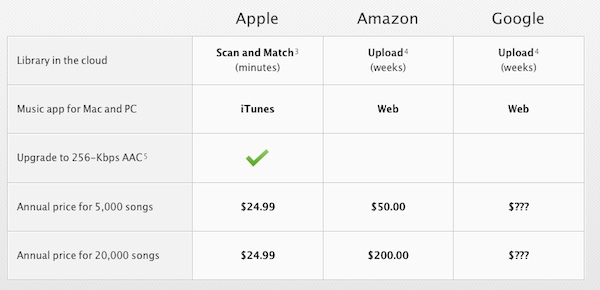
Folks at InsanelyMac have created a video walkthrough of Apple‘s new iTunes Match service, which reveals that you will not only be able to download but you can also stream music from your iTunes music library in iCloud on your iPhone, iPad, iPod touch, Mac and PC. Until now, iTunes in iCloud was perceived as a download only service. So with the iTunes Match service, the process of uploading your GBs of iTunes music library to iCloud is a lot quicker, which can take days, if not weeks in case of competing services like Amazon’s Cloud Player and Google Music (depending on your internet connection). Apple is expected to launch the iTunes Match service to users along with the iOS 5 launch later this fall. As of now, Apple has only announced the service in the US. It is not clear when it will be available to international users. Here’s how iTunes Match works:
iTunes determines which songs in your collection are available in the iTunes Store. Any music with a match is automatically added to your iCloud library for you to listen to anytime, on any device. Since there are more than 18 million songs in the iTunes Store, most of your music is probably already in iCloud. All you have to upload is what iTunes can’t match. Which is much faster than starting from scratch. And all the music iTunes matches plays back at 256-Kbps iTunes Plus quality — even if your original copy was of lower quality.
iTunes Match in Action via iDownloadBlog.com from Jeff on Vimeo.
[ttjad keyword=”mac”]