
Google always surprise us with some of their hidden features for which many of us probably don’t know. One of these features is the ability to perform a search from an image. If, for example, we have a picture of a painting or a famous building, but do not know who is the author, or if we have the logo of a company whose name we do not remember, we can use this feature to find the right answer .
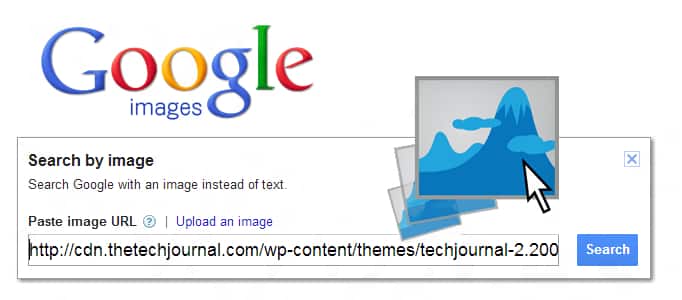
To get started follow steps below:
Step 1: In your web browser address bar type http://www.google.com/imghp.
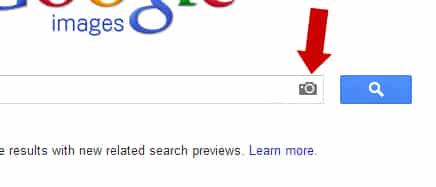
Step 2: Inside search field you should see a little camera icon, click on it.
Step 3: A puncture window will open where we can enter the URL of an image or upload one from your computer.

Step 4: In one case or the other, Google will search for that image on the Internet, throwing a more or less satisfactory results in terms of relevance with this picture.
[ttjad]

![Read more about the article [Tutorial] How To Install Dropbox On Your Kindle Fire](https://thetechjournal.com/wp-content/uploads/2012/03/switch-on-kindle.webp)

![Read more about the article [Tutorial] How To Download Directly From Google Chrome To Dropbox](https://thetechjournal.com/wp-content/uploads/2013/01/add-to-chrome-a5s4d54ewr65.webp)