
Samsung Galaxy Tab 10.1 limited edition devices that were handed to attendees has started to receive the Android 3.1 Honeycomb operating system and rooted Galaxy Tab 10.1 tablets reported remain rooted even after the installation of Android 3.1 Honeycomb…………
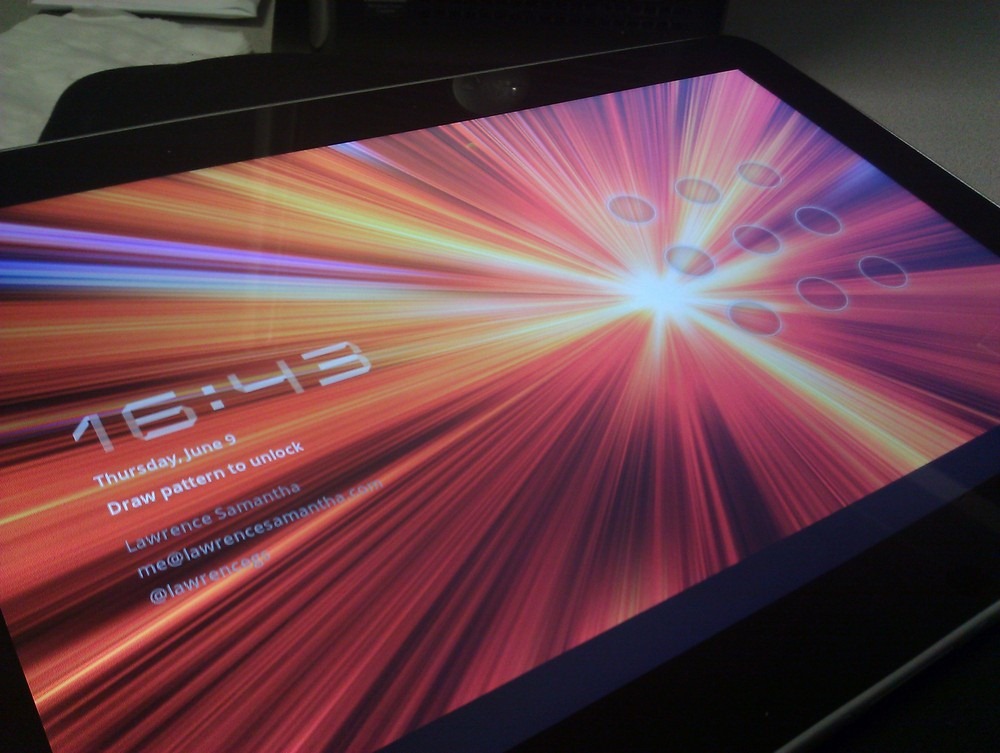
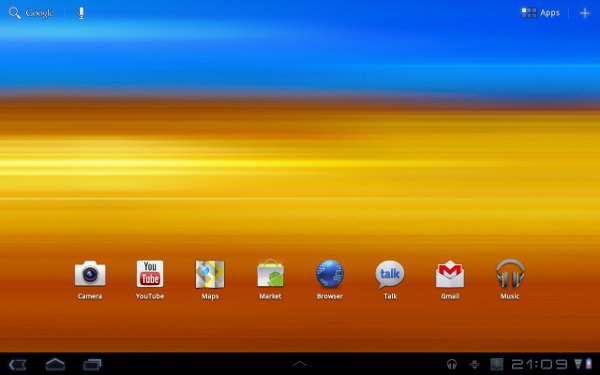
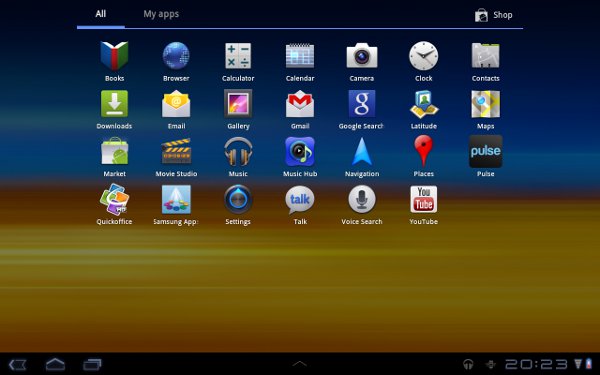
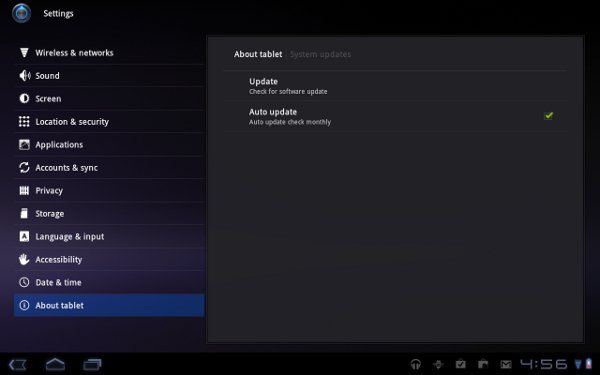
If you were a Google IO attendee and you got to bring home the limited edition Samsung Galaxy Tab 10.1, you probably felt just a little bit jilted that you didn’t get the latest Android 3.1 Honeycomb and the update is rolling out to you right now! If you don’t see the update available right away, you can update manually via About -> Tablet screen in the settings and first create a Samsung account to do this, but once done the update will download and should take about 15 minutes to install and reboot. Android 3.1 brings with it the sizeable widgets, support for Google Movies through the Market, USB host support and the improved multitasking screen. But Samsung has a couple of nice surprises with the new update, as well. Samsung is actually REMOVING bloatware with an update. Device manufacturers could sure take a page from this book. Once your update is complete you will see the following removed:
- Samsung Apps
- Music Hub
- Kindle
- Weatherbug
Samsung is also putting out a warning to disable any device locks prior to the update, specifically for the IO tablet. It’s been reported via _mrbirdman_ that you will not lose root with this update either. You will need some requirements and they are below :
- Wi-Fi Connection- The tablet needs access to a wireless access point to communicate with the Samsung server to download the package. For information on how to setup a Wi-Fi connection, click here.
- Google Account- The tablet needs to be signed into your Google account. For information on how to setup a Google account, click here.
- Samsung Account- The tablet needs to be signed into your Samsung account. For information on how to setup a Samsung account, click here.
- Sufficient Charged Battery- The tablet will need a sufficient charge to perform the update.
- Disconnect Charger/Cable- The tablet will need to have the charger/cable removed from the port.
- For Google IO Devices Only– Disable any device locks prior to the KF3 update.
Steps To Upgrade Android 3.1 Honeycomb For Samsung Galaxy Tab 10.1 Limited Edition:
- From the Home screen, touch Apps
 , located in the right hand corner of the display.
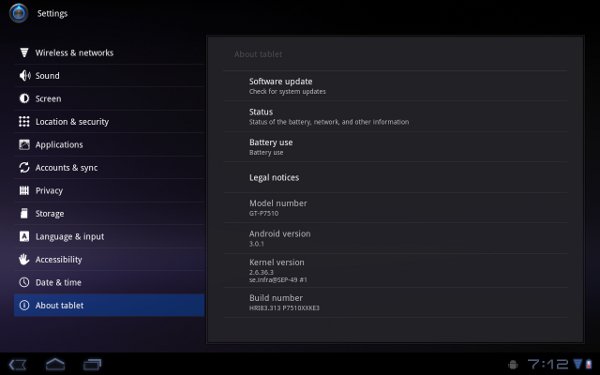
 - Touch Settings.
- Touch About Phone and then touch Software update.
- Touch Update.
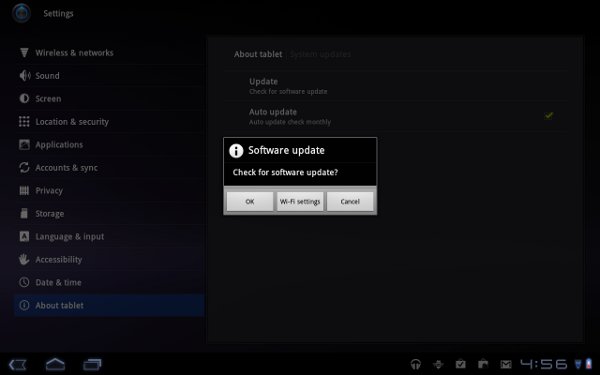
- Touch Ok to query the server for the latest software.
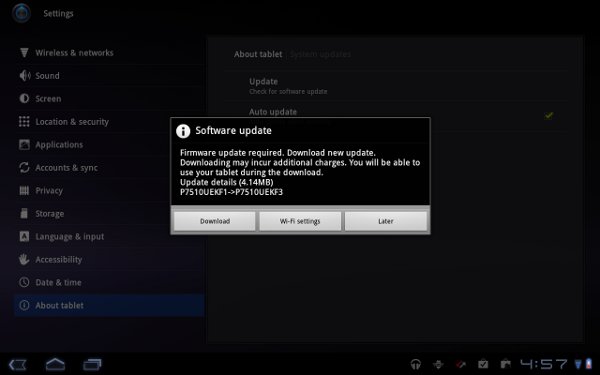
- The tablet will contact the server and if an update is found, a message dialog box similar to the one below should be shown. Touch Download.
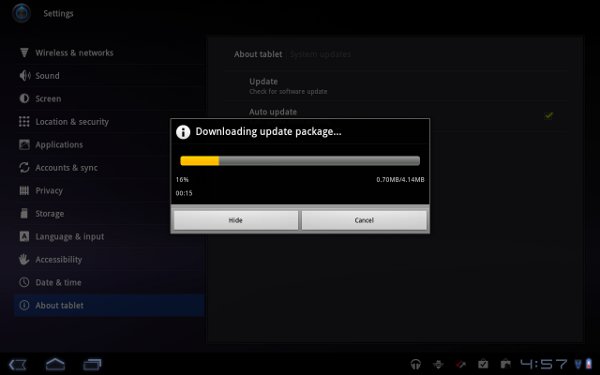
- The tablet will start to download the update. No action is required.
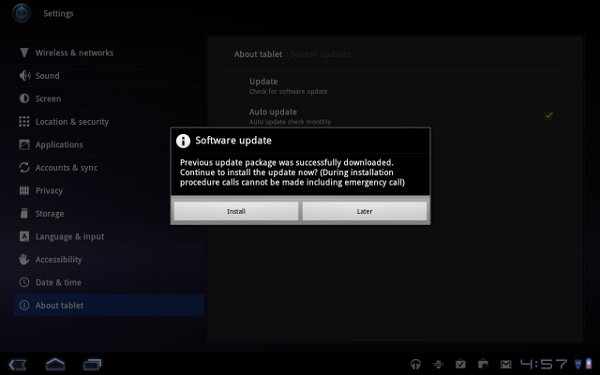
- Touch Install to begin the installation process.
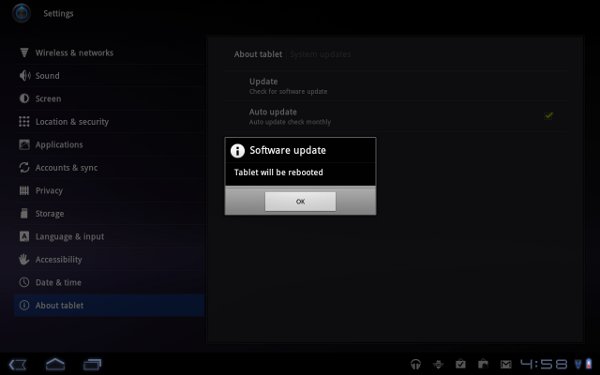
- Touch Ok for the tablet to reboot so that the installation process can finish.
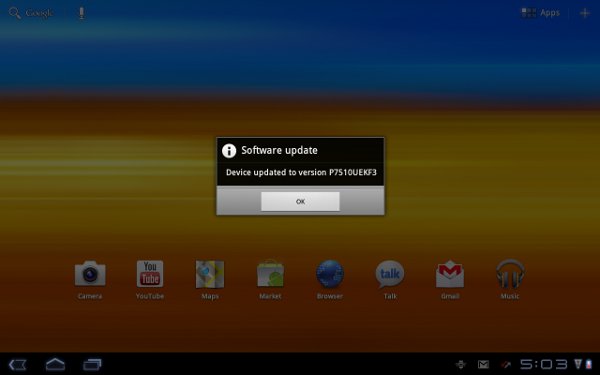
- The tablet will reboot and show a status update during the installation. The tablet will restart when completed, no action is required. A message dialog box should appear, showing the install has been completed. Touch Ok to finish.


[ttjad keyword=”samsung-galaxy-tab”]
when? update for 10.1V