The Nexus S has launched in the USA.Not even a single day passed that Nexus S has launched publically and hackers got the full root access after unlocking the bootloader of Nexus S.The method to root Nexus S is finally available.Koush of CyanogenMod has done the job.
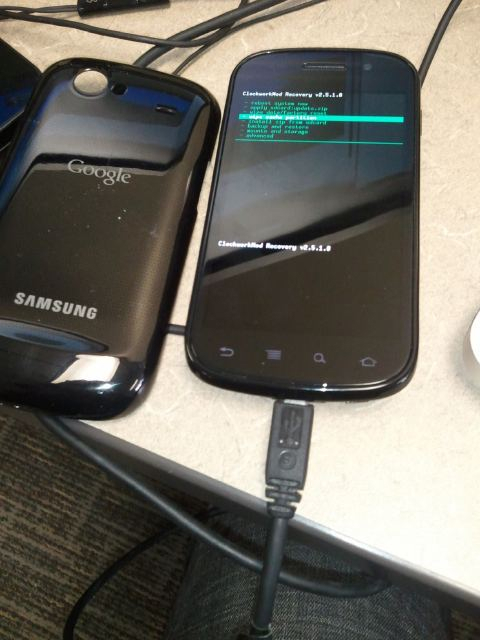
Full root access means that you can get the full access to the system files of Nexus S and you can even modify the firmware in any way you want to.
How to Root Nexus S with Android 2.3
Here’s the full how-to guide as posted on XDA-Developers forums:
First, reboot into your bootloader/fastboot mode. (Volume + Power Up, or adb reboot bootloader)
fastboot oem unlock
Then, install this recovery:
http://koush.tandtgaming.com/recoveries/recovery-clockwork-herring.img
fastboot flash recovery recovery-clockwork-herring.img
Then boot into Clockwork recovery and install the Superuser zip file (adb reboot recovery, or from fastboot choose recovery):
http://forum.xda-developers.com/showthread.php?t=682828
To install a rooted/insecure boot image (adb has root):
http://koush.tandtgaming.com//samsung/herring/rootboot.img
fastboot flash boot rootboot.img
ROM Manager support is coming shortly.
Now you’re good to go.
Thanks
Click On Ads To Buy Android Phones