
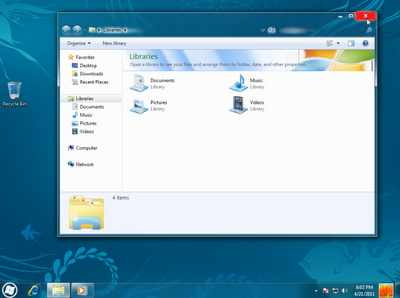
Now that Windows 8 details are emerging and we saw new information of features coming up. Following Mac OS X 10.7 Lion Transformation Pack For Windows 7 , here comes a new skin pack been created which contains many of the expected Windows 8 features. It has visual styles liked the leaked screenshots and third party apps that have been developed to provide users with the expected Windows 8 features.
Windows 8 Skin Pack does particularly the similar, it gets the look and feel of upcoming OS from Microsoft into Windows 7. The skin pack is a collecting various packs including wall papers, themes etc.
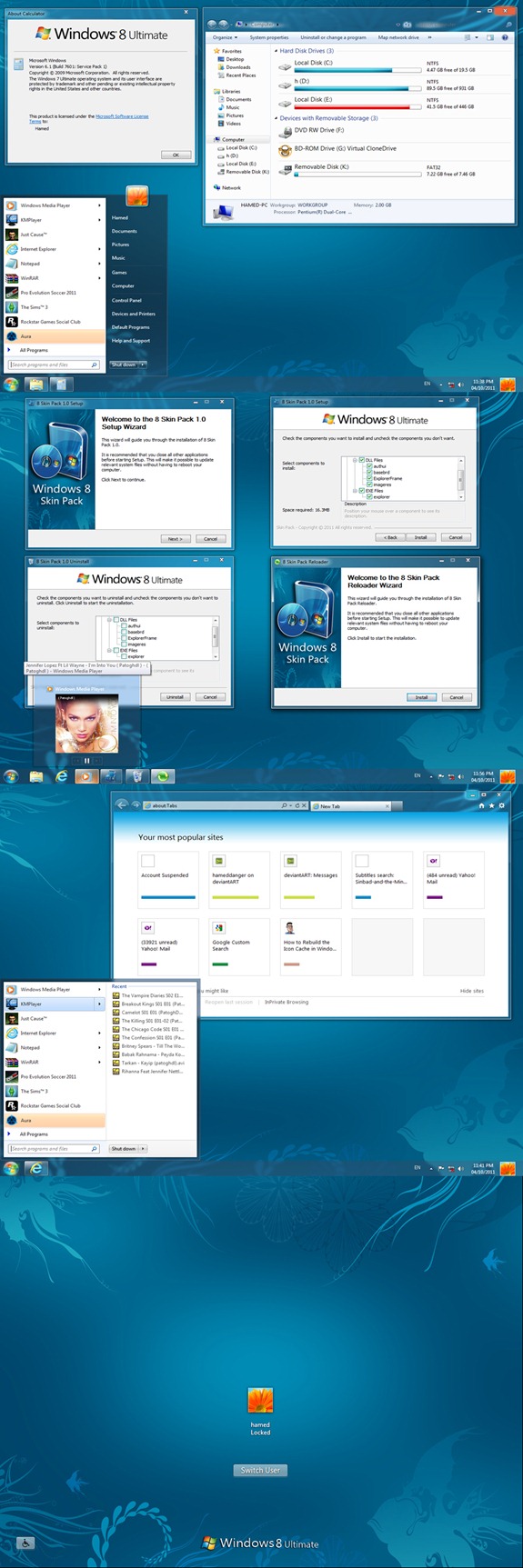
Windows 8 Skin Pack is a free theme for Windows 7 with collection of Windows 8 features including Aero Lite Theme, Taskbar UserTile, Aura auto-colourization, icons, Screensaver, Wallpaper etc. which was made available by other developers. The DeviantArt user Hamed has released this free tool that automates Windows 7 tweaking process. The 8 skin pack also sports the .dll and explorer.exe file required to be replaced in order to apply a third-party theme on Windows 7. The complete list of tools and themes in 8 skin pack includes Programs Reshacker, Universal Theme Patcher, Moveex, JPGtoBMP, Taskbar UserTile alpha, Aura Beta 2, Aero Lite Theme and Windows 8 Aero Theme.
This 8 skin pack supports Windows 7 Service Pack 1 (SP1) x86 (32Bit) and x64 (64Bit).
The pack is supported on;
* Windows 7 SP1
* X86 (32Bit) and X64 (64Bit)
* Best Work in X86 (32Bit)
* All Language Versions
Step1: Download the transformation pack Then extract the downloaded .rar file, and run the executable file.
When installing the transformation pack, you will be presented with the option to install the UXTheme Patch, files and extra items (e.g. wallpaper, visual styles, third party software, etc). You may select all or some of these options to continue.
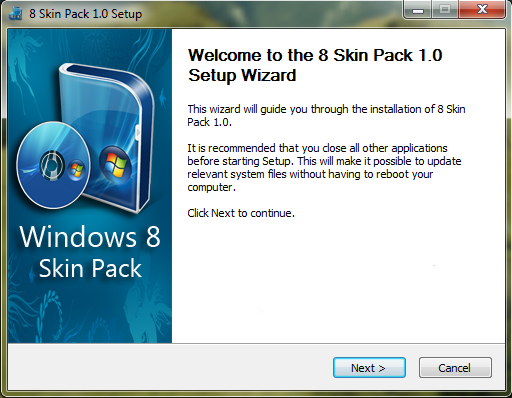
Step 2: Click Next, and install it.When installing the transformation pack, you will be presented with the option to install the UXTheme Patch, files and extra items (e.g. wallpaper, visual styles, third party software, etc). You may select all or some of these options to continue.
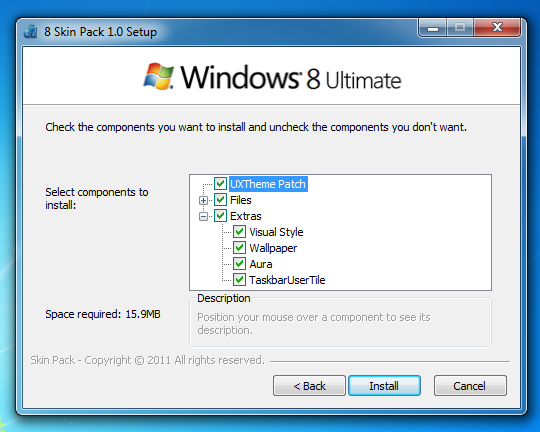
Step 3: After the system is rebooted, your system will get the stylish new look with third party software such as Aura and Taskbar User Tile.
Download 8 Skin Pack for 7.
[ttjad keyword=”microsoft”]

![Read more about the article Add Windows 8 User Tile to Windows 7 Taskbar [How to]](https://thetechjournal.com/wp-content/uploads/2011/04/2419fa1c7fd6b3ca10a97b4357ac5053.webp)
FULL OF ITEMS LIKE START MENU AND THE APPS THAT LIKE I WANT ALL OF THE FEATURES OF WINDOWS 8, NOT THIS FOOL