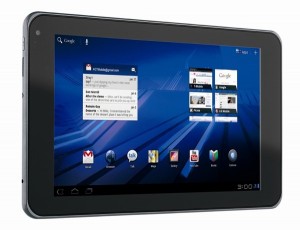
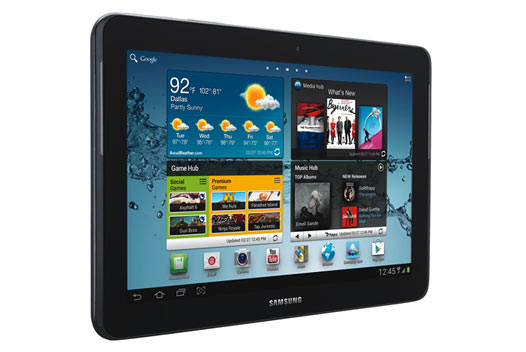
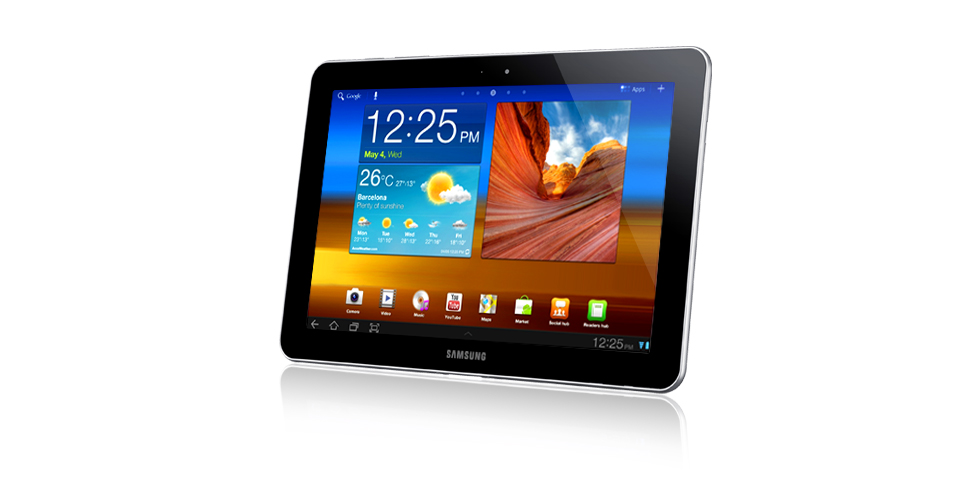
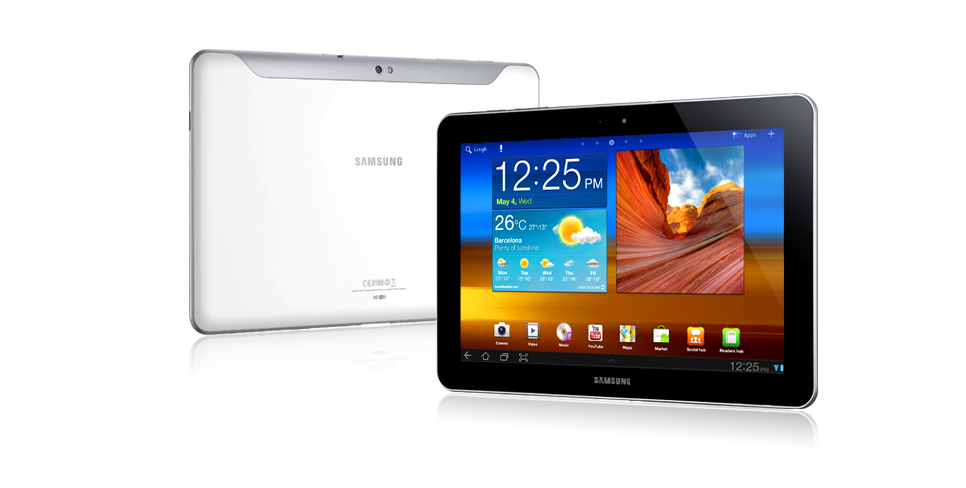
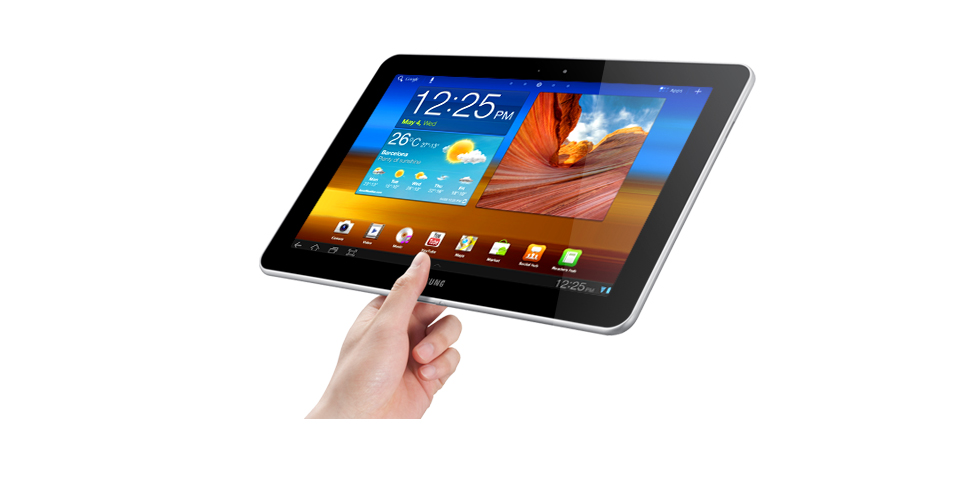
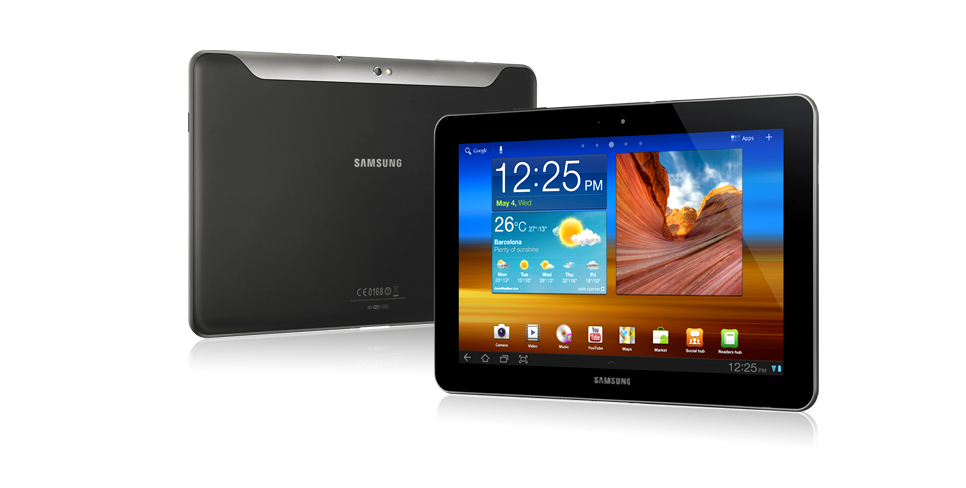
Samsung has started shipping its Galaxy Tab 2 10.1 tablet from 13 May. The new Samsung Galaxy Tab 2 10.1 contests directly with Apple iPad . From the entry-level iPad, it is almost $100 cheaper. The $399.99 tablet is now center of interest for tablet buyers. Its special design will improve your entertainment on the road and at home. Through Galaxy Tab 2 10.1, you can watch thousand of movies music and TV shows. Its Smart Remote and built-in IR Blaster also gives you an option to control your TV from your tablet.
 |
Hardware
The Galaxy Tab 2 10.1 has 1 GHz dual-core NVIDIA Tegra 2 processor, 1GB of RAM, 16GB of storage (till now highest), 802.11 b/g/n Wi-Fi, Bluetooth 3.0, and GPS. It also includes gyroscope, accelerometer, and digital compass support. Its speaker delivers quality sound and supports MP3, AAC, AAC+, eAAC+WMA, RA etc.
Software
The Samsung Galaxy Tab 2 10.1 is the second tablet after the Galaxy Tab 2 7.0 which is shipping with Ice Cream Sandwich (Android 4.0.3) installed. If you see its preloaded software you will be pleased.
- Core apps: Contacts, Alarm/Clock, S Planner, Camera, Gallery, Photo Editor, Video Maker, Web Browser, My Files, Email, Calculator, World Clock, Task Manager, Music Player, Video Player, Navigation.
- Google services: Google Search, Google Talk, Gmail, YouTube, Latitude, Places, Google Maps, Google +, Google + Messenger, Play Store, Google Play Books, Google Play Music, Google Play Videos.
- Samsung apps: AllShare (DLNA), ChatON, S-Memo, Smart Remote.
- Samsung Hub widgets: Media Hub, Game Hub, Music Hub, Readers Hub (Kobo, Zinio, NPD).
- Additional apps and services: Amazon Kindle, Polaris Office, Dropbox, Netflix.
Performance
The Tab 2 10.1 is uses PLS (Plane to Line Switching) panel technology, and it runs with 1,280×800 pixel screen resolution, typical for most 10-inch tablets.
| Tested spec | Samsung Galaxy Tab 2 10.1 | Samsung Galaxy Tab 10.1 | iPad 3 |
| Maximum brightness (Super IPS) | 380 cd/m2 | 336 cd/m2 | 455 cd/m2 |
| Default brightness | 213 cd/m2 | 336 cd/m2 | 160 cd/m2 |
| Maximum black level (Super IPS) | 0.39 cd/m2 | 0.30 cd/m2 | 0.49 cd/m2 |
| Default black level | 0.22 cd/m2 | 0.30 cd/m2 | 0.17 cd/m2 |
| Default contrast ratio | 974:1 | 1,120:1 | 941:1 |
| Maximum contrast ratio (Super IPS) | 968:1 | 1,120:1 | 928:1 |
Design
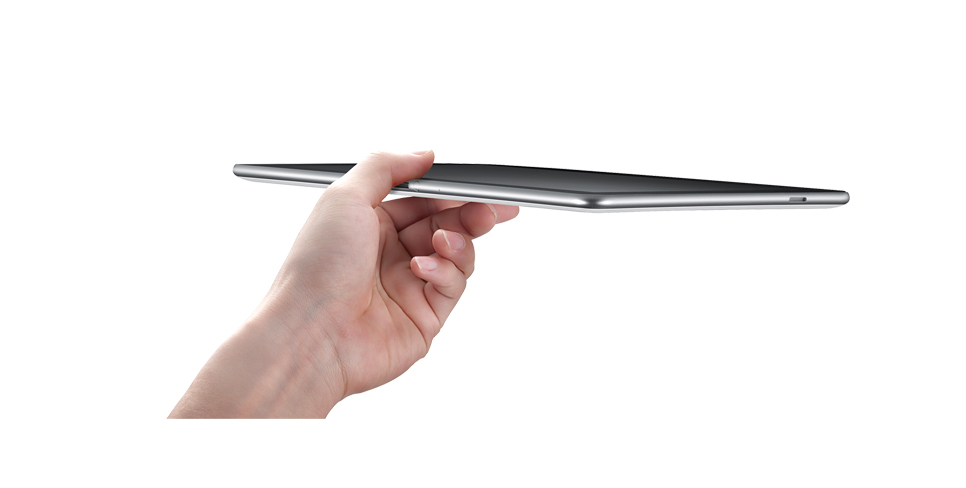
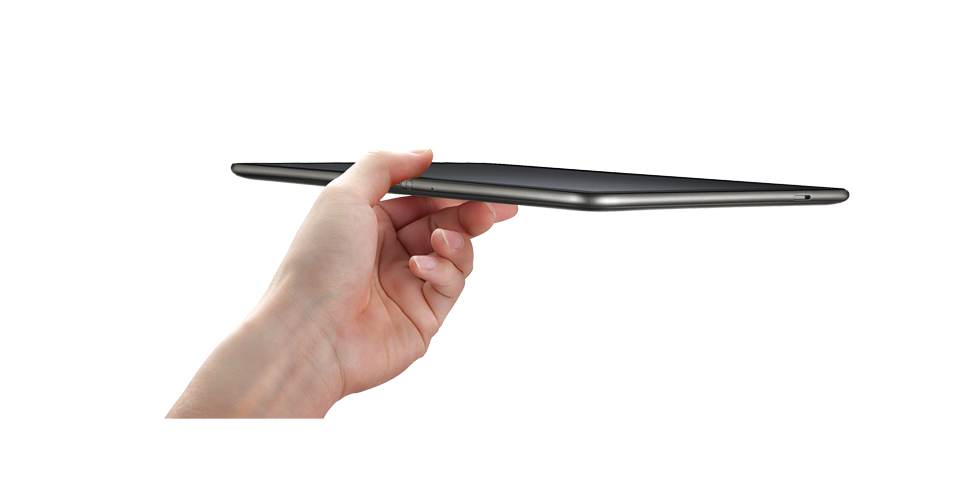
The Samsung Galaxy Tab 2 (10.1) is pretty-silky. The tablet feels comfortable when you touch or catch it, but sometimes you may feel awkward because of its wide screen. From left to right there are a power/sleep button, a volume rocker, a 32GB capacity microSD slot, an IR blaster and a headphone jack. In addition, two 2-inch-long speakers stretched vertically along the left and right bezel. A dock connector and microphone pin-hole sits along the bottom edge.
| Samsung Galaxy Tab 2 10.1 | Samsung Galaxy Tab 10.1 | iPad 3 | |
| Weight in pounds | 1.28 | 1.24 | 1.44 |
| Height in inches | 10.1 | 10.1 | 9.5 |
| Width in inches | 6.9 | 6.9 | 7.3 |
| Depth in inches | 0.38 | 0.34 | 0.37 |
| Side bezel width in inches | 0.74 | 0.8 | – |
Price & Availability
The Samsung Galaxy Tab 2 10.1 is now available at major online retailers. We have covered a few stores below.
| Amazon | $399.99 |
| Buydig | $399.99 |
| TheNerds | $403.99 |
| J&R | $399.99 |
| Beach Camera | $399.99 |
| BestBuy | $399.99 |
[ttjad keyword=”samsung-galaxy-tab”]