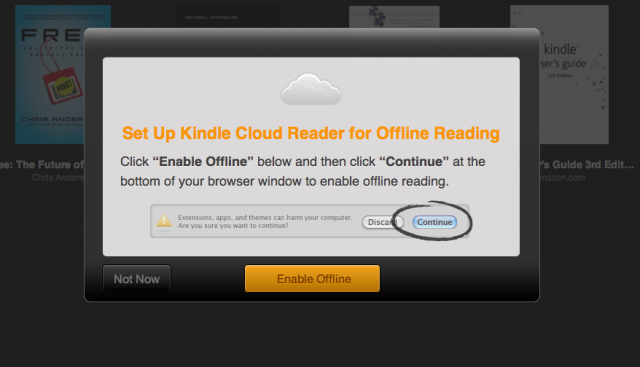
Amazon releases web-based Kindle Cloud Reader app, which is optimized for iPads and compatible with both Chrome and Safari, the new app is essentially a browser version of the Kindle eBook reader, providing PC, Mac and Chromebook users with access to their digitized libraries. The tool also offers local storage, allowing for offline reading, though Amazon’s device limit still applies and this cloud reader is unveils with relatively little fanfare or explanation, but its site highlights the service’s main attractions, including its iPad optimization. The cloud application is based on HTML5 and optimizes the reading device or computer being used, even though the book can be read instantly, it is still stored locally for offline reading……………
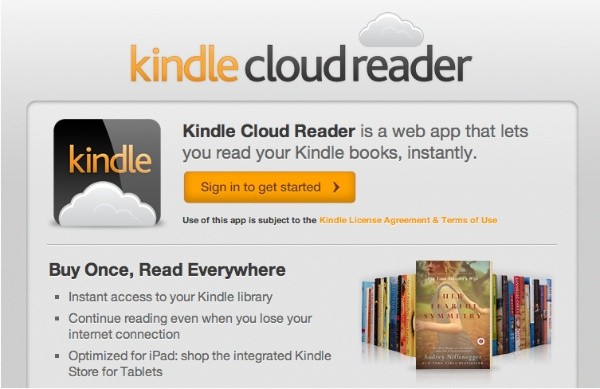
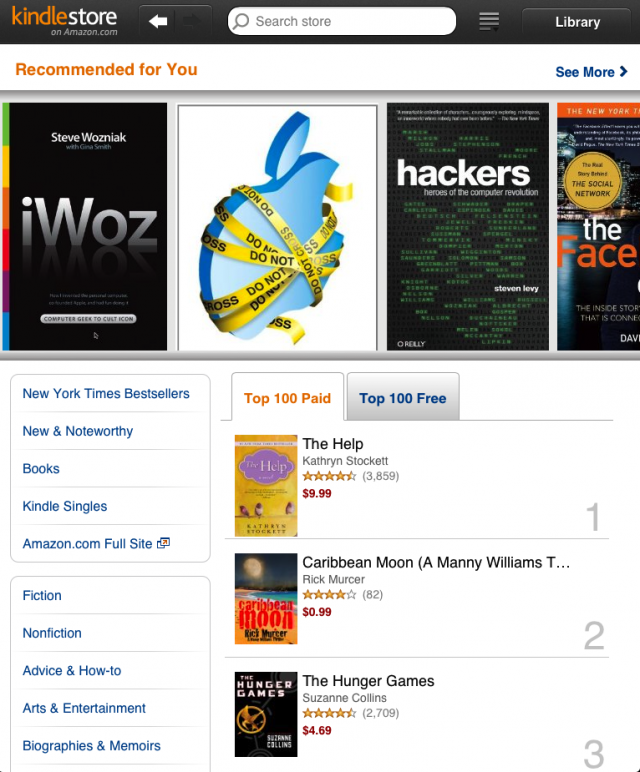
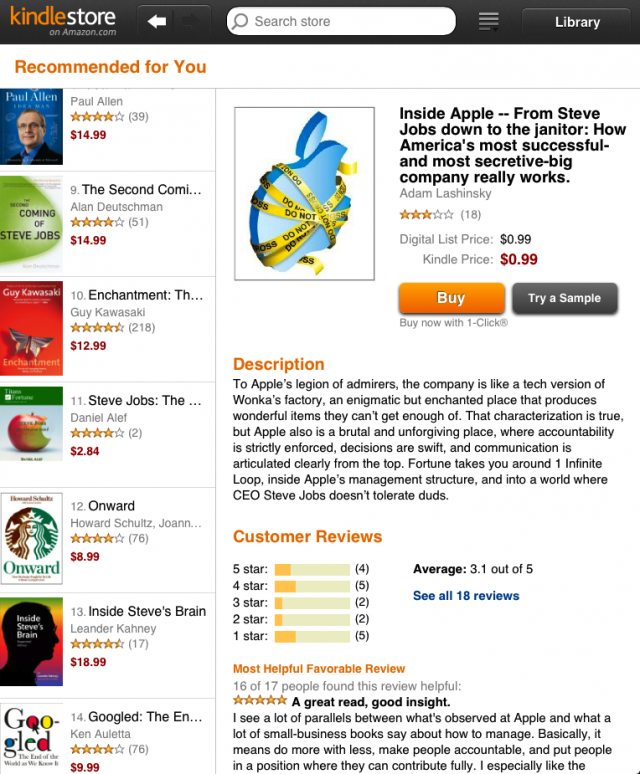
For over two years, Amazon has been offering a wide selection of free Kindle reading apps that enable customers to “Buy Once, Read Everywhere.” Customers can already read Kindle books on the largest number of the most popular devices and platforms, including Kindles, iPads, iPhones, iPod touches, PCs, Macs, Android phones and tablets, and BlackBerrys. Amazon.com announced Kindle Cloud Reader, its latest Kindle reading application that leverages HTML5 and enables customers to read Kindle books instantly using only their web browser online or offline with no downloading or installation required. As with all Kindle apps, Kindle Cloud Reader automatically synchronizes your Kindle library, as well as your last page read, bookmarks, notes, and highlights for all of your Kindle books, no matter how you choose to read them. Kindle Cloud Reader with its integrated touch optimized Kindle Store is available starting today for Safari on iPad, Safari on desktop and Chrome at www.amazon.com/cloudreader. “We are excited to take this leap forward in our ‘Buy Once, Read Everywhere’ mission and help customers access their library instantly from anywhere,” said Dorothy Nicholls, Director, Amazon Kindle. “We have written the application from the ground up in HTML5, so that customers can also access their content offline directly from their browser. The flexibility of HTML5 allows us to build one application that automatically adapts to the platform you’re using – from Chrome to iOS. To make it easy and seamless to discover new books, we’ve added an integrated, touch optimized store directly into Cloud Reader, allowing customers one click access to a vast selection of books.” Kindle Cloud Reader is available for Safari on iPad, Safari on desktop and Chrome. Kindle Cloud Reader on the iPad is optimized for the size and unique touch interface of iPad. Without even leaving the app, customers can start shopping in the Kindle Store and will find a unique and immersive shopping experience built specifically for iPad’s Safari browser. Kindle Cloud Reader will be available on additional web browsers, including Internet Explorer, Firefox, the BlackBerry PlayBook browser and other mobile browsers, in the coming months.
Features:
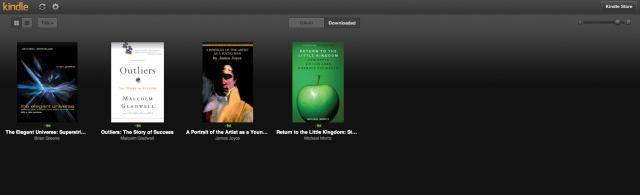
- An immersive view of your entire Kindle library, with instant access to all of your books
- Start reading over 950,000 Kindle books instantly within your browser
- An embedded Kindle Store optimized for your web browser makes it seamless to discover new books and start reading them instantly
- New Kindle Store for iPad is built from the ground up for iPad’s touch interface
- Your current book is automatically made available for offline use, and you can choose to save a book for reading offline at any time
- Receive automatic software updates without the need to download new software
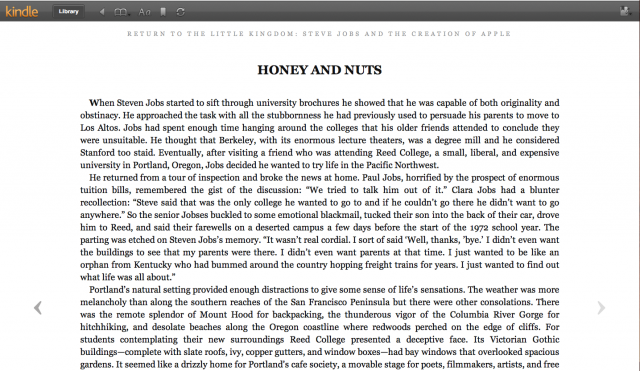
- Select any book to start reading, customize the page layout to your desired font size, text color, background color, and more
- View all of the notes, highlights, and bookmarks that you’ve made on other Kindle apps or on Kindle
- Sync your last page read across your Kindle and free Kindle apps so you can always pick up where you left off
ScreenShots:
[ttjad keyword=”kindle”]