
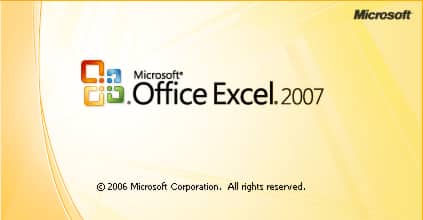
Whenever you lunch any Microsoft Office application, whether it’s Word, Excel, PowerPoint, Outlook, etc… a welcome screen is displayed during a certain period longer or shorter depending on the speed of your computer. In this tutorial we will show you how to not show this welcome screen, and save a few seconds when loading the program.
To get started follow steps below
Step 1: Before you open any Microsoft Office application right click on e.g. MS Excel icon on your desktop and choose Properties
Step 2: Then go to the tab “Shortcut“, add “-q” at the end of the path specified in the “Target” and confirm with OK.
Step 3: Next time when you run Microsoft Excel you won’t see welcome screen
Step 4: Remember that you need to repeat this same change to any other Office icon such as Word, PowerPoint, etc…
[ttjad keyword=”microsoft”]

![Read more about the article [Tutorial] How To Improve Hard Drive SATA Performance By Enabling AHCI – Windows 7](https://thetechjournal.com/wp-content/uploads/2012/03/hdd-ahci.webp)
![Read more about the article [Tutorial] How To Create a System Restore Point In Windows 8](https://thetechjournal.com/wp-content/uploads/2012/03/computer-propetiese-win8.webp)
![Read more about the article [Tutorial] How To Enable Sleep Mode On WD MyBookLive](https://thetechjournal.com/wp-content/uploads/2012/10/mybooklive-system-tray-a8s7e9w87r9w87t98wre.webp)