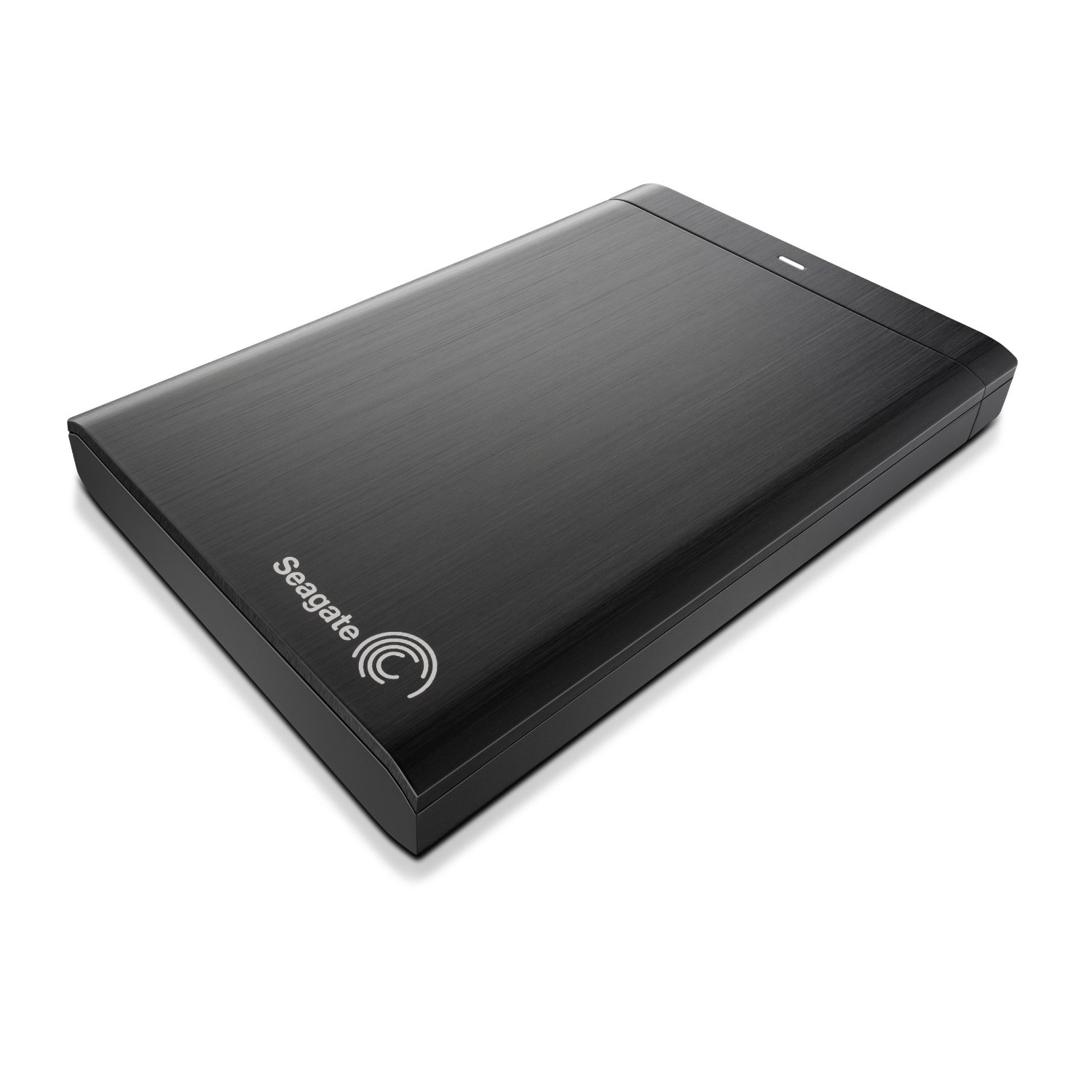
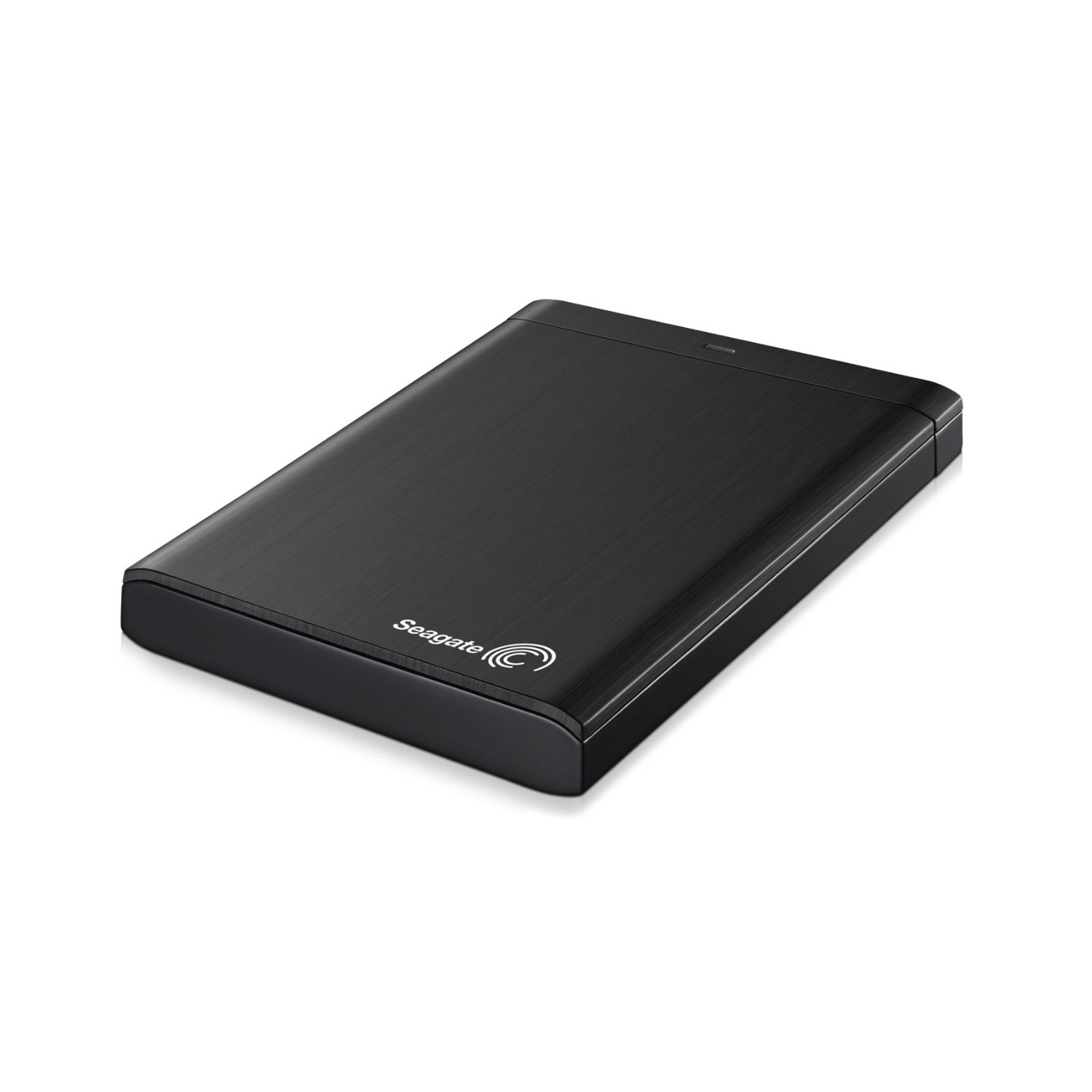
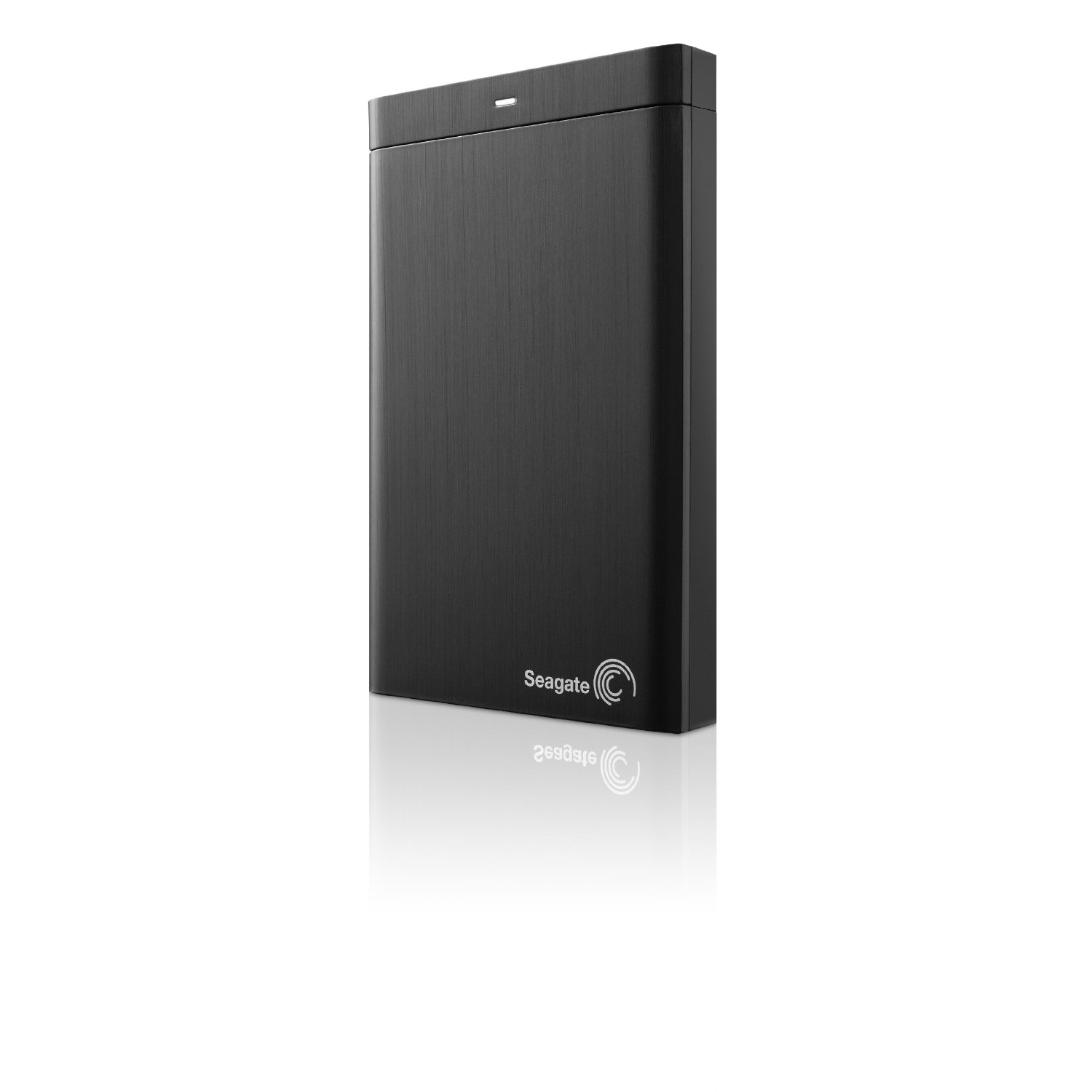
Seagate brings new Backup Plus 1 TB USB 3.0 Portable External Hard Drive for $109. This Seagate drive has professional security features and works with social media accounts. With this portable drive, it’s simple to back up and share online photos, movies and more. This is an Amazon product review. Check more details below.
 |
Product Features
- Keep copies of your precious digital files, in case disaster strikes
- Impressive 1 TB storage capacity
- Save feature enables user-generated content to be backed up from your favorite social network
- Share feature allows multiple files to be uploaded to social networks at once from your computer
- Install the pre-loaded NTFS driver for Mac and use the drive interchangeably between PC and Mac computers without reformatting
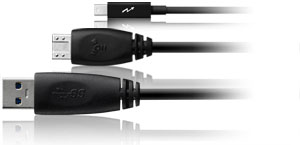
- Features USB 3.0 for quick data transfer rates; upgrade to Thunderbolt technology or FireWire 800 with the available additional adapter
Hard Drive
- Size: 1 TB
- Manufacturer: External
Ports and Connectivity
- USB Ports: 1
Cases and Expandability
- Size (LWH): 4.86 inches, 3.19 inches, 0.57 inches
- Weight: 7.04 ounces
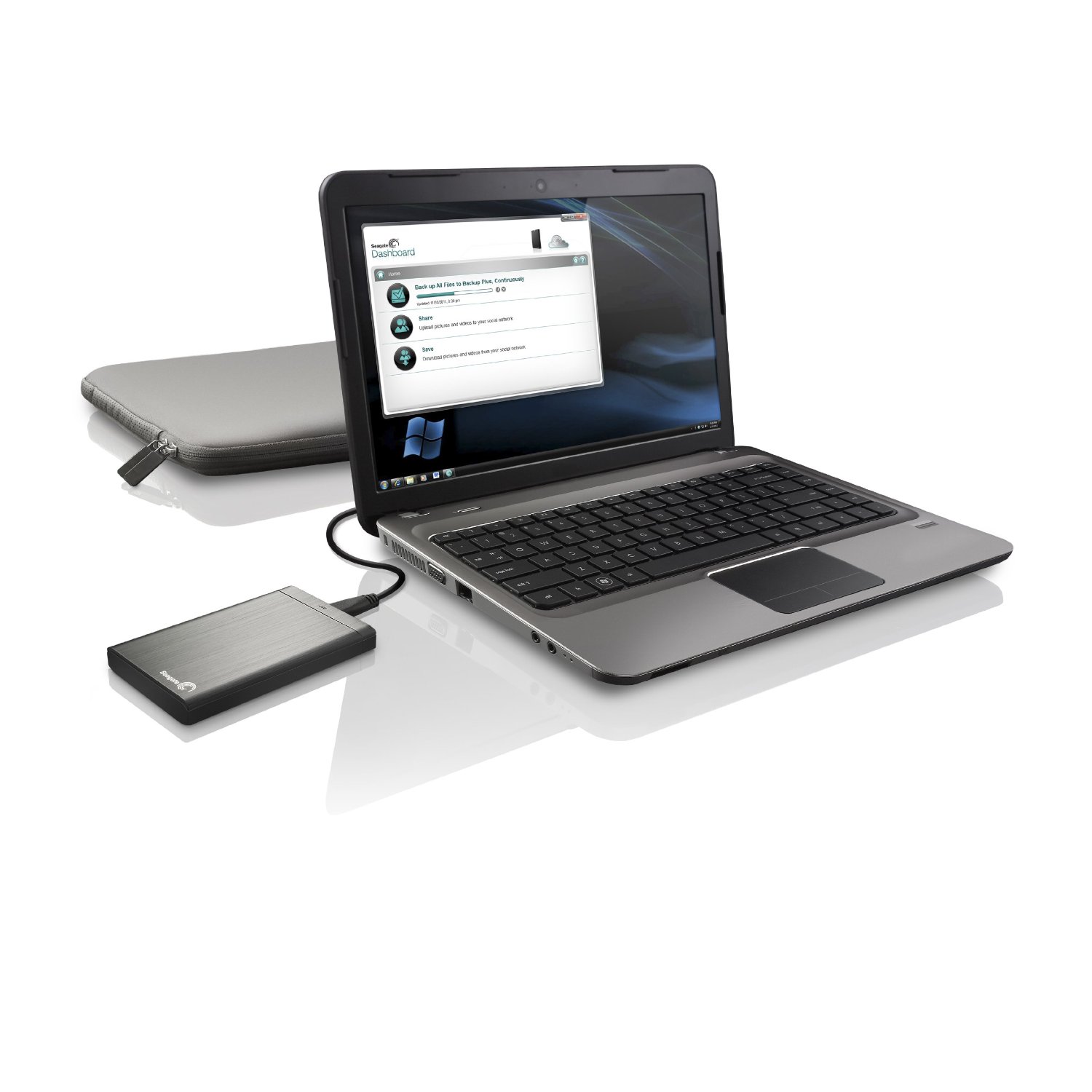
The Seagate Backup Plus portable external hard drive simplifies backup for consumers who want to protect their entire digital life locally, in the cloud or from social networks. Via the Seagate Dashboard, use the Protect function to set up a one-click plan or customize your scheduled local backup. Keep multiple copies of your files in case disaster strikes. With the Save feature, user-generated content can be backed up from your favorite social networks.
Many people now use their smartphones to capture priceless moments. While these devices are handy and readily available, storage is not their strong suit. Capture a memory, post it on a social networking site and let the Seagate Dashboard automatically back up any content posted. Even if the file gets accidentally deleted from the device, another copy can be waiting. The Share feature allows multiple files to be uploaded to social networks at once from your computer. The days of uploading individual files without creating a new album are gone! Simply select files to upload, choose where to post them and even add comments. Managing your social profile has never been easier. Install the pre-loaded NTFS driver for Mac, and use the drive interchangeably between PC and Mac computers without reformatting the drive. For even more flexibility, with the Seagate Backup Plus design, you can upgrade from the included USB 3.0 interface to Thunderbolt technology or FireWire 800 with the available additional adapter. Ships with: Seagate Backup Plus Drive, Seagate Dashboard pre-loaded on drive, USB 3.0 interface adapter, 18-inch USB 3.0 cable, Quickstart guide, 2-year limited warranty. System Requirements: Windows 7, Windows Vista, Windows XP SP3 (32-bit and 64-bit) operating system or Mac OS X 10.6 or higher (reformatting for Mac may be required) and SuperSpeed USB 3.0 port (required for USB 3.0 transfer speeds or backwards compatible with USB 2.0 ports at USB 2.0 transfer speeds; compatibility may depend on user’s configuration and operating system).
One-Click Custom Backup Plans
The Backup Plus portable drive comes pre-loaded with premium backup software, included in the easy-to-use Seagate Dashboard. Create a backup plan with a single click using the ‘Protect Now’ feature for a set-it-and-forget-it solution. Quickly create custom backup plans to protect your files. Easy backup scheduling options include daily, weekly, monthly or specific times.
Save Your Social Life
The Seagate Dashboard makes it simple to share or save files associated with online social networks including Flickr, Facebook and YouTube. Automatically download copies of your photos, movies and more from social networking sites to your Backup Plus portable drive, and share files by simply clicking on your social network’s icon within the Seagate Dashboard. Easily share multiple files with your social networks at the same time.

Powerfully Flexible
The Backup Plus desktop drive for Mac features a unique adapter system that lets you quickly and cost-effectively upgrade or change the drive’s interface. Take advantage of the newest, fastest connections–now and in the future: Choose from USB 3.0 (included), USB 2.0, Thunderbolt technology and Firewire 800.
What’s in the Box?
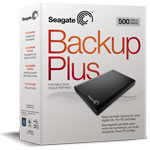
Backup Plus Portable Drive, preloaded Seagate Dashboard, quick start guide, USB 3.0 adapter with 18-inch cable, warranty.
That’s all about the Seagate Backup Plus. This Portable Hard Drive is available in Amazon.com.
[ttjad keyword=”portable-hard-drive”]