
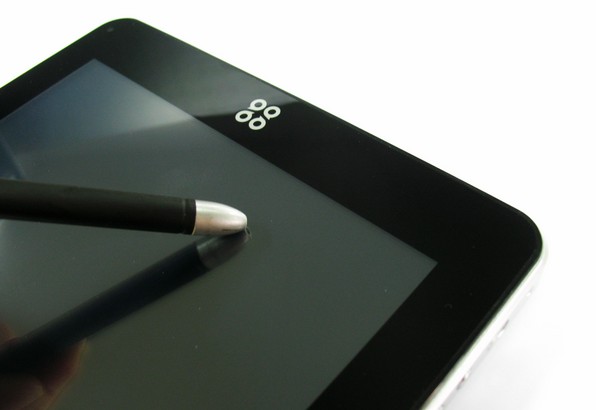
SmartQ announces Ten an Android tablet packing IPS display with piezoelectric touchscreen.With its piezoelectric touchscreen you have enjoy multi-touch capability with the use of non-conductive instruments such as a stylus as well as fingers…….
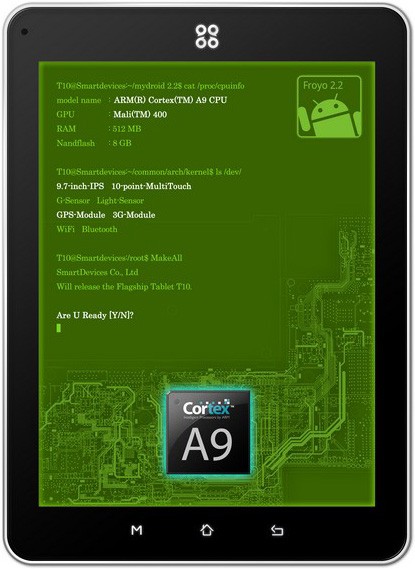
SmartQ shows of SmartQ Ten andrid tabet at Mobile World Congress 2011 in Barcelona, using Cortex-A9 core processor, GPU graphics chip for the Mali 400, the display is the same and 9.7-inch IPS iPad hard screen resolution up to 1024 * 768. Leader in the technical use of the piezoelectric touch touch screen, support for ten touch, machine operating system for Android 2.2. Ten Smart Devices in the new flagship flat-panel technology and the perfect fusion of new technology greatly improves handling experience and lead plate of similar products. Smart Devices is the industry’s first known use of piezoelectric plate Android touch of new technology.
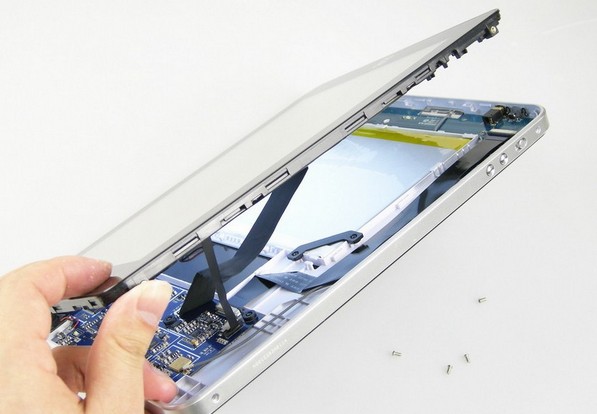
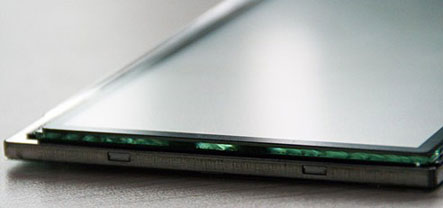
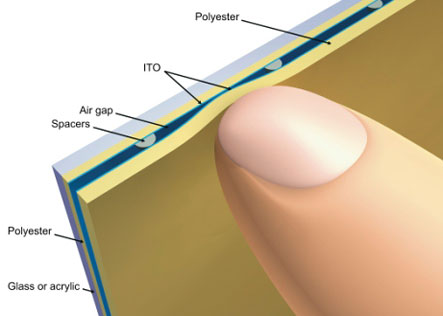
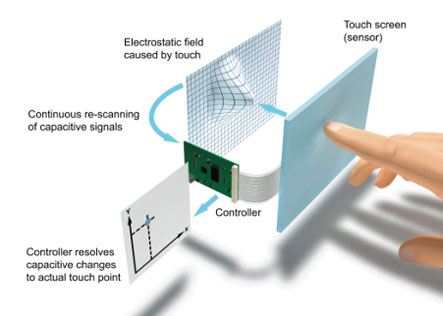
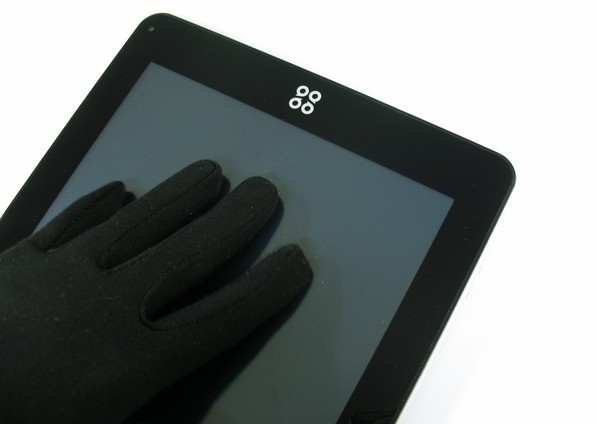
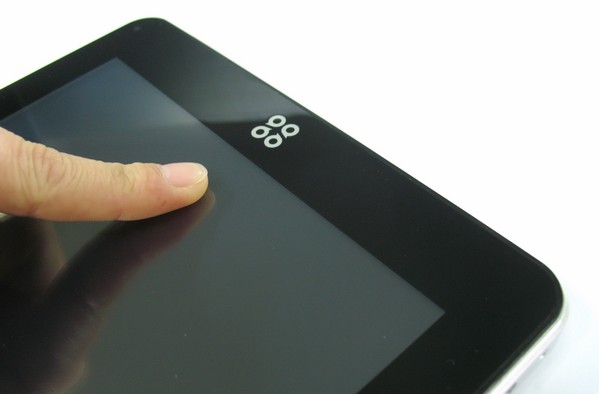
The tablet has been dubbed SmartQ Ten and will run on Google’s Android OS. The interesting touch technology that the SmartQ Ten’s screen features is called piezoelectric [screen], the technology allows for both human multi-touch (10-point) as well as non-conductive styli use (older type of stylus).The piezoelectric screen will according to SmartQ feature an experience that mirrors both capacitive screens (similar light transmittance) and resistive screens (similar point-input precision) but will cost less to make. The LCD panel used for the Ten tablet will use In Plane Switching (IPS) technology, which offers great picture quality.Other features to be included include a G-sensor, ambient light sensor, GPS module, 3G, Wi-Fi and Bluetooth. At this time SmartQ states the Ten will run on Android 2.2 Froyo OS.
ScreenShots:
Sources :smartdevices.com.cn,tablets-planet.com
I have one of these on the way and will post up some feedback/videos very soon.
No GPS or 3G – But still a great device review at http://www.youtube.com/watch?v=su5ocxhppZ4
No GPS or 3G – But still a great device
I have one of this pad from this shop–
http://www.china-tablet-computer.com/9-7-inch-android-2-2-tablet-pc-512mb-8gb-8063.htm
the price is also affordable,