Have you logged into your Google+ today? If not, you are going to be shocked when you go. Today Google rolled out a complete revamped look for Google+. Its already available for all 170 million users. Here we will describe all new changes with image and video.
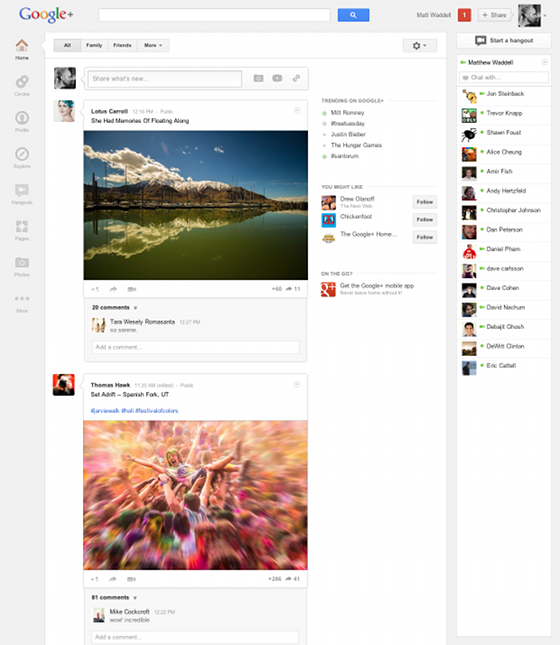
Beside some feature release this is the major update for Google+ after its inception. This new look seems to be more simple but it suddenly changes a lot so a lot of user are not taking it normally. Unlike Facebook(Facebook tested their Timeline for months before rolling to normal user) Google walked into a different path and rolled the new look suddenly for all user.
Take a look at Google’s own Video about the new Google+
Major Changes:
1. New Navigation system, they call it Navigation Ribbon. This dynamic ribbon replace Google+ old top navigation and feature this new one on left sidebar where you could add, drop edit very easily. Its kind of fixed panel. Check this video for more clear idea about this feature.
2. More powerful & engaging conversation. Bigger photo, full bleed video easy sharing. Google this feature as below
* Full bleed photos and videos that’ll make you really proud to post
* A stream of conversation “cards” that make it easier to scan and join discussions
* An activity drawer that highlights the community around your content
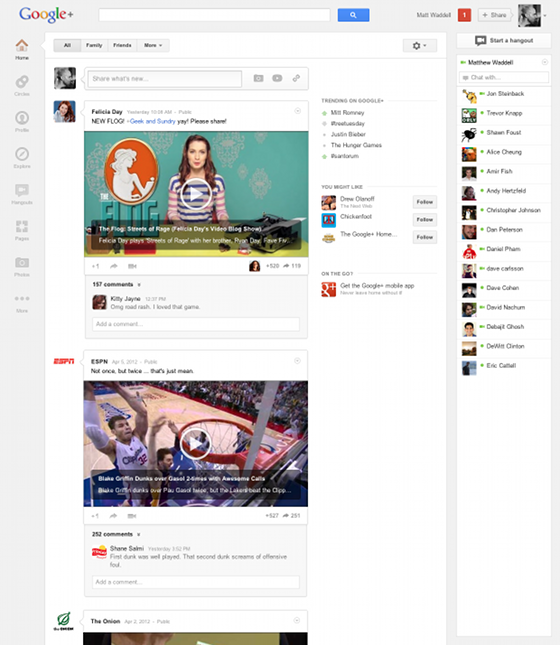
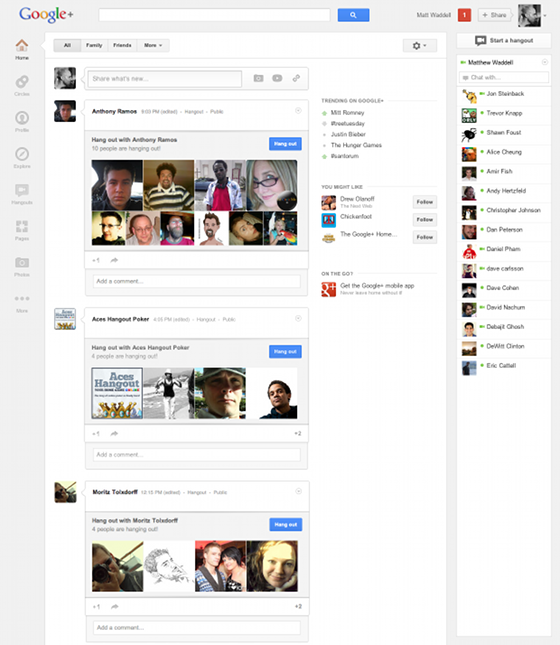
3. Complete new Hangout: With today’s update Hangout got a lot more focus and easy to access panel and new page. Google described it this way
* An always-updated list of invitations from the people in your circles
* Quick access to every public and On Air hangout, for those times when you want to meet someone new, or watch a live broadcast
* A rotating billboard of popular hangouts, pro tips and other items you don’t want to miss.
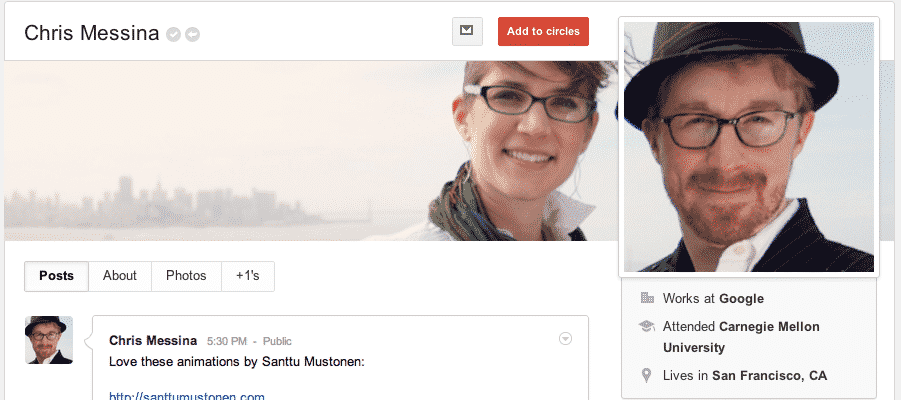
4. Cover photo, just like Facebook. Google did it again, they brought another new popular Facebook feature called Cover photo. This looks exactly like Facebook’s cover photo.
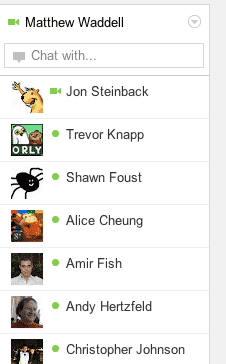
5. Easy and Integrated Chat. Google chat is now more easy to access and its really fun to explore Google+ and keep the chat open.
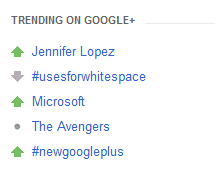
6. Trending on Google+: It some how looks new. Now just like Twitter Trend and popular hash tag, Google+ now feature trending topic from Google+ network just on the top of the home window of Google+.
So tell us how you feel about those sudden changes? From Google’s blog post it sounds like more major changes is coming too. Stay tuned with us.
Source: Google Blog
[ttjad]