
Listening to the music and watching videos re one of the main reasons of the popularity of Smartphones. You can customize whatever you want in your Android device. You may not like the default player giver by the manufacturer. That’s why, Google Play Sore gives you the option to choose the right player for you. And then make that player your default music player on your Android.
Here is the tutorial about how to change default music player on Android. Please follow the below steps:
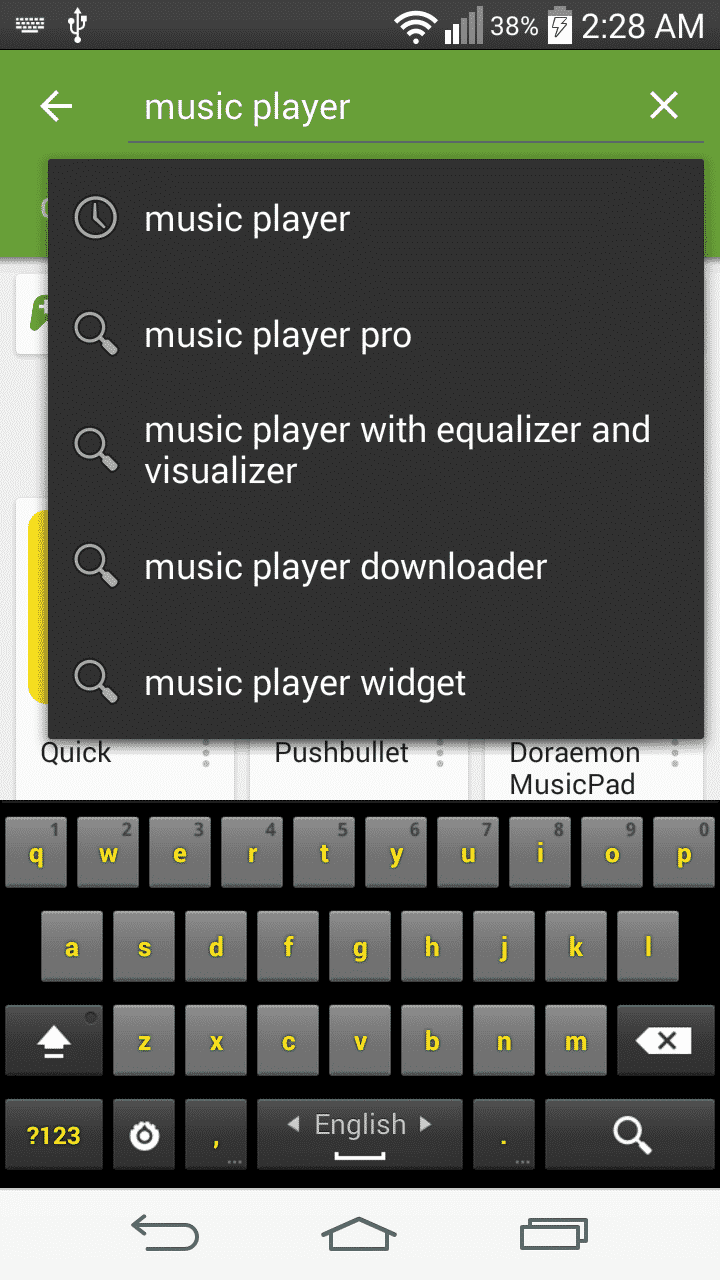
Step 1: Open Google Play Store and type music player. You will find lots of music player in the list. You can choose whatever player you want.
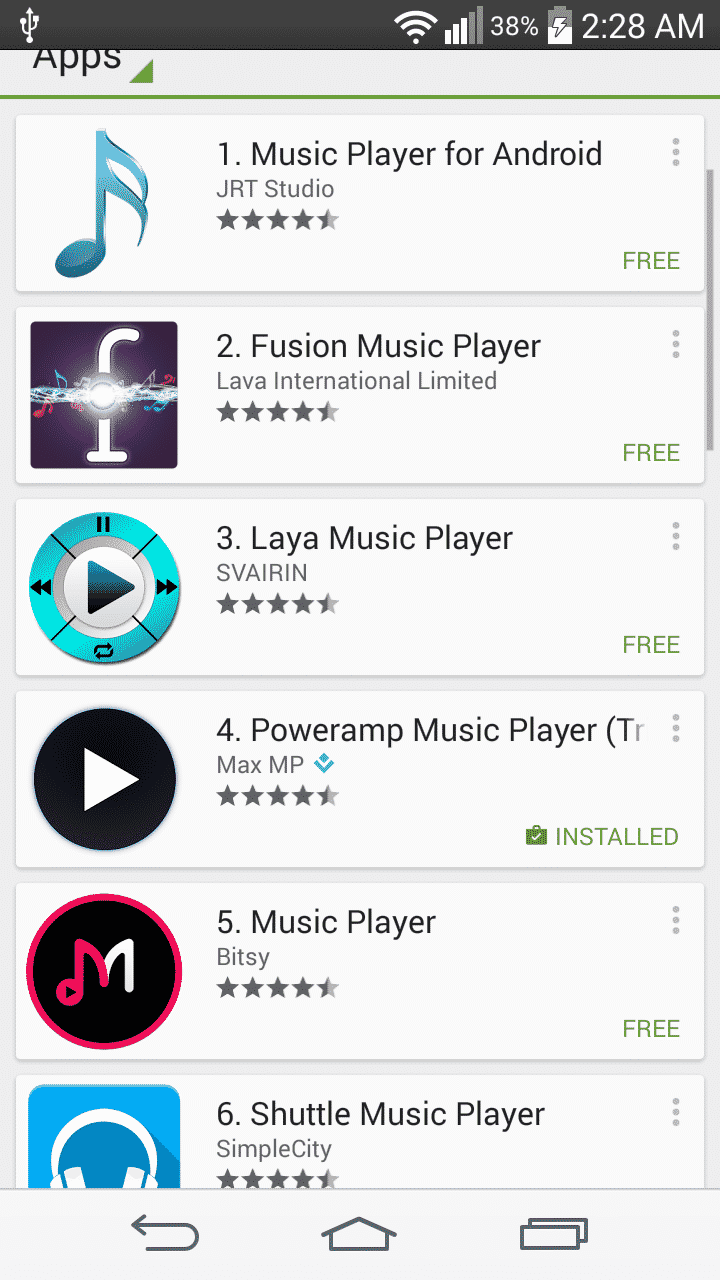
Step 2: Here we chose “Rocket Player” for simplicity and as it is free. Install the player.

Step 3: Go to your file manager. If you don’t have any then install any file manager you want from Google Play Store.
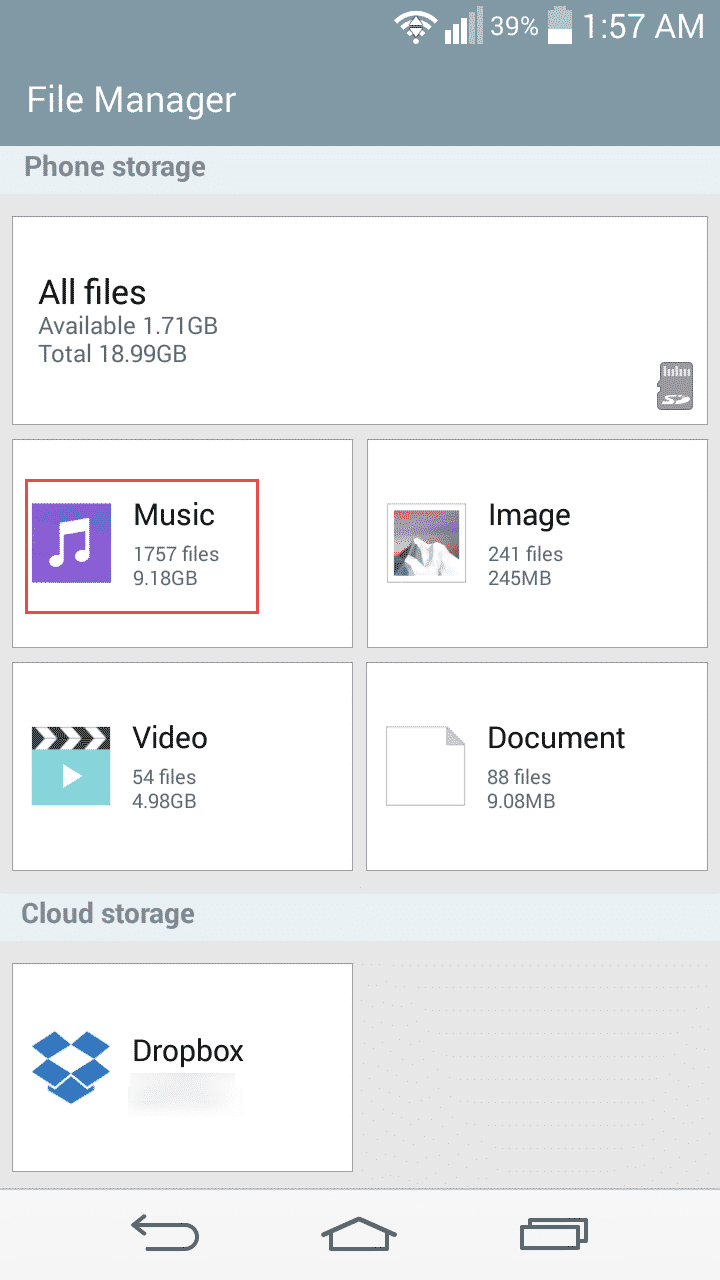
Step 4: Find the music folder and Tap on that.
Step 5: You will find your music library.

Step 6: Tap on any song you want to like to hear.
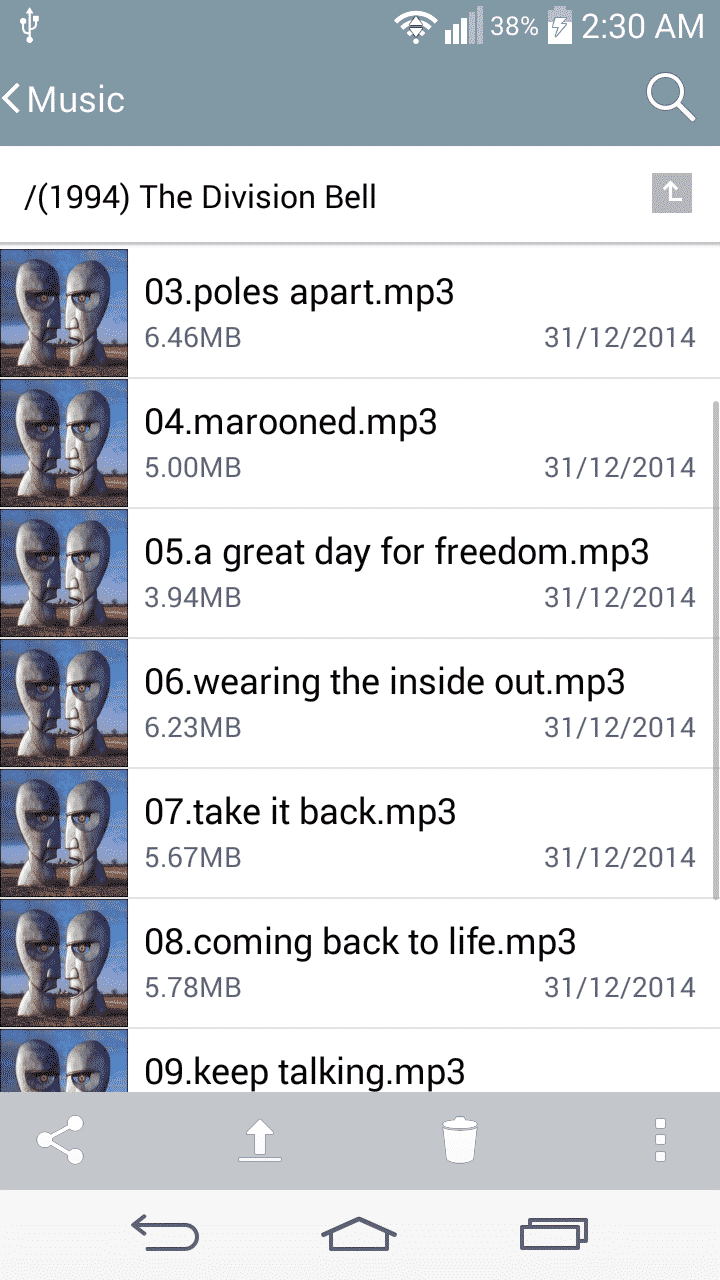
Step 7: A pop-up will appear that will ask you to choose the player on which you want to perform the song. Tap on the music player you want.
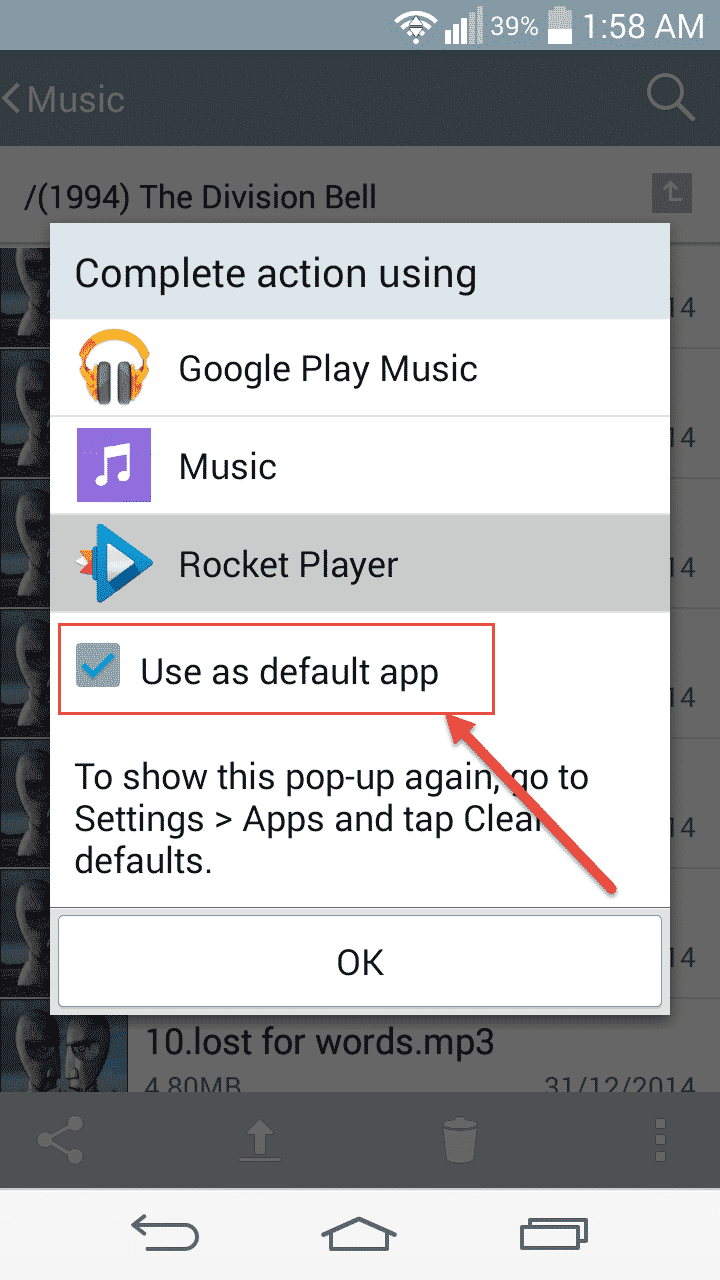
Step 8: Then check on the box “Use as default app”. That player will be the default music player on your Android device.
Let us know in comments if you find this guide helpful!
[ttjad keyword=”android-phone”]

![Read more about the article [Tutorial] How To Safely Delete The Windows.old Folder In Windows 8?](https://thetechjournal.com/wp-content/uploads/2012/11/disk-cleanup-search-field-asde546556465w4r65we4rs.webp)
![Read more about the article [Tutorial] How To Download Entire Wikipedia To Your Computer](https://thetechjournal.com/wp-content/uploads/2012/02/wikipedia-wikitaxi-logo.webp)
![Read more about the article [Tutorial] How To Convert A Photo Into Vector Image](https://thetechjournal.com/wp-content/uploads/2012/04/bitmap-vector-logo.webp)
acтιve o_O