
The Samsung Galaxy Tab has got the popularity to hundreds of thousands of users, but since most of those purchases are from carriers, there are data plans slapped on – and some of those have contracts (like the Sprint version).To tack on a data package you have to bypass the activation screen so you can use your device with Wi-Fi only.
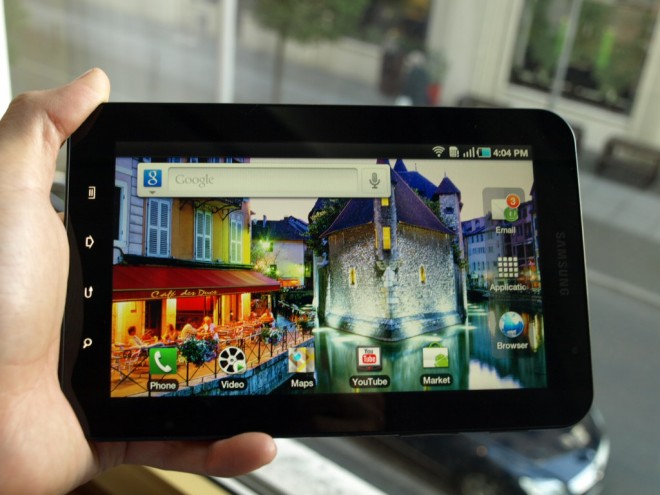
Here’s the code: up, up, down, down, left, right, left, right, B, A. Just kidding.
To get on with your life and right past activation on your fancy new Android tablet, follow these instructions:
1. Press “Volume Up” once.
2. Press “Volume Down” twice.
3. Press “Volume Up” three times.
4. Press “Volume Down” four times.
5. Enjoy!
That’s all.
![Read more about the article [Tutorial] How To Root Samsung Galaxy Note 10.1 By Installing Custom Recovery](https://thetechjournal.com/wp-content/uploads/2013/01/auto-root-as5d465ew4r6w5e4r.webp)
![Read more about the article [Tutorial] How To Connect To WiFi Network From Command Line In Windows](https://thetechjournal.com/wp-content/uploads/2013/01/wlan-as5d4e6w54re65w.webp)
![Read more about the article [Tutorial] How to Hide From Annoying Friends On Facebook Chat](https://thetechjournal.com/wp-content/uploads/2013/01/advanced-settings-wer7w98e7r9we.webp)
Hai guys, I have problem with my galaxy tab, i can’t active data enable. The setting always deactive.. can all of you help me, thank’s
I am only using the wireless now Can i do something so I do not have to bypass the activation every time I turn it off and on