
In an earlier tutorial I showed how you can set custom vibration alerts in iOS 6. Luckily, the same philosophy can be applied to emails in iOS 6. You can add different alerts in iOS 6 for each of your email account. This will help you distinguish on which email address we received a message. Follow this tutorial to find out how to use this feature and setup custom alerts.
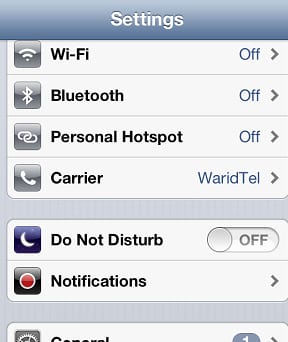
Step 1: From your home screen tap on Settings and then choose Notifications.
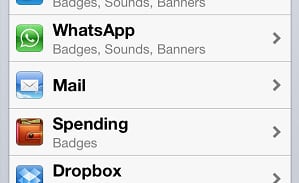
Step 2: Now scroll down the options and tap on Mail.
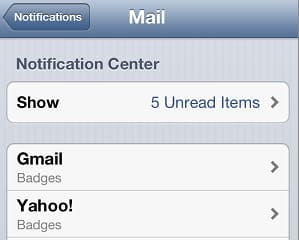
Step 3: Inside, Mail menu you will see each email account you have added in your iOS device. Select the email account for which you want to set custom alert.
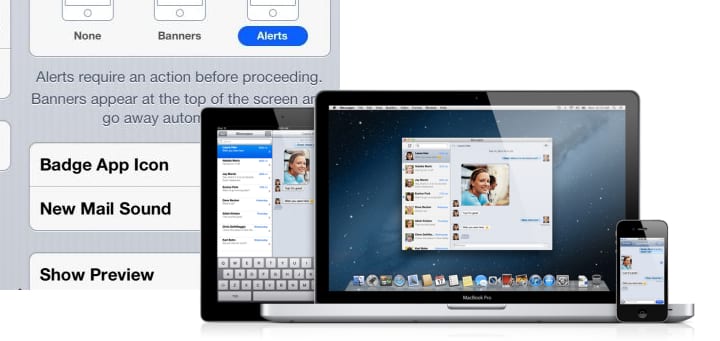
Step 4: Now tap on New Mail Sound option.

Step 5: You will see all available tones inside your iOS. Tap on the tone you like most and it will be applied to your email account.

Step 6: Repeat the steps for other emails accounts and apply different tones for each one.
Let us know, whether you found this tutorial helpful or not.
[ttjad keyword=”apple-tv”]

![Read more about the article [Tutorial] How To Set Up Parental Controls On Your Apple TV](https://thetechjournal.com/wp-content/uploads/2012/03/pc-apple-tv.webp)

![Read more about the article [Tutorial] How To Turn Off Wi-Fi Assist On iPhone To Save Mobile Data](https://thetechjournal.com/wp-content/uploads/2016/07/iphone_se_review_08-512x288.jpg)